PBI-300042-B 10/2010 COPYRIGHT © PBI-Dansensor A/S
48 User Guide EN CheckMate 3
Sleep
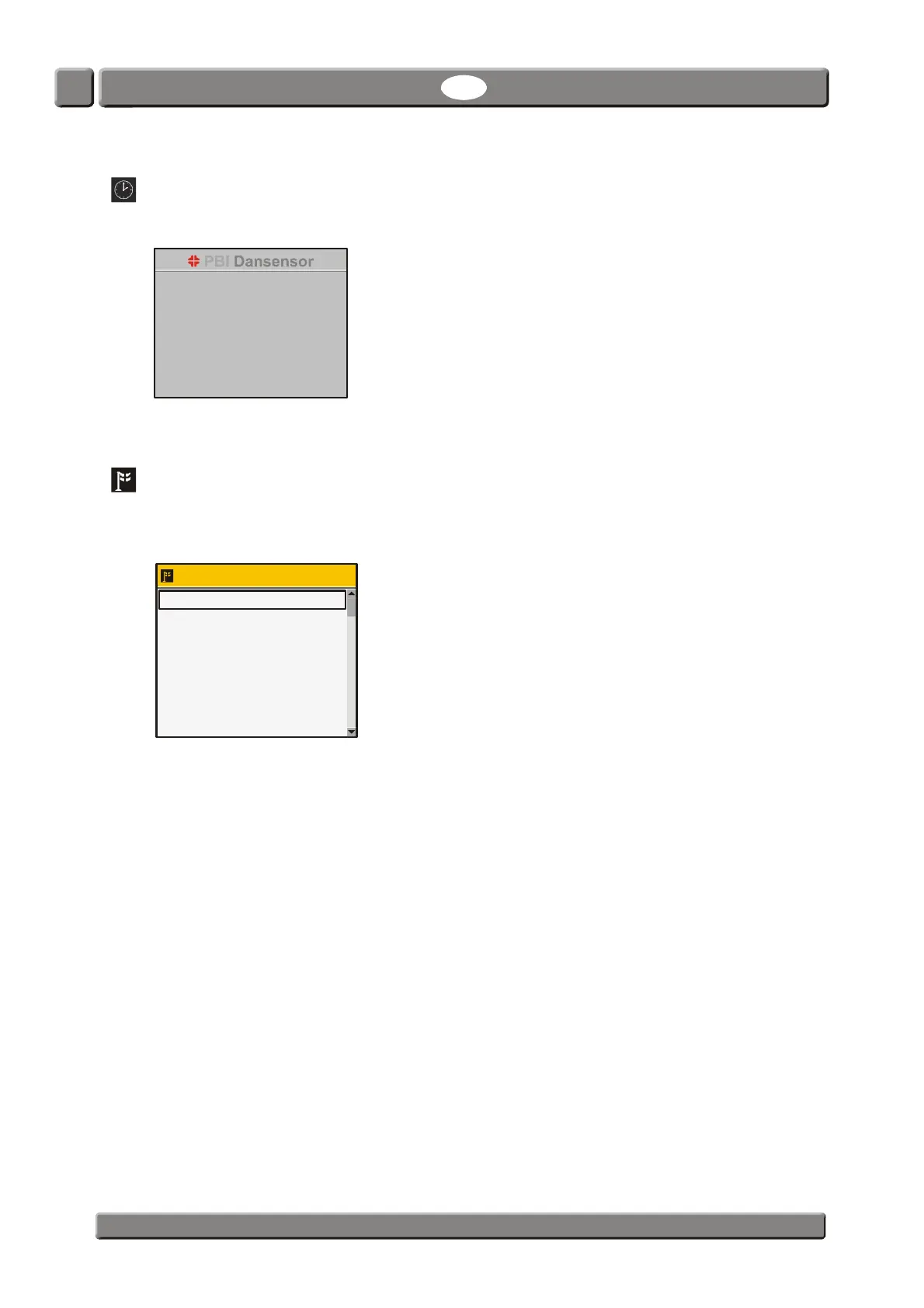
Selecting Sleep from the Main menu will force the device into Sleep mode.
See "Modes" on page 15 for details.
Language
Selecting Language from the Main menu will display a screen listing the available
languages.
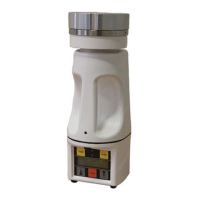
When selecting a language all text throughout the menus will be displayed in this language.
Select language
English standard
Nederlands
Francais
Deutsch
Italiano
Svenska
Dansk
Español


 To Next Page