EN 48
THE CHILD-PROOF LOCK
With the child-proof lock of the oven you can lock the control panel to prevent
unintended use of the oven.
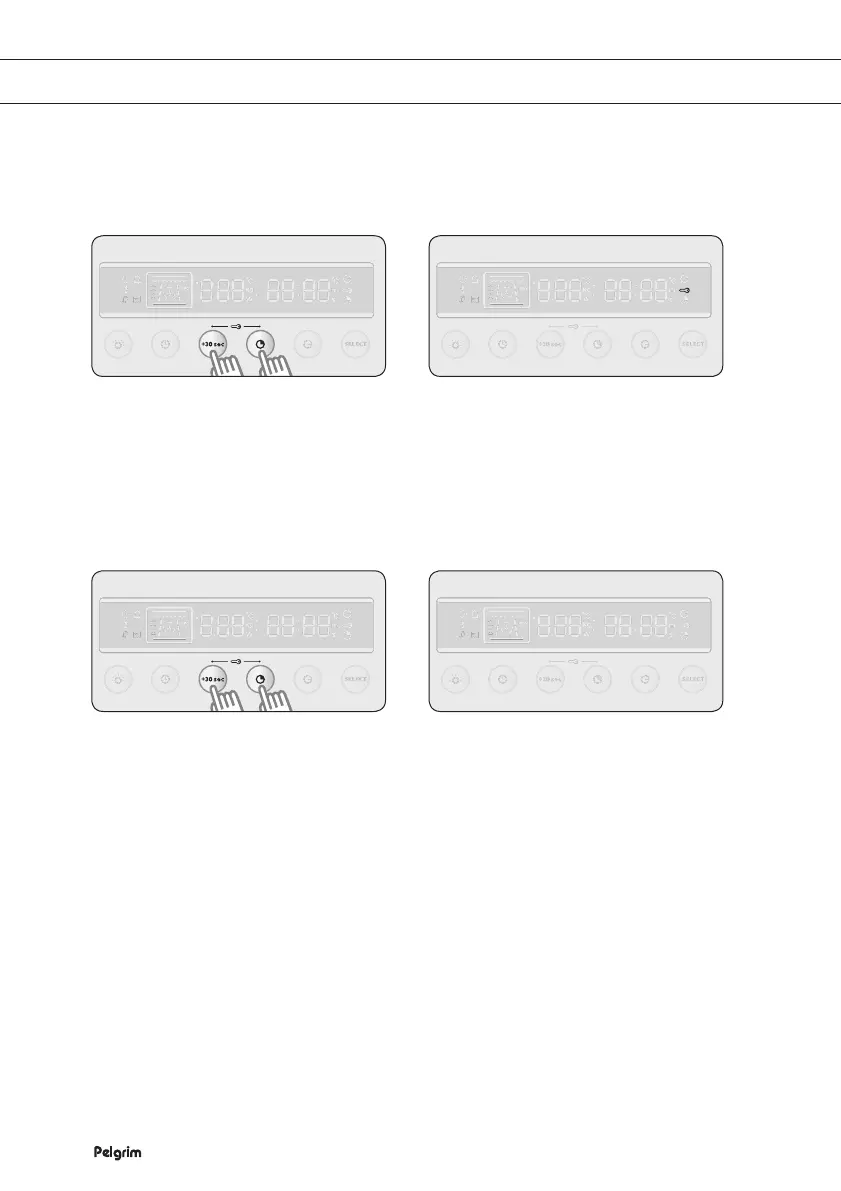
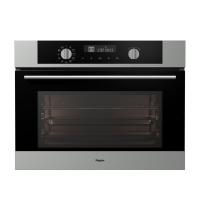
Locking the oven
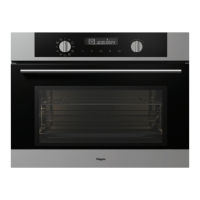
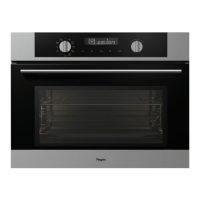
Unlocking the oven
Press +30 sec (quick start) and
PREPARATION TIME simultaneously
and keep them pressed for 1 second.
The display shows a lock symbol,
which means that all functions are
locked.
1 2
Press +30 sec (quick start) and
PREPARATION TIME simultaneously
and keep them pressed for 1 second.
The lock symbol disappears from the
display, which means that all functions
are unlocked.
1 2


 To Next Page