EN 7
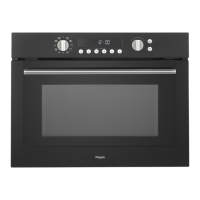
When you connect the appliance to the mains electricity for the first time, the display
lights up. After three seconds the clock symbol and '12:00' flash on the display. Set the
clock to the correct time.
Setting the clock
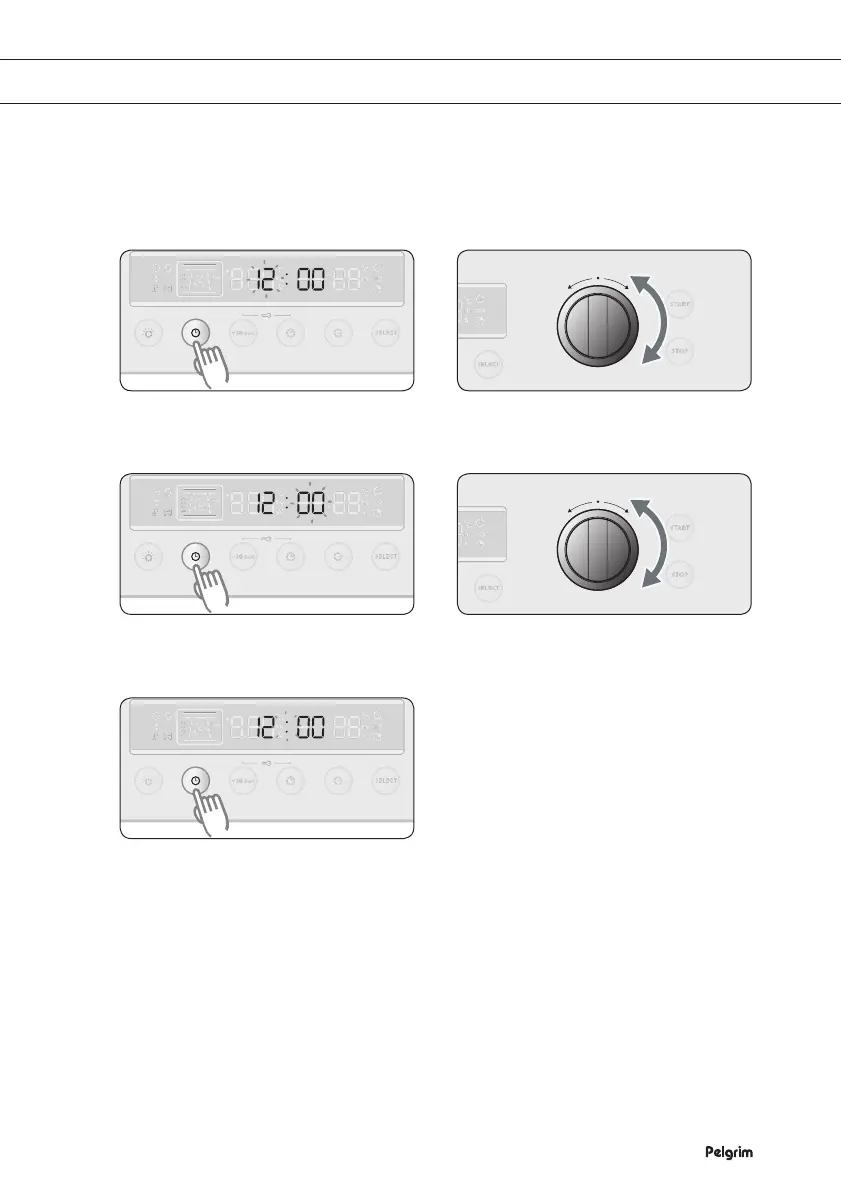
Press CLOCK. '12' starts flashing. Turn the FUNCTION SELECTOR
KNOB to set the hour.
Press CLOCK again. '00' starts
flashing.
Turn the FUNCTION SELECTOR
KNOB to set the minutes.
Press CLOCK again. The clock is set
in 5 seconds.
Note
If you press a button, the setting starts to flash. You can now change the setting. You can only
change the setting if it is flashing. If it stops flashing, you must press the button again so that
the setting starts flashing again.
1 2
3 4
5
SETTING THE CLOCK


 To Next Page