EN 8
SETTING THE ENERGY SAVING SETTING
The oven has an energy-saving setting (Eco setting). The oven display is switched o in this
setting.
Stand-by setting
If the oven is not used for 10 minutes, it switches automatically to the stand-by setting
(default).
ECO setting
The display (time indication) is switched o in the ECO setting.
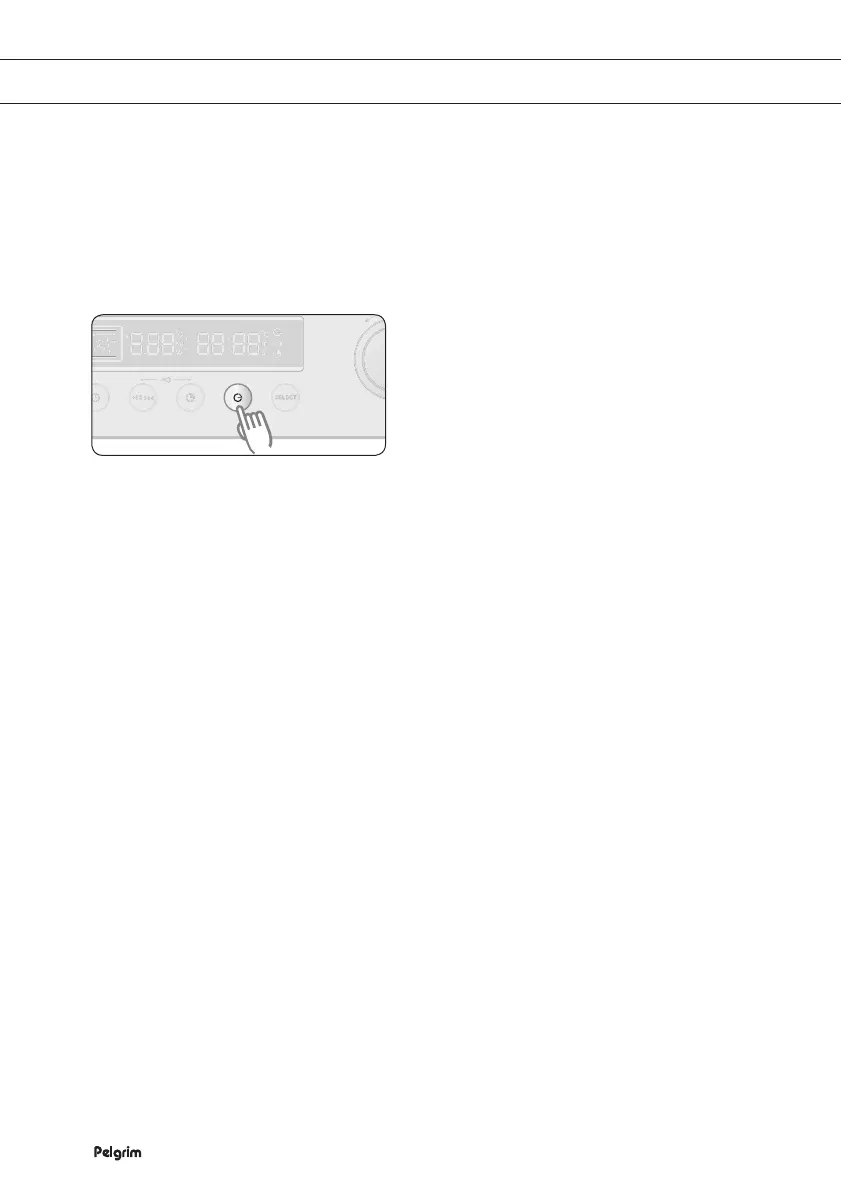
Press and hold END TIME for
3seconds. The oven switches to the
ECO setting and the display shows
nothing.
Open the door or press a button if you
want to go to the stand-by setting.
The current time is shown on the
display and the oven is ready for use.
1 2


 To Next Page