EN 47
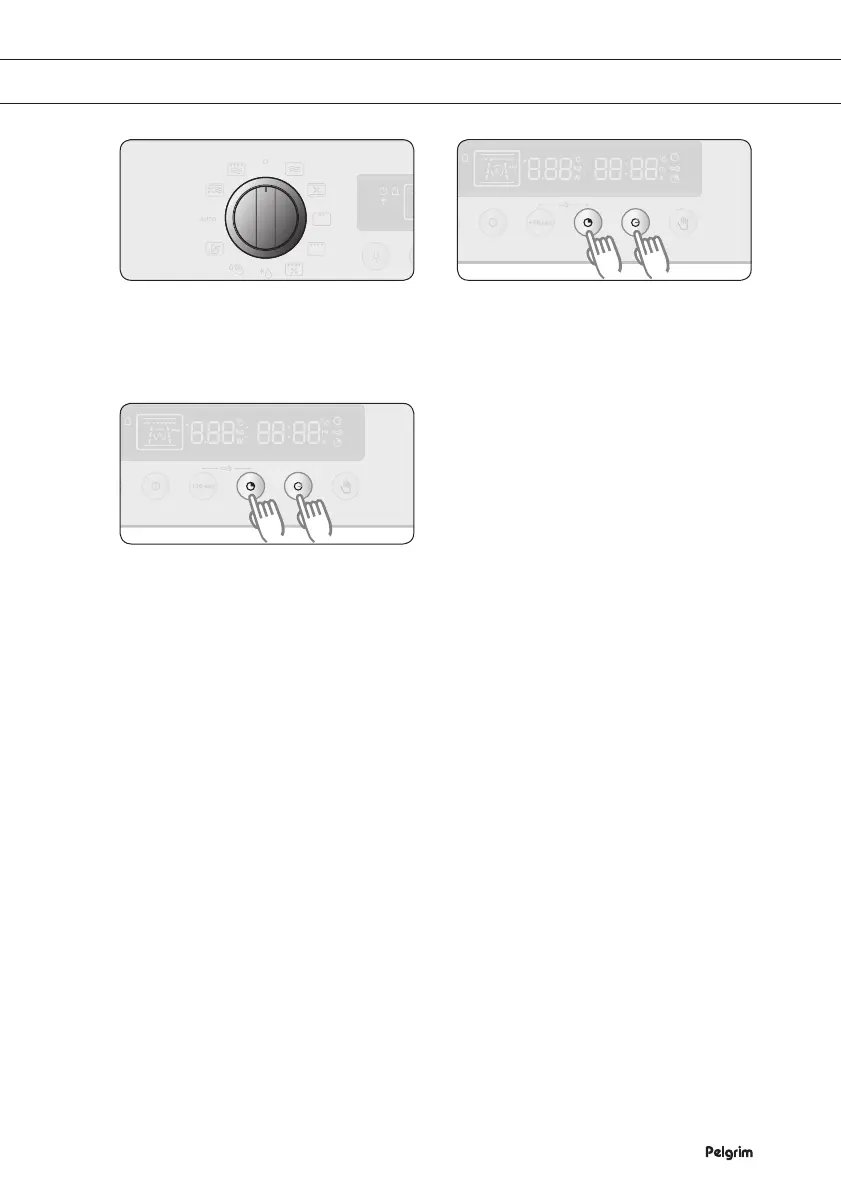
Turn the SETTING SELECTOR KNOB
to the ‘OFF’ setting.
If you want to deactivate the beeping
noise, press PREPARATION TIME and
END TIME simultaneously and keep
them pressed for 1 second.
If you want to activate the beeping
noise again, press PREPARATION
TIME and END TIME simultaneously
and keep them pressed for 1 second
again.
DEACTIVATING THE BEEPING NOISE
1 2
3


 To Next Page