EN 4
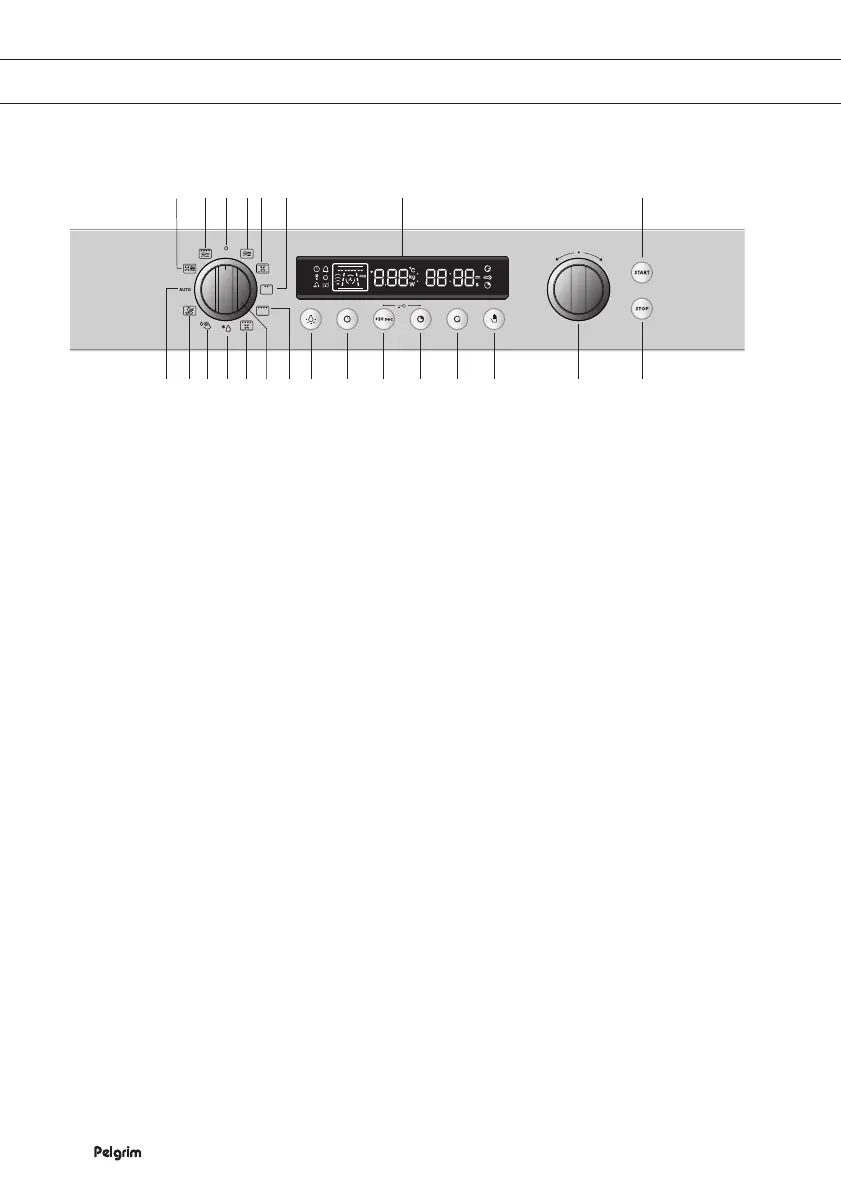
11 22112 2 3 4 14
10 7 6 139 8 5 15 16 17 18 19 20 21 23
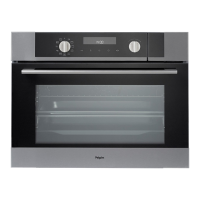
1. O setting
2. Microwave setting
3. Oven function ‘hot air’
4. Oven function ‘grill’
5. Oven function ‘large grill’
6. Oven function ‘grill with fan’
7. Defrost setting
8. Aqua clean function
9. Vegetable menu setting
10. Automatic preparation
11. Combi function ‘microwave with hot air’
12. Combi function ‘microwave with grill’
13. Setting selector knob
14. Display
15. Oven light button
16. Clock button
17. +30 sec button
18. Preparation time button
19. End time button
20. Select button
21. Function selector knob
22. Start button
23. Stop/cancel button
THE CONTROL PANEL


 To Next Page