EN 23
USING THE OVEN FUNCTIONS
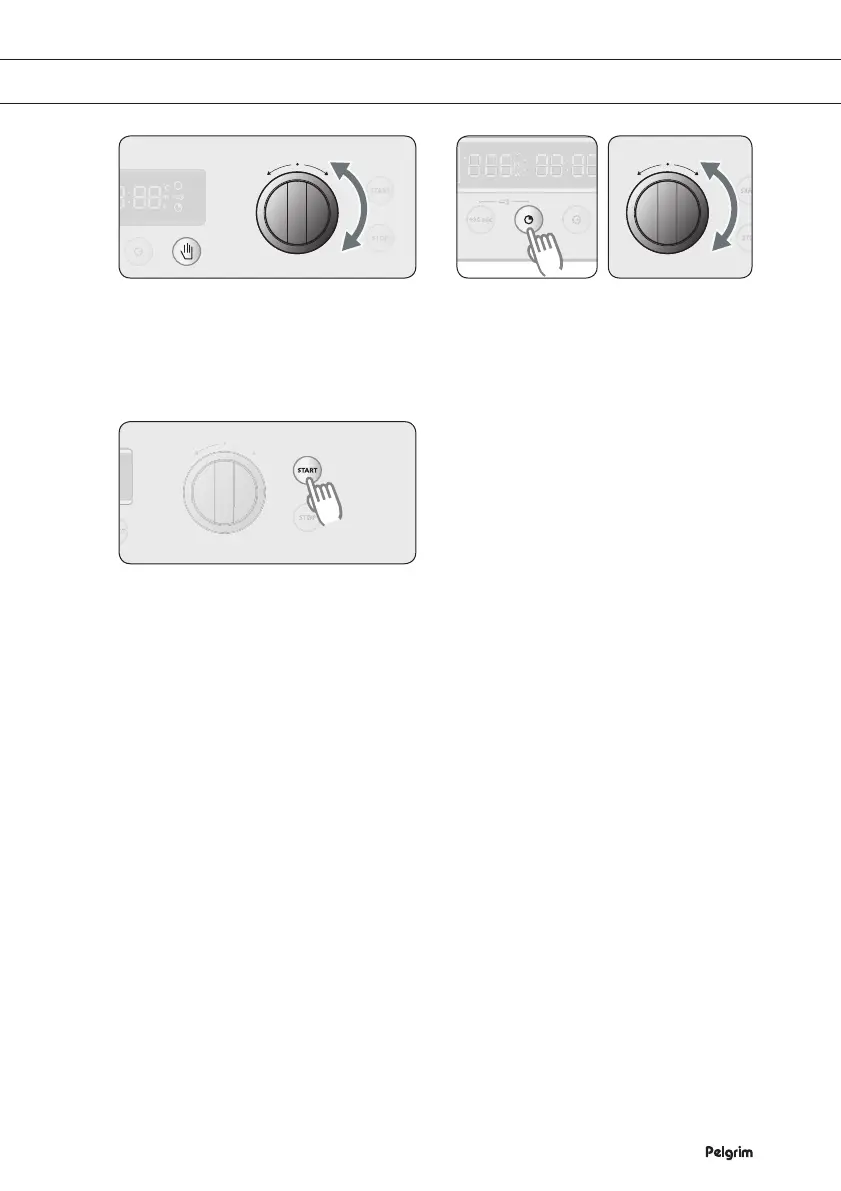
If you want to change the
temperature, press SELECT and turn
the FUNCTION SELECTOR KNOB to
the temperature you want.
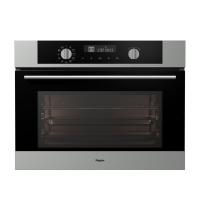
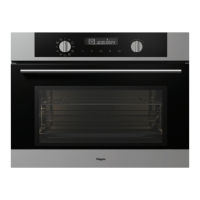
If you want to change the preparation
time, press PREPARATION TIME
and turn the FUNCTION SELECTOR
KNOB to the preparation time you
want.
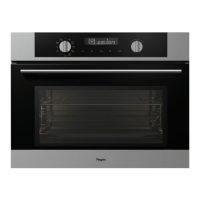
Press START.
Note
1) During the preparation you can change the preparation time and the temperature.
2) If you use the oven setting, the operation of the heating elements is interrupted regularly to
regulate the temperature.
2 3
4


 To Next Page