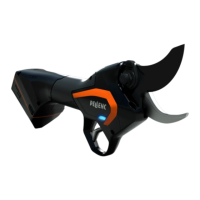
PRUNING SHEARS AND 150 BATTERY VINION & PRUNION
26_116772-H
-
5.4.2.1.
5.4.3. PARAMETER SETTING MODES
You can set the parameters for the tool's adjustment level to make it easier to use.
• L1: "Display" Mode: The tool can only be used in the preset configuration.
• L2: "Normal" mode: The user has access to 4 operating modes, U1 to U4, but these cannot be adjusted.
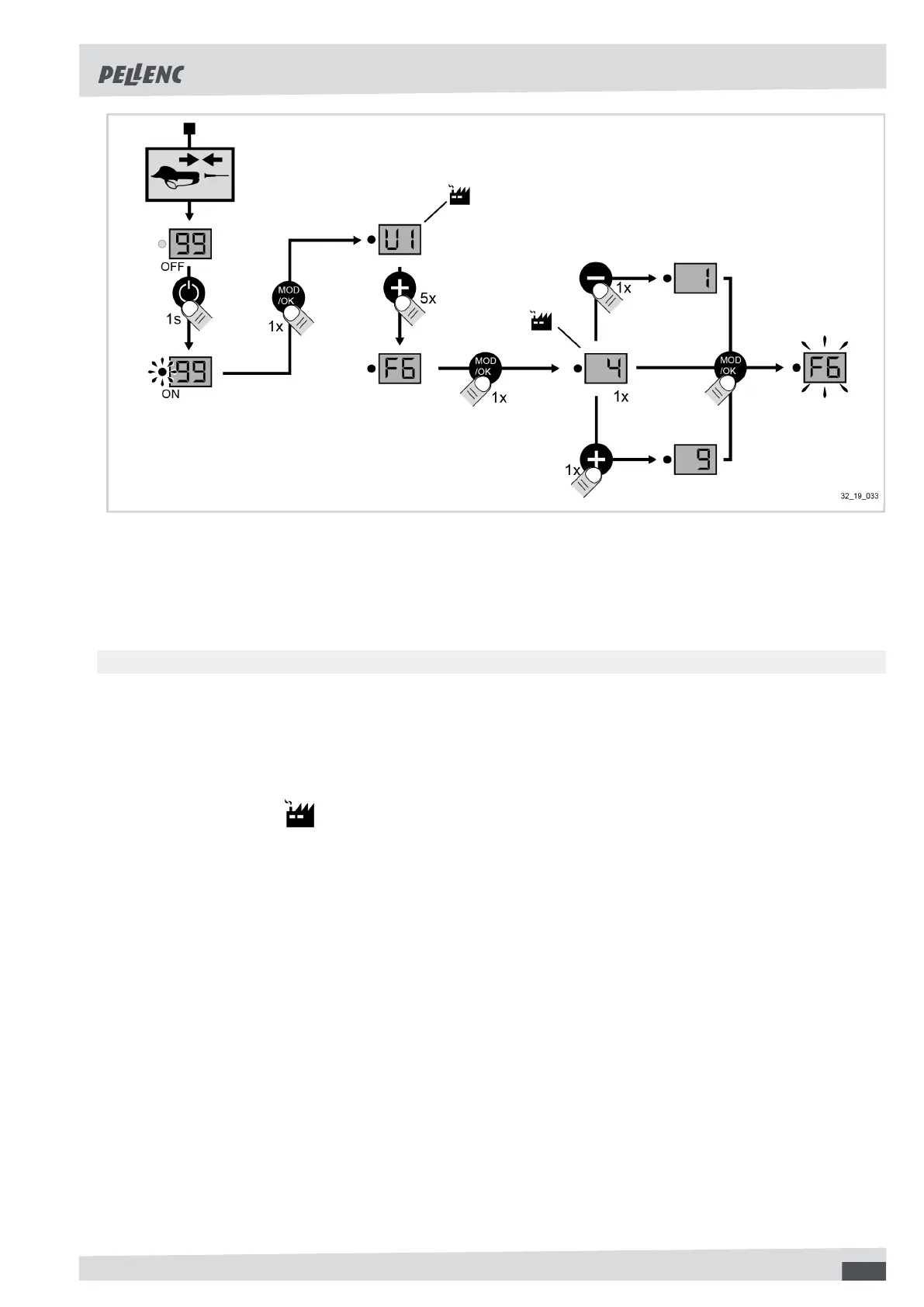
• L3: "Expert" mode: The user has access to 4 operating modes U1 to U4 and two settings (blade crossing = F5
and half opening = F6).
The tool's parameter setting modes can be altered as follows:
1. Disconnect the pruning shears and turn on the battery,
2. Make the adjustment (refer to the diagram below),
23


 To Next Page