11
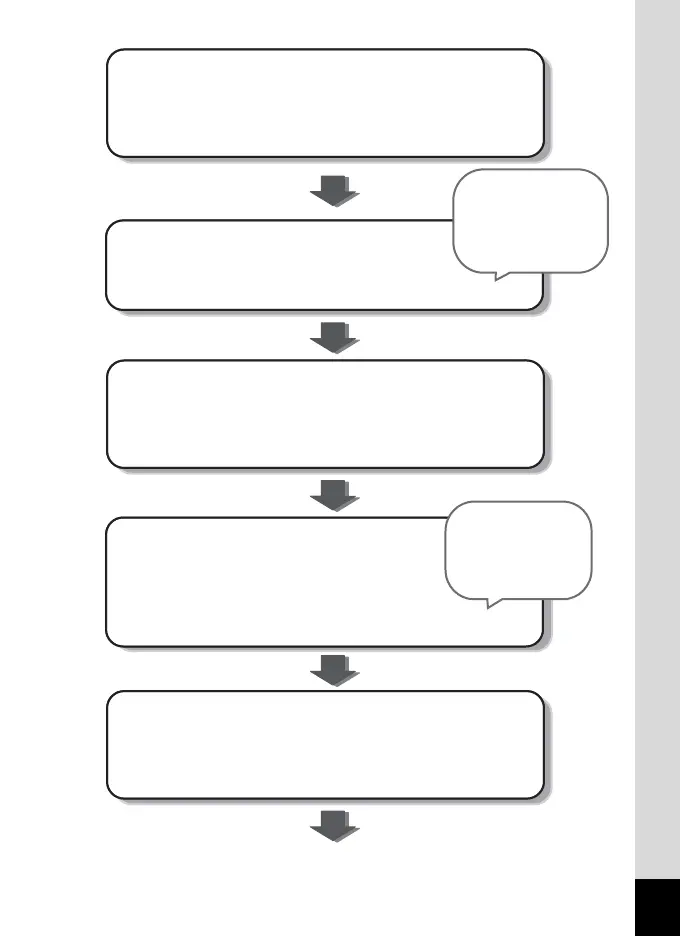
Let’s use the Mode Palettes.
Select icons on the Mode Palettes. (p.50-52)
Let’s select a mode for capturing images.
Auto Picture Mode (p.61)
Picture modes (p.67-76)
Let’s use shooting functions.
Self-timer (p.83)
Zoom (p.88)
Flash (p.93)
Shake Reduction (p.57)
Let’s enjoy reviewing the pictures you took.
Zoom display, nine-image display, and calendar
display (p.129-134)
Slideshow (p.135)
For availability of
functions for each
Capture Mode, see
p.194.
Once you get used to the basic operations, enjoy
taking movies, editing pictures, or printing your
favorite pictures.
Let’s use the menus.
Set menu items. (p.45-46)
Select the recorded pixels and quality level for still
pictures. (p.95-97)
Just by selecting
icons, you can
activate desired
modes for image
capture or editing.








 To Next Page