99
3
Taking Pictures
5
Press the 4 button.
The setting is saved.
6
Press the 3 button.
The camera returns to capture status.
Refer to the following “Manual Setting” for instructions on adjusting
the white balance manually.
Have a blank sheet of white paper or similar material ready.
1
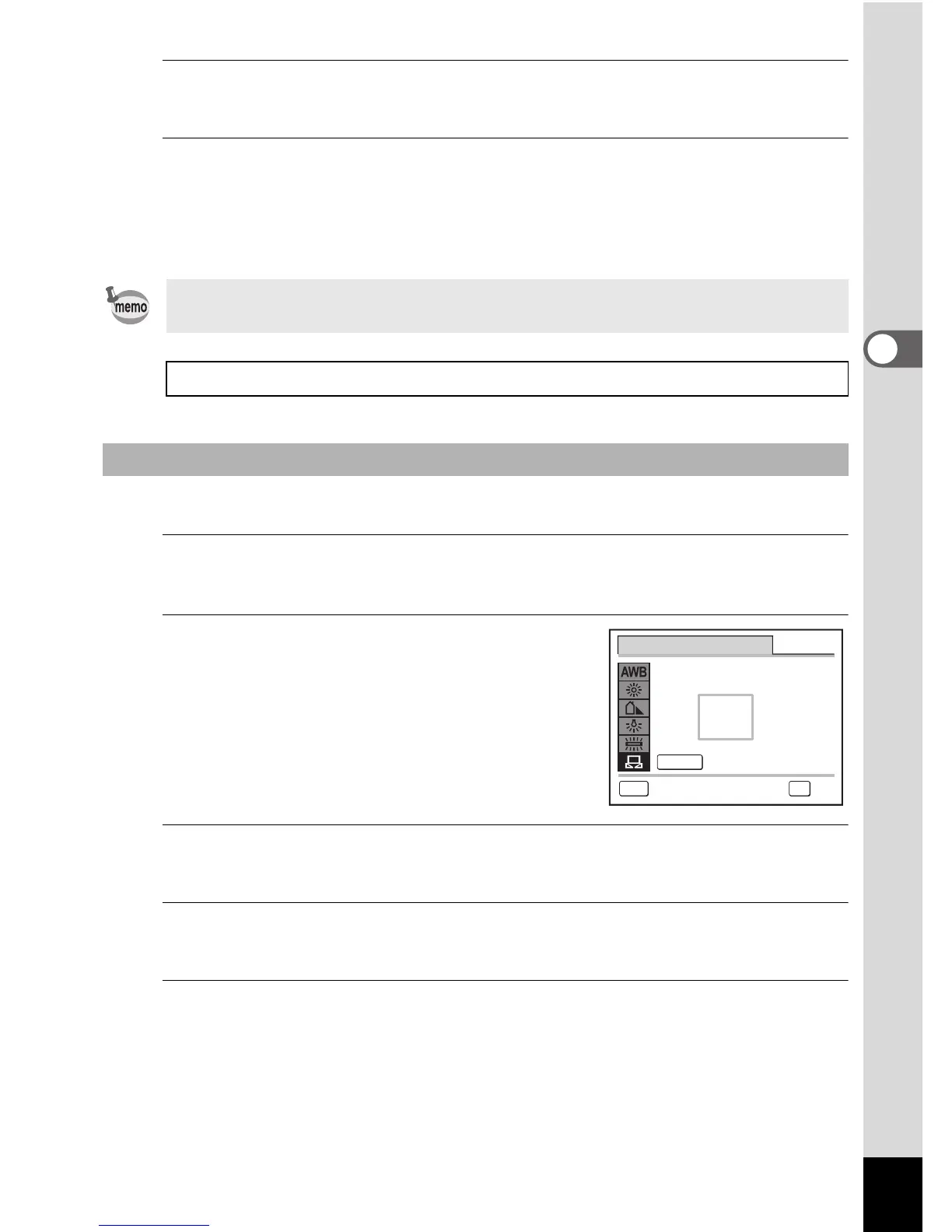
In the [White Balance] screen, use the four-way
controller (23) to select K (Manual).
2
Point the camera at the blank
sheet of paper or other material so
that it fills the frame displayed in
the center of the screen.
3
Press the shutter release button fully.
The white balance is automatically adjusted.
4
Press the 4 button.
The setting is saved and the screen returns to the [A Rec.Mode] menu.
5
Press the 3 button.
The camera returns to capture status.
If you change the [White Balance] setting frequently, you can save time
by assigning it to the Green button (p.108).
Saving the White Balance setting 1p.115
Manual Setting
MENU
Adjust
SHUTTER
White Balance
Cancel



 To Next Page