37
1
Getting Started
Turning the Camera On and Off
1
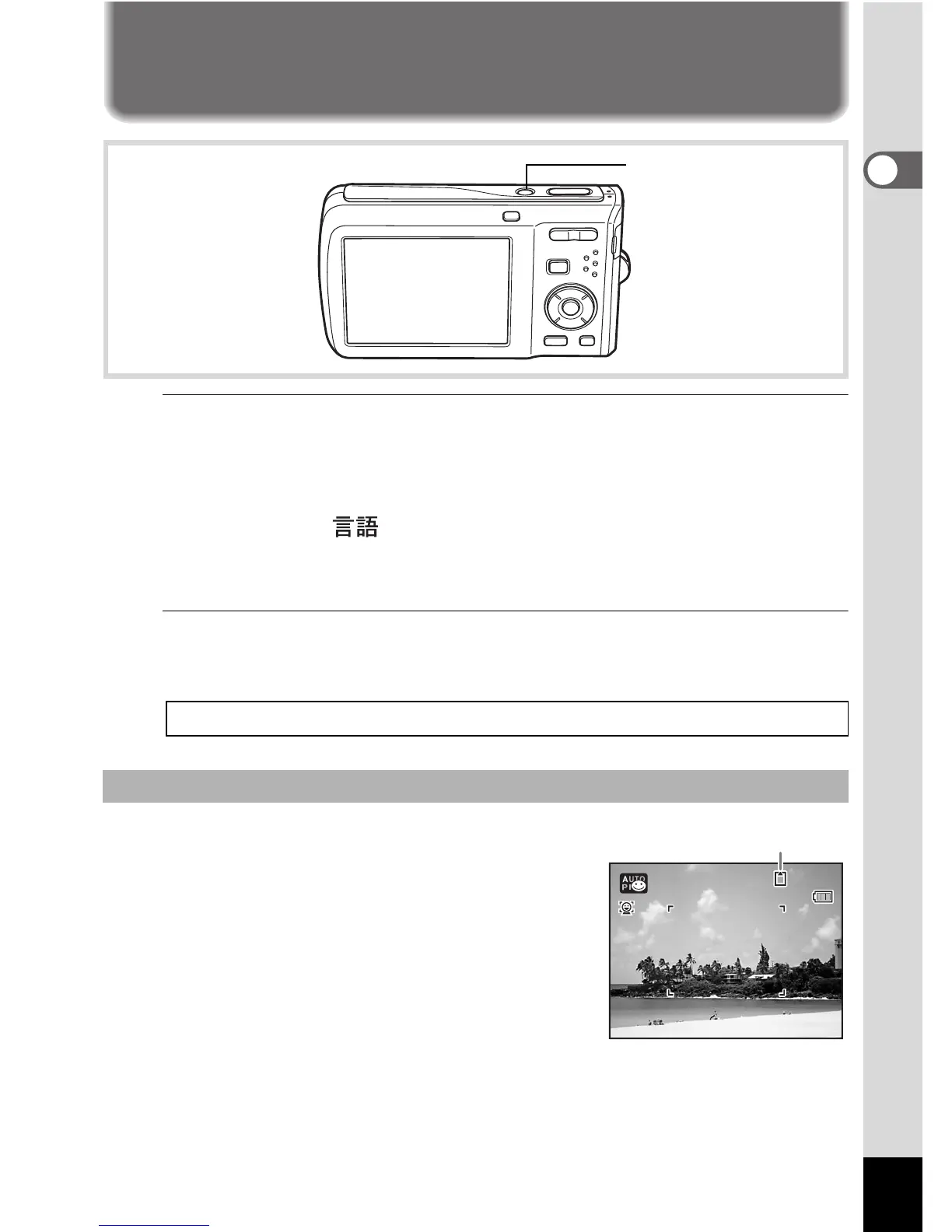
Press the power switch.
The camera turns on and the display turns on.
When you turn the camera on, the lens cover opens and the lens
extends.
If the [Language/ ] screen or [Date Adjust] screen appears when
you turn the camera on, follow the procedure on p.39 to set the display
language and/or current date and time.
2
Press the power switch again.
The display turns off, the lens closes, and the camera turns off.
The memory card is checked when the camera
turns on and the memory status is displayed.
a : The SD Memory Card is inserted.
Images and sound files will be saved
on the SD Memory Card.
+: The SD Memory Card is not inserted.
Images and sound files will be saved
in the built-in memory.
r : The write-protect switch on the SD
Memory Card is in the LOCK position (p.35).
Images and sound cannot be recorded.
Taking Pictures 1p.58
Checking the Memory Card
Power switch
38



 To Next Page