188
7
Settings
You can choose whether or not to use the Quick Zoom function that
magnifies an image to a maximum of ×10 by just pressing y on the
Zoom/f/y button while playing back an image in Q mode.
1
Press the 3 button in Q mode.
[W Setting] menu appears.
When you press the 3 button in A mode, press the four-way
controller (5) once.
2
Use the four-way controller (23) to select [Quick Zoom].
3
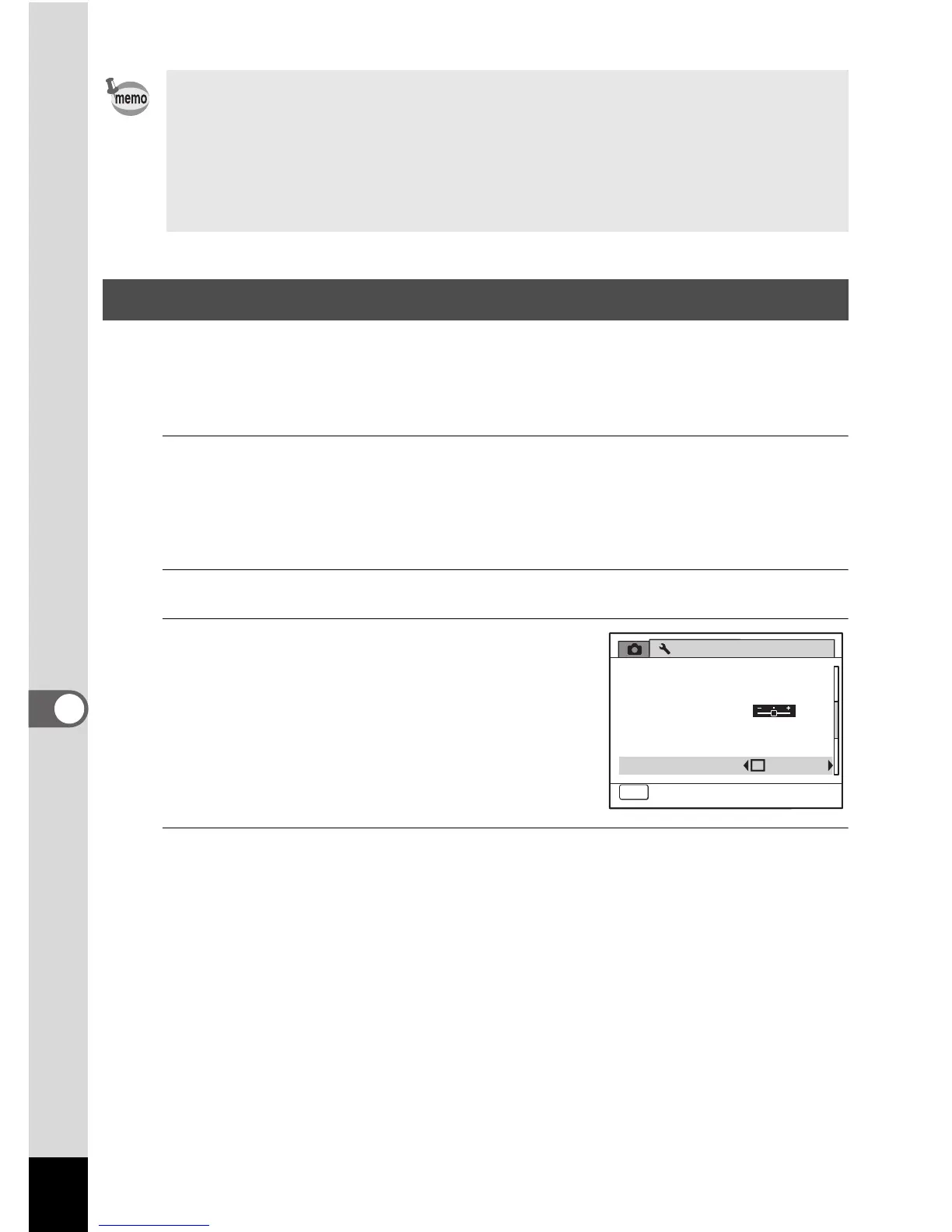
Use the four-way controller (45)
to select O (On) or P (Off).
O(On) The Quick Zoom is available.
P (Off) The Quick Zoom is not
available.
4
Press the 3 button.
The camera returns to A mode or Q mode.
Auto Power Off does not function in the following situations:
- while recording sound in O (Voice Recording) mode
- while taking pictures in Continuous Shooting mode
- while recording a movie
- during a slideshow or movie/sound playback
- while the camera is connected to a computer or printer
Setting the Quick Zoom Function
Setting
Power Saving
Auto Power Off
3min
5sec
USB Connection
Video Out
Brightness Level
2/3
MENU
Cancel



 To Next Page