71
3
Taking Pictures
3
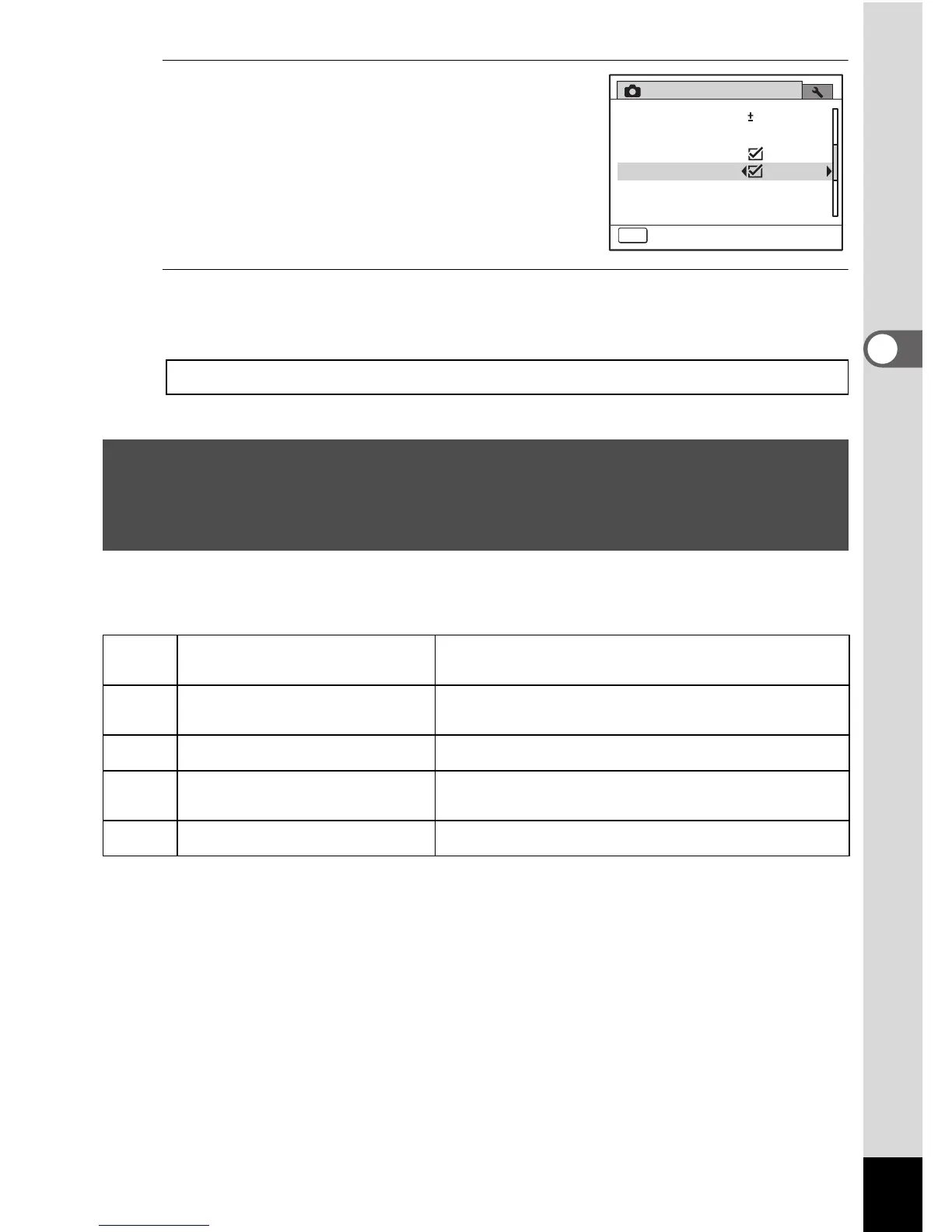
Use the four-way controller (45)
to select O (On) or P (Off).
The setting is saved.
4
Press the 3 button.
The camera returns to capture status.
You can choose settings appropriate for taking pictures of dark scenes,
such as nightscapes.
Saving the Digital Zoom Function setting 1p.115
Taking Pictures of Dark Scenes (Night Scene/
Night Scene Portrait/Digital SR (Blur Reduction)/
Fireworks/Candlelight Mode)
A
Night Scene
Used for night scenes. Use a tripod, etc. to
prevent image shake.
B
Night Scene Portrait
For portraits in night scenes. Use a tripod, etc.
to prevent image shake.
c
Digital SR (Blur Reduction) Higher sensitivity reduces blur.
S
Fireworks
For capturing fireworks. Use a tripod, etc. to
prevent image shake.
U
Candlelight For capturing scenes in candlelight.
MENU
2/3
0.0
Rec.Mode
1sec
Blink Detection
Instant Review
Memory
EV Compensation
Movie
Digital Zoom
Exit



 To Next Page