46
2
Common Operations
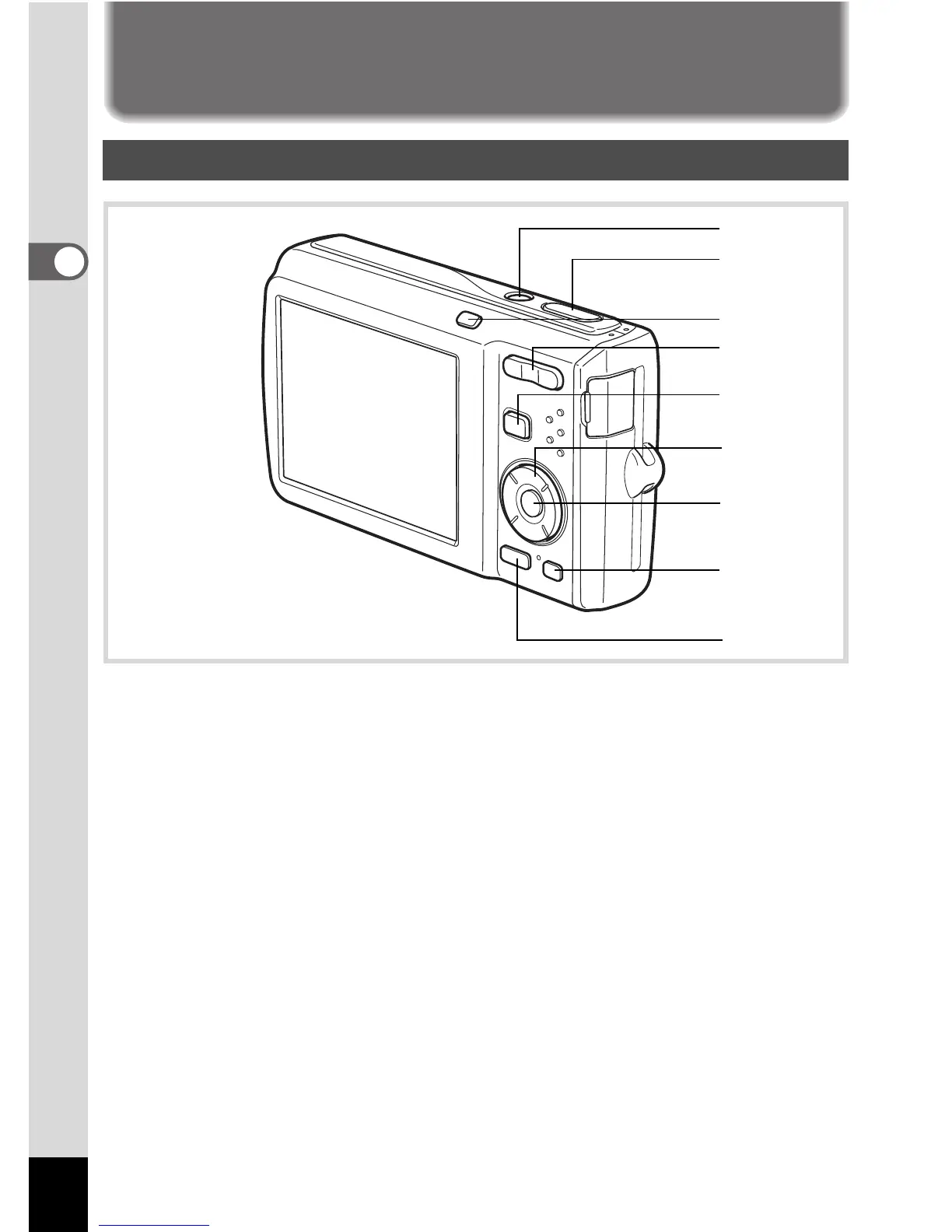
Understanding the Button Functions
1 Power switch
Turns the camera on and off (p.37).
2 Shutter release button
Focuses the camera on the subject when pressed halfway in Still
Picture Capture Mode (except in 3, s and \ modes) (p.59).
Takes the still picture when pressed down fully (p.59).
Starts and stops movie recording in C (Movie) mode (p.109).
Starts and stops sound file recording in O(Voice Recording) mode
(p.168).
3 I button
Switches the Face Recognition function (p.63). The Face Recognition
function is switched as follows each time the
I
button is pressed:
Smile Capture
´
Face Priority Off
´
Face Priority On
4 Zoom/w/xbutton
Changes the captured area (p.69).
A Mode
2
4
5
6
8
9
7
3
1



 To Next Page