73
3
Taking Pictures
O
(Half-length Portrait),
P
(Portrait) and
V
(Natural Skin Tone) modes
are suitable for taking pictures of people. Face Recognition (p.63) operates
for each shooting mode, making it easier to emphasize the subject’s face
when taking pictures.
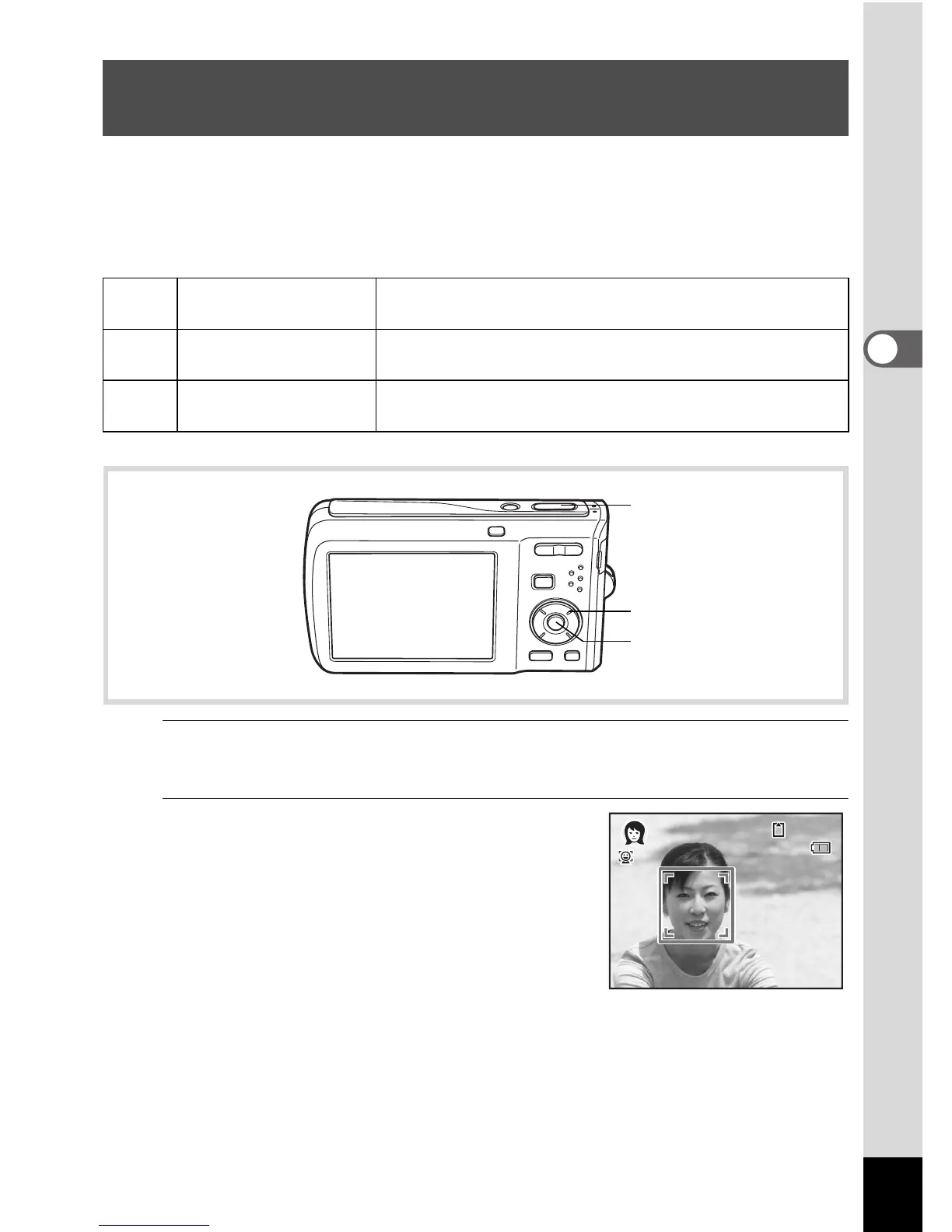
1
Press the four-way controller (3) in A mode.
The Capture Mode Palette appears.
2
Use the four-way controller
(2345) to select O, P or V
and press the 4 button.
The shooting mode is selected and
the camera returns to capture status.
When the camera recognizes a face, the
Face Recognition function is activated and
the face recognition frame appears (p.63).
If the camera recognizes a person’s face in O mode, an orange frame
appears showing the area to be zoomed in.
Taking Pictures of People (Half-length Portrait/
Portrait/Natural Skin Tone Mode)
O
Half-length Portrait
For portraits with proper framing by automatic zoom.
Fixed to h pixels.
P
Portrait
For capturing portraits. Makes the skin tone brighter
and look healthy.
V
Natural Skin Tone
Adjusts color & brightness to reproduce skin more
beautifully than Portrait.
Shutter release
button
Four-way controller
4 button
14:25



 To Next Page