66
3
Taking Pictures
5
Press the shutter release button fully.
The picture is taken.
In R (Program) mode, the camera automatically sets the shutter speed
and aperture for taking still pictures. However, you can select other
functions such as the flash mode and recorded pixels.
1
Press the four-way controller (3) in A mode.
The Capture Mode Palette appears.
2
Use the four-way controller (2345) to select R.
The following restrictions apply in b mode:
• You cannot turn the Face Recognition function off.
• The Focusing Area setting is fixed at J (Multiple).
• The (Flower) mode cannot be selected when using Digital Zoom
or Intelligent Zoom.
• If the (Night Scene) mode is selected when the flash mode is
, (Auto) or c (Auto + Red-eye), the flash mode automatically
changes to a (Flash Off).
• When the drive mode is set to j (Continuous Shooting) or K (HS
Cont. Shooting), pictures are taken continuously in the appropriate
shooting mode selected for the first picture.
• The camera automatically focuses on the subject when the focus
mode is set to = (Standard) or q (Macro).
Taking Pictures in the Custom Settings
(Program Mode)
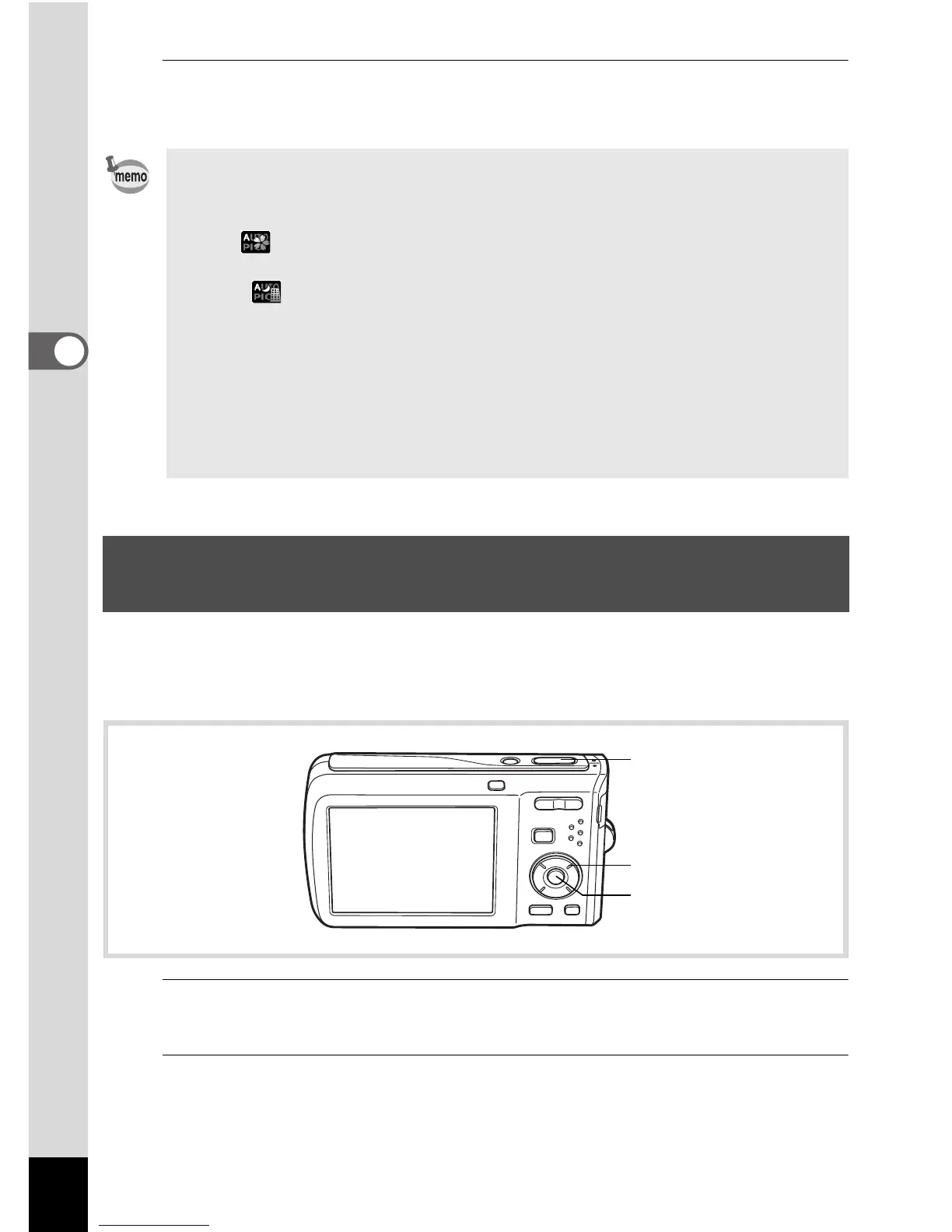
Shutter release
button
Four-way controller
4 button



 To Next Page