114
3
Taking Pictures
In C (Movie) mode, you can compensate for camera shake while you
are recording a movie with the Movie SR (Movie Shake Reduction)
function.
1
Press the 3 button in A mode.
The [A Rec.Mode] menu appears.
2
Use the four-way controller (23) to select [Movie].
3
Press the four-way controller (5).
The [Movie] screen appears.
4
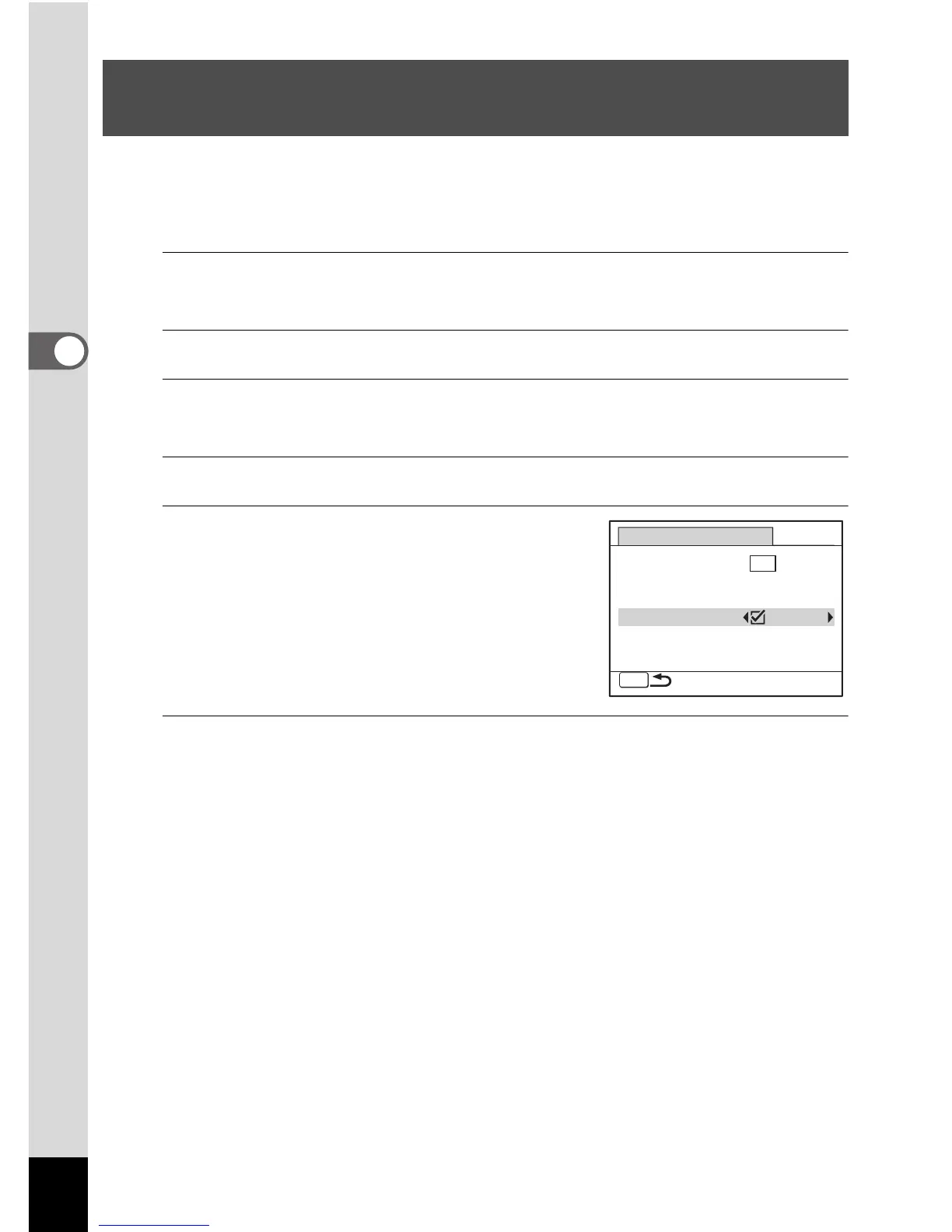
Use the four-way controller (23) to select [Movie SR].
5
Use the four-way controller (45)
to select O (On) or P (Off).
The setting is saved.
6
Press the 3 button twice.
The camera returns to capture status.
Setting the Movie SR (Movie Shake Reduction)
Function
MENU
Movie SR
Frame Rate
Color Mode
30fps
Movie
Recorded Pixels
Full Color
640



 To Next Page