59
3
Taking Pictures
3
Press the shutter release button
halfway.
The focus frame (or face recognition frame)
on the display turns green when the camera
focuses on the subject at the correct
distance.
4
Press the shutter release button fully.
The picture is taken.
The flash discharges automatically depending on the light conditions.
The image appears on the display for one second (Instant Review) and
is saved to the SD Memory Card or the built-in memory (p.60).
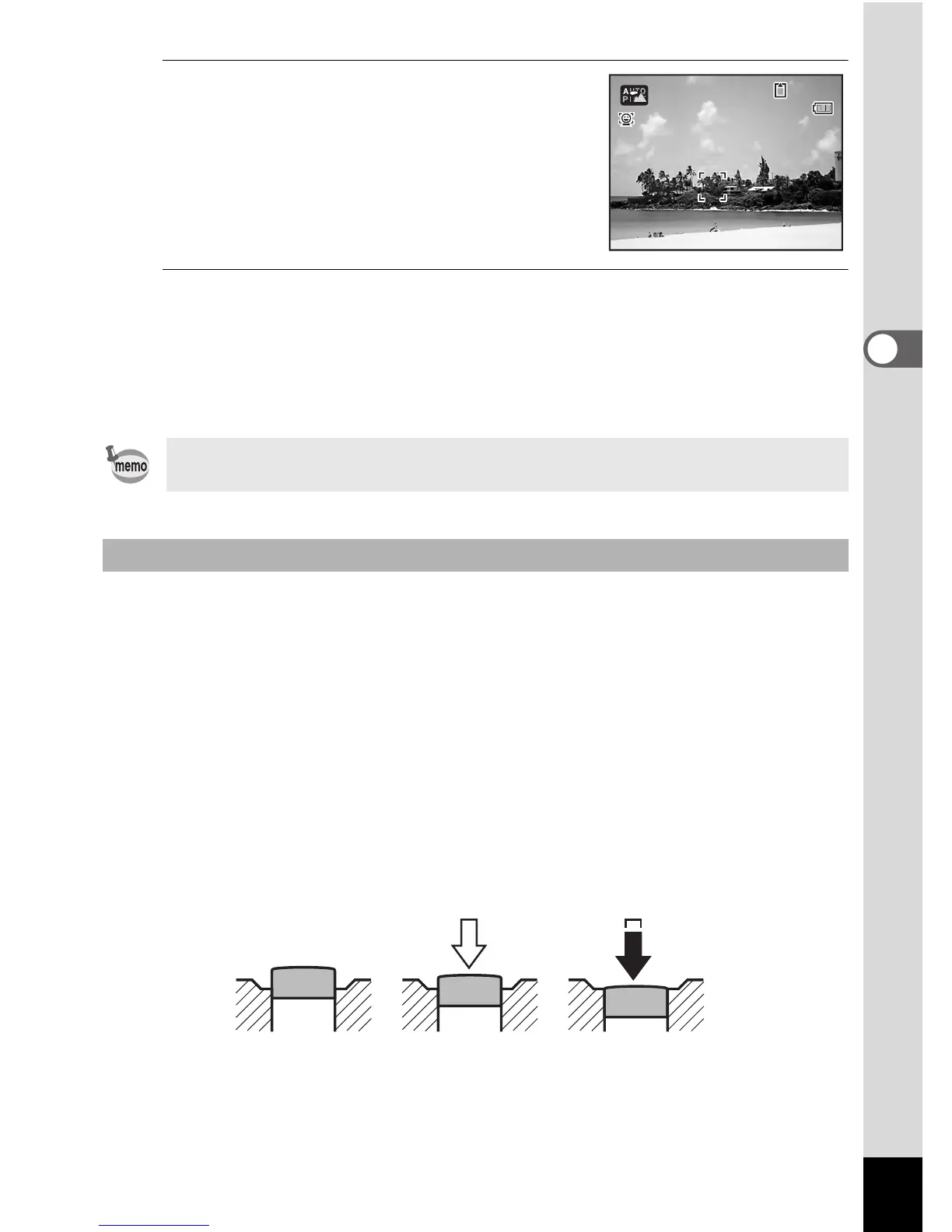
The shutter release button works in a two-step action as follows.
Press halfway
This refers to pressing the shutter release button gently to the first
position. This locks the focus setting and the exposure. The green focus
frame lights on the display when the shutter release button is pressed
halfway and the subject is in focus. If the subject is out of focus,
the frame turns red.
Press fully
This refers to pressing the shutter release button all the way down to
the fully depressed position. This takes a picture.
Press the Green button to switch to the 9 (Green) mode and let the
camera set all the shooting functions automatically (p.67).
Using the Shutter Release Button
14:25



 To Next Page