61
3
Taking Pictures
1
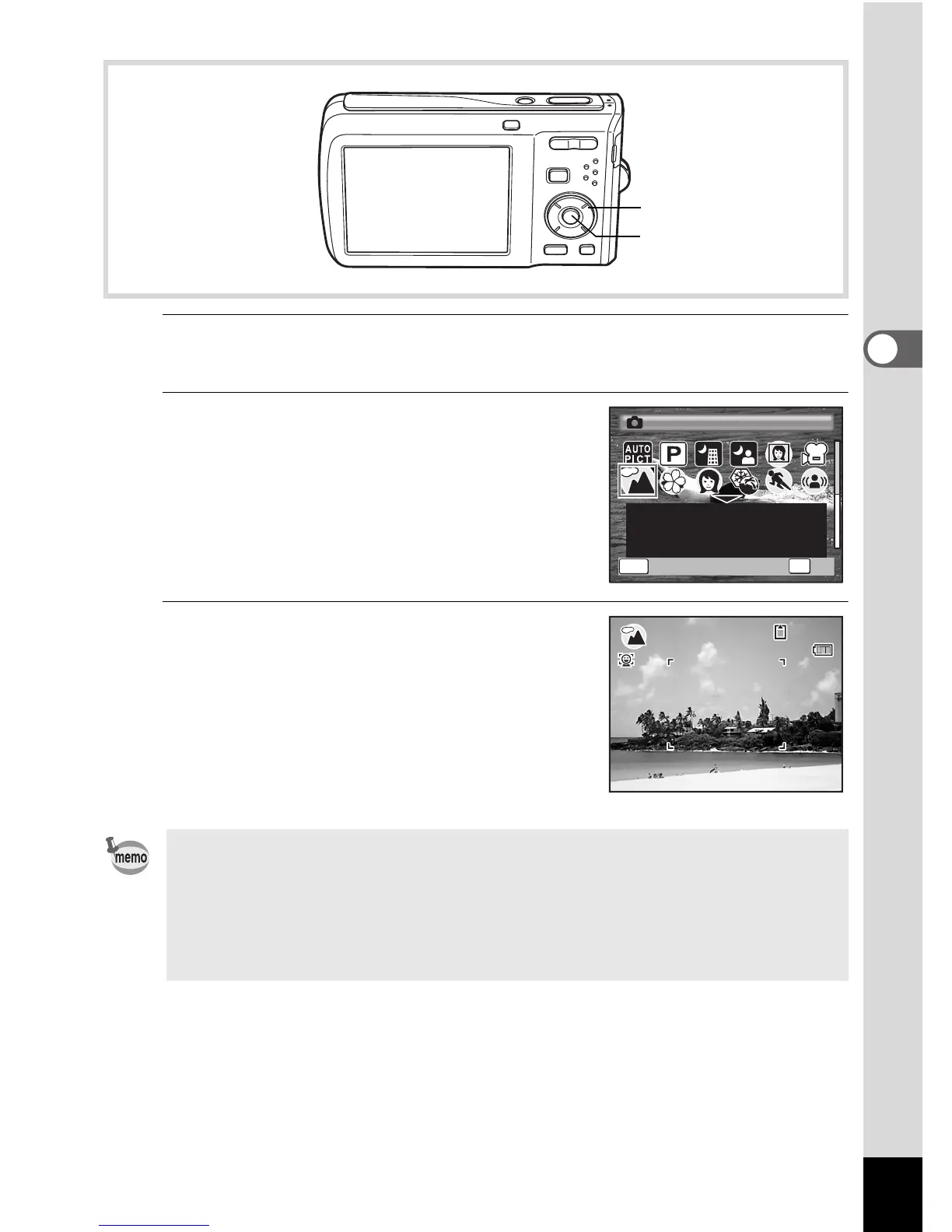
Press the four-way controller (3) in A mode.
The Capture Mode Palette appears.
2
Use the four-way controller
(2345) to choose a shooting
mode.
When an icon is selected in the Capture
Mode Palette, the selected shooting mode
guide appears.
3
Press the 4 button.
The shooting mode is selected and the
camera returns to capture status.
• In shooting modes other than R, A, C, c, g, O, X and F,
saturation, contrast, sharpness, white balance, etc. are automatically
set to the optimal settings for the selected mode.
• Some functions may not be available or may not function fully
depending on the selected shooting mode. For details, refer to
“Functions Available for Each Shooting Mode” (p.192).
Four-way controller
4 button
MENU
For capturing landscape
views. The camera focuses
on a wide range.



 To Next Page