80
3
Taking Pictures
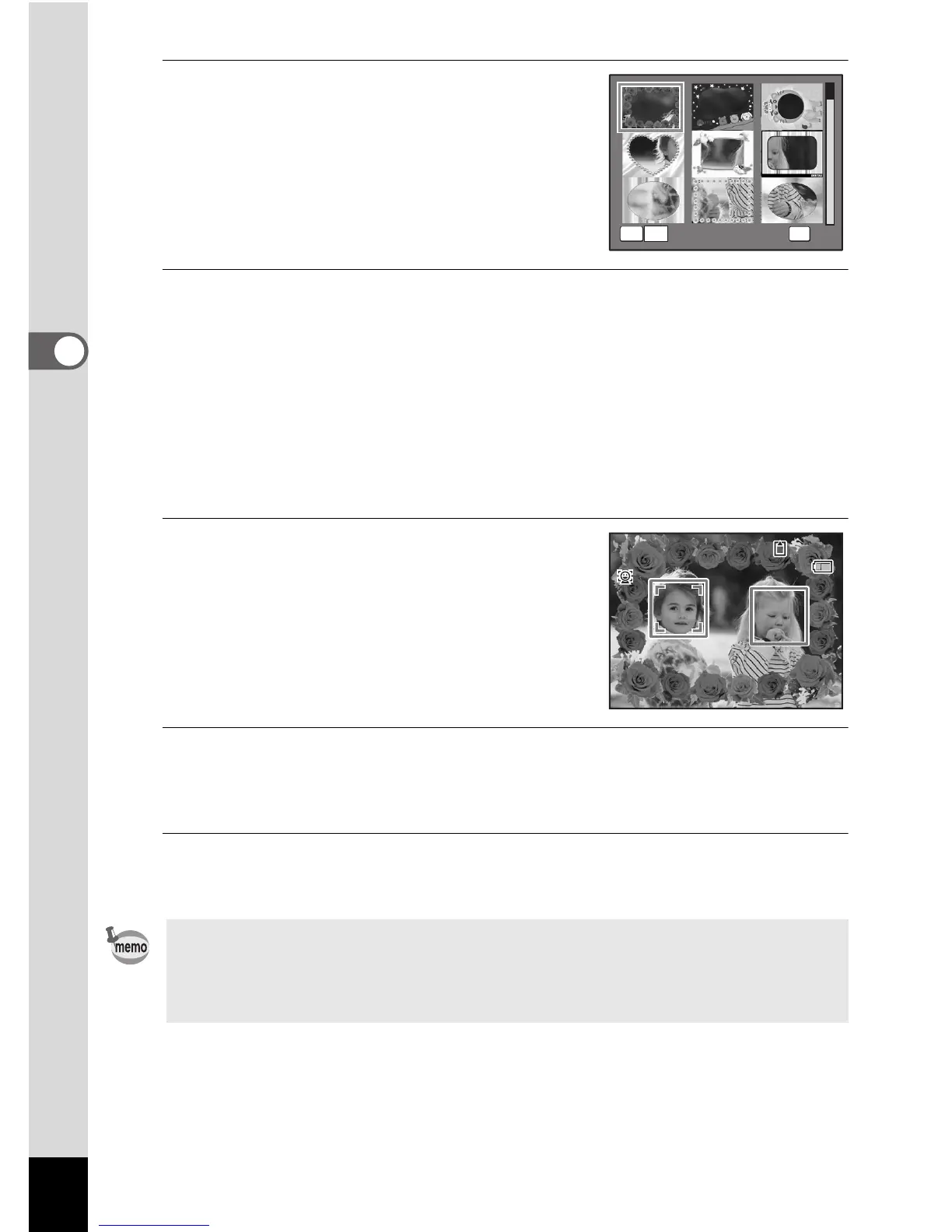
3
Use the four-way controller
(2345) to choose the frame
you want to use.
4
Press y on the Zoom/f/y button.
The selected frame appears in single-image display.
You can choose another frame using either of the following operations.
Four-way controller (45) Press to choose a different frame.
Zoom/f/y button (f) Press to return to the 9-frame display of
the frame selection screen, and then
perform Step 3 to choose a different
frame.
5
Press the 4 button.
The frame appears on the display.
When the camera recognizes a face, the
Face Recognition function is activated and
the face recognition frame appears (p.63).
6
Press the shutter release button halfway.
The focus frame on the display turns green when the camera focuses
on the subject at the correct distance.
7
Press the shutter release button fully.
The picture is taken.
•In g mode, recorded pixels is fixed at h (2048 × 1536).
• At shipment, the camera includes 3 default frames and 77 optional
frames built-in. (The CD-ROM supplied with the camera contains a
total of 80 frames, including the default frames.)
y
OK



 To Next Page