95
3
Taking Pictures
1
Press the 3 button in A mode.
The [A Rec.Mode] menu appears.
2
Use the four-way controller (23) to select [Recorded
Pixels].
3
Press the four-way controller (5).
A pull-down menu appears.
4
Use the four-way controller (23)
to change the number of recorded
pixels.
5
Press the 4 button.
The setting is saved.
6
Press the 3 button.
The camera returns to capture status.
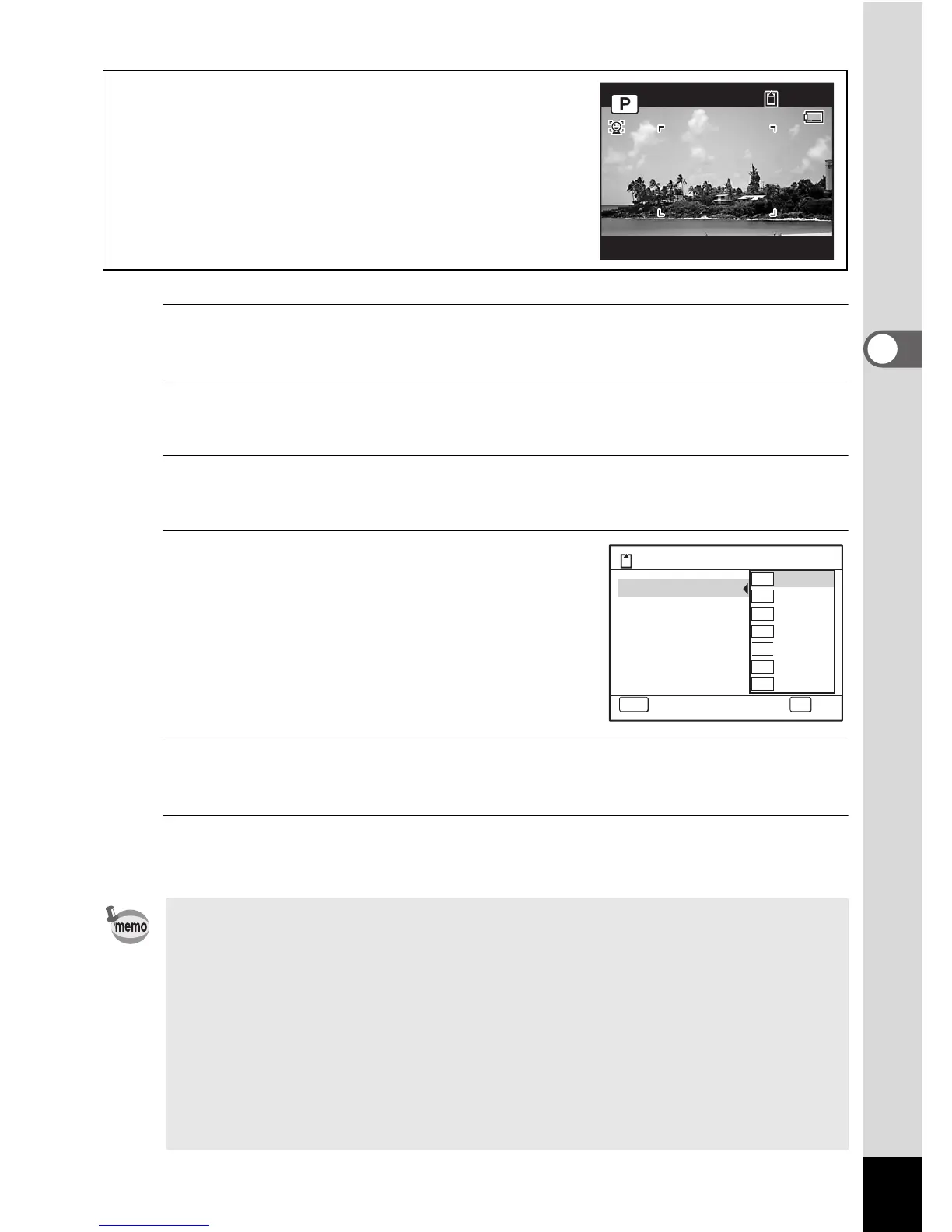
Shooting/Playback screen when M
is selected
If you select M as the Recorded Pixels setting,
the aspect ratio of the image is 16:9 and the monitor
display is as shown on the right.
• The number of recorded pixels for images captured in 9 (Green)
mode is fixed at N.
• The number of recorded pixels for images captured in O (Half-length
Portrait) or g (Frame Composite) is fixed at h.
• The number of recorded pixels for images captured in c (Digital SR
(Blur Reduction)) or X (Digital Wide) mode is fixed at f. (The
number of recorded pixels will be h if you exit the Digital Wide mode
without taking the second picture.).
• If you change the [Recorded Pixels] setting frequently, you can save
time by assigning it to the Green button (p.108).



 To Next Page