19
support@ionodes.com | www.ionodes.com | 450-696-1060
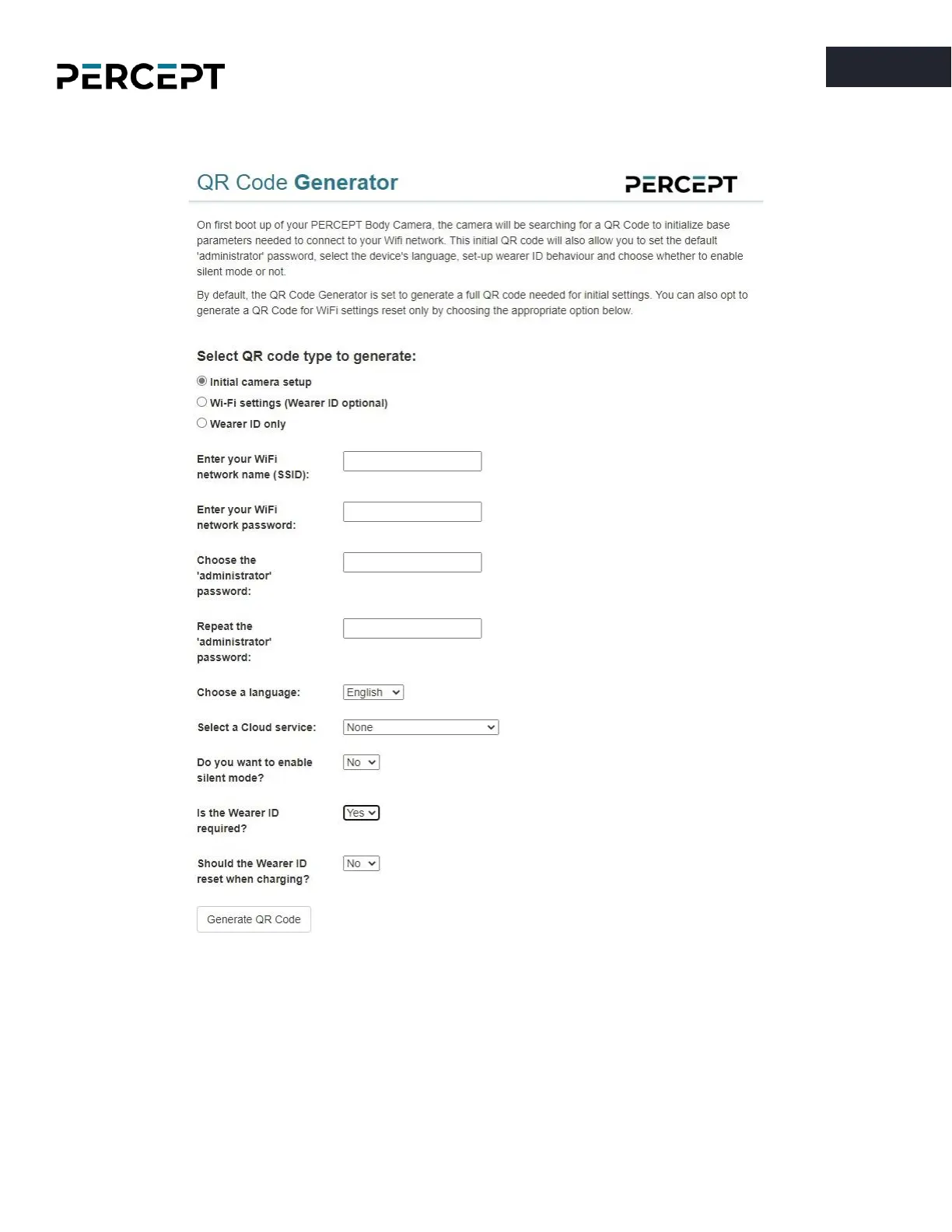
The “
Initial camera setup
” QR Code Generator web page is depicted below.
Once successfully connected to the Wi-Fi network, the IP address of the device will be displayed on the
body camera’s OLED screen. The user simply needs to scroll through the presented information on the
OLED screen by repeatedly short pressing the power button on the side of the chassis.



 To Next Page