G
B
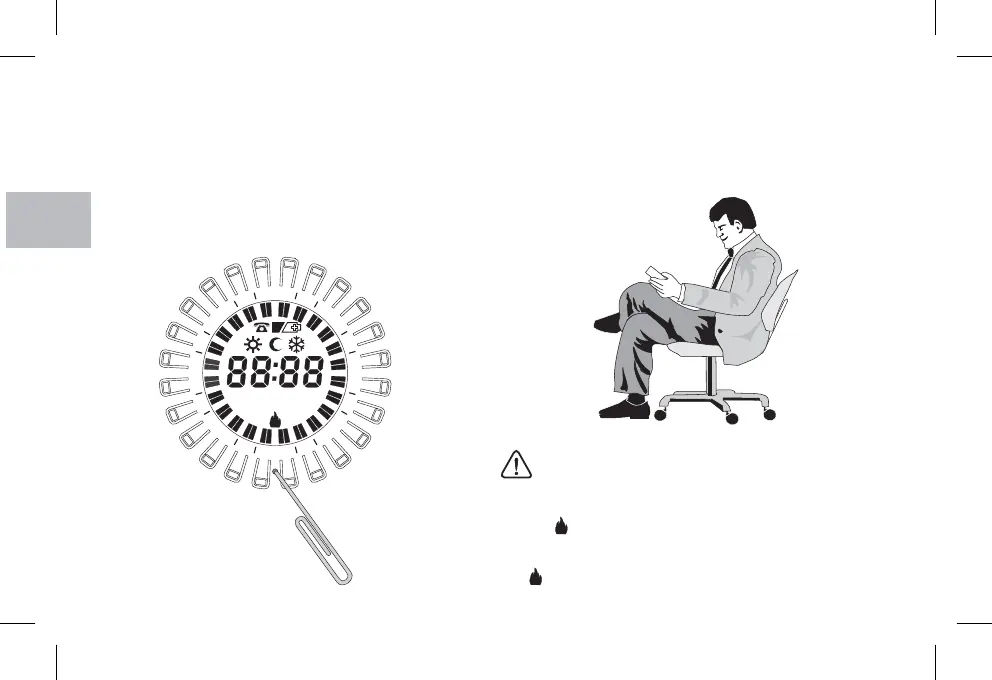
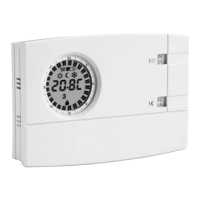
When switching on for the first time or if the chronothermostat
shows anomalous displays or improper functioning, etc., insert a
thin rod (max 1 mm) into the hole on the ring between the
marked then press briefly.
The display will switch on all the segments for a few seconds as in
the following figure and all the data in memory will be deleted. The
chronothermostat will be ready for programming again (see Chap-
ter 11).
key (tap-
pet) R
Easy Programming
All the operations described in the following paragraph can be
carried out before securing the chronothermostat to the base on the
wall; this allows you to do the programming while being comfortably
seated.
10 - RESET
18
If the chronothermostat is programmed before being attached to the
base on the wall, once installation is complete the symbol on the
display (off or blinking) might not correspond to the actual state
of the relay. Within of attaching the chronothermostat
to the base on the wall, the relay will turn on as indicated on the dis-
play (off or blinking).
max 1 minute
CAUTION !
R
4
21
2
9
2
6
3
1
8
1
15
123 6745123 674


 To Next Page