G
B
Setting temperatures
Do a RESET
Programming comfort temperature
Adjust the comfort temperature with the knob and the
nighttime economy temperature with the knob .
Set the switch on operation .
After a few seconds, the device shows blinking, enter the
current hours and minutes as described below.
½h
The display shows day 1 corresponding to Monday blinking.
the key (tappet) arranged in a ring on the
display corresponding to the times for activating the comfort
temperature (temperature level set with knob ), proceeding
as follows:
AUTOMATIC
Press and release
Entering current hours and minutes
Entering current day
Press button to program the hour:
- keeping it pressed adjusts the hours;
- repeatedly pressing sets the minutes;
(on the daily model, wait for 5 seconds for the display to show the
symbol and the index corresponding to the programmed
time blinking).
Select the day of the current week with the button
(wait for 5 seconds for the display to show the symbol and the
half hour index corresponding to the programmed time blinking).
(weekly model only)
Day
11 - PROGRAMMING
t
t
t
/
1st
2nd
3rd
4th
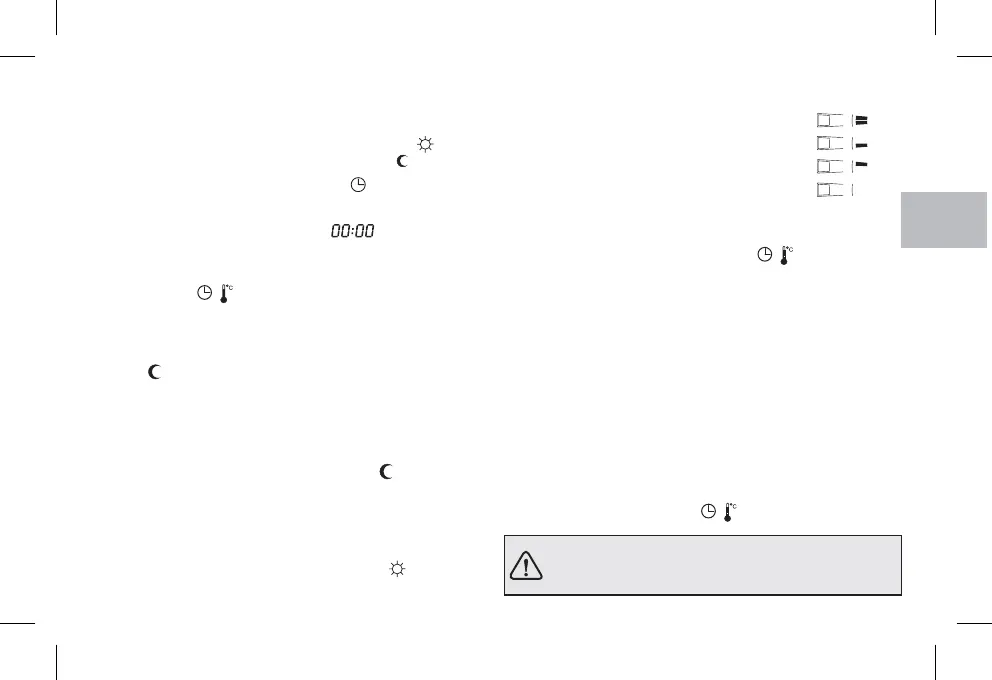
press and release to activate the entire hour
press and release to activate the first half hour
press and release to activate the second half hour
press and release to deactivate the entire hour
Copying the programme to other days (weekly model only)
After programming the day you can copy it (copy) onto the next
day by pressing simultaneously buttons and .
Day
If you want to set other programmes, choose the day with the
button then do the programming by pressing the key
(tappet) as described above.
Day
19
/
Note: When you finish programming or viewing, 5 seconds after last
pressing the button, the chronothermostat will automatically go into
the operating state (index of the current 1/2 h blinking).
It is possible at any time to pass from viewing the display of the
current time to the ambient temperature (degrees centigrade) and
vice versa, by briefly pressing the button.
/
Displaying programmes entered relating to the days of
the week (weekly model only)
Press and release the keyrepeatedly.Day
Caution! If the display shows the ambient temperature in
degrees Fahrenheit (e. g. ), set the scale to degrees
centigrade as described in chapter 15.
68 F


 To Next Page