Adjustment
12 - 25
12.08.02 Example of a parameter input
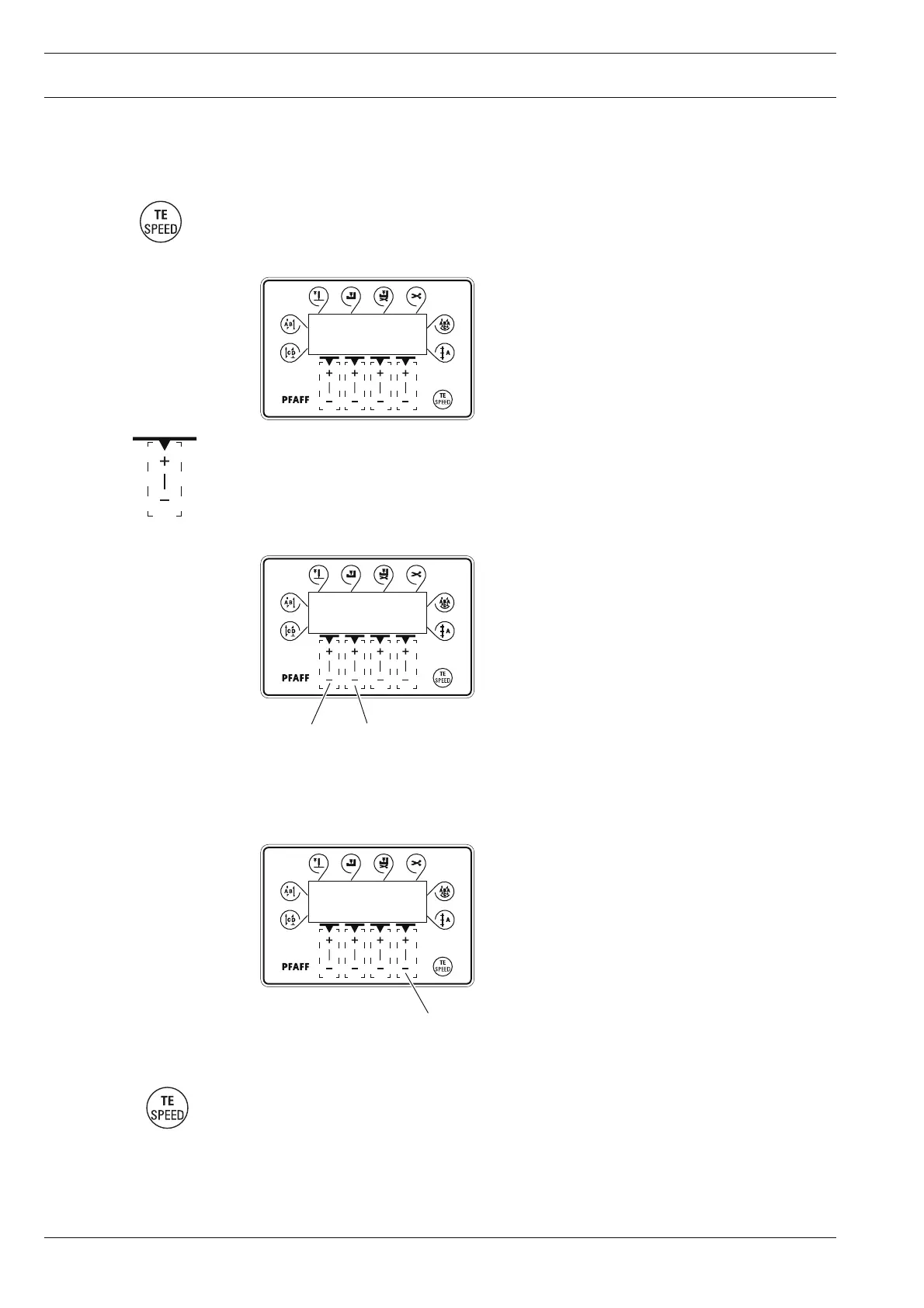
● Switch on the machine.
● Press the TE/Speed key twice to select the input mode.
2 x
● By pressing the corresponding plus/minus key select parameter "798" and the desired
user level, see Chapter 12.08.01 Selecting the user level.
● Select parameter "607" by pressing the corresponding +/- key.
TE
101 1
ABCD
● Select the required value for the maximum speed by pressing the corresponding +/- key.
● By pressing the TE/Speed key the selected value is taken over and the machine switches
to the sewing mode.
TE
607 3000
3
12
TE
798 1
A
A



 To Next Page