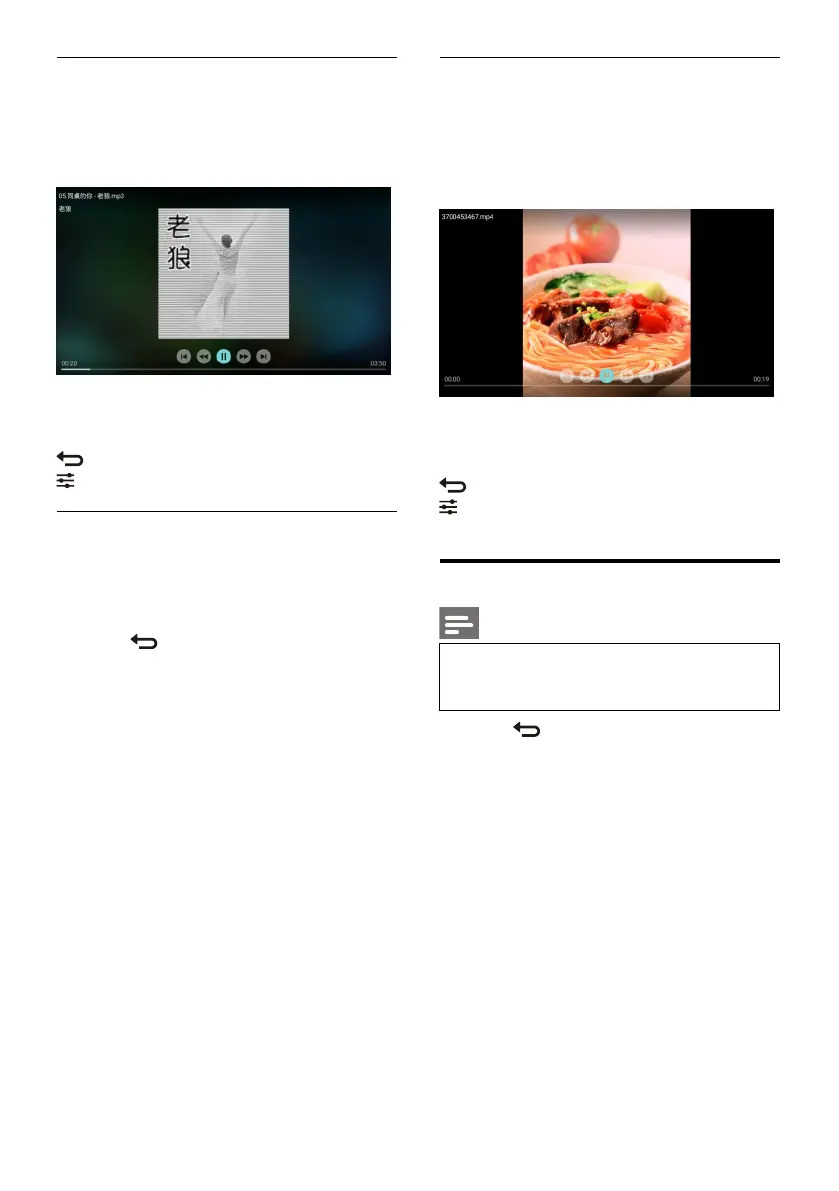
Listen to music
Select a folder or music in the browser page and
then press OK key to play. Change the music
play settings according to the instructions on the
screen.
/: Play/Pause music.
/: Fast Forward/Fast Backward.
I / I: Play the previous/next music.
: Return to the browser page.
: Set the music play mode.
Play music while watching pictures
You can play background music while watching
the pictures.
1. Select a music album.
2. Press OK key.
3. Press key to return to the main screen
of browser page.
4. Select a picture.
5. Press OK key to play the pictures.
WatchVideos
1. Select a folder or a video in the browser
page.
2. Press
OK
key to play a video. Change the
video play settings according to the
instructions on the screen.
/: Play/Pause video.
/: Fast Forward/Fast Backward.
I / I: Play the previous/next video.
: Return to the browser page.
: Set the video play options.
Remove USB Storage Device
Note
Please remove a USB storage device
according to the following steps to
prevent damage.
1. Press key to return to or quit the main
screen of browser page.
2. Wait for about 5 seconds and then remove
the USB storage device.






 To Next Page