- 47 -
o
Welcome Screen Configuration
will be able to manage the Welcome
Screen, see chapter ‘Manage Welcome
Screen’ for more details
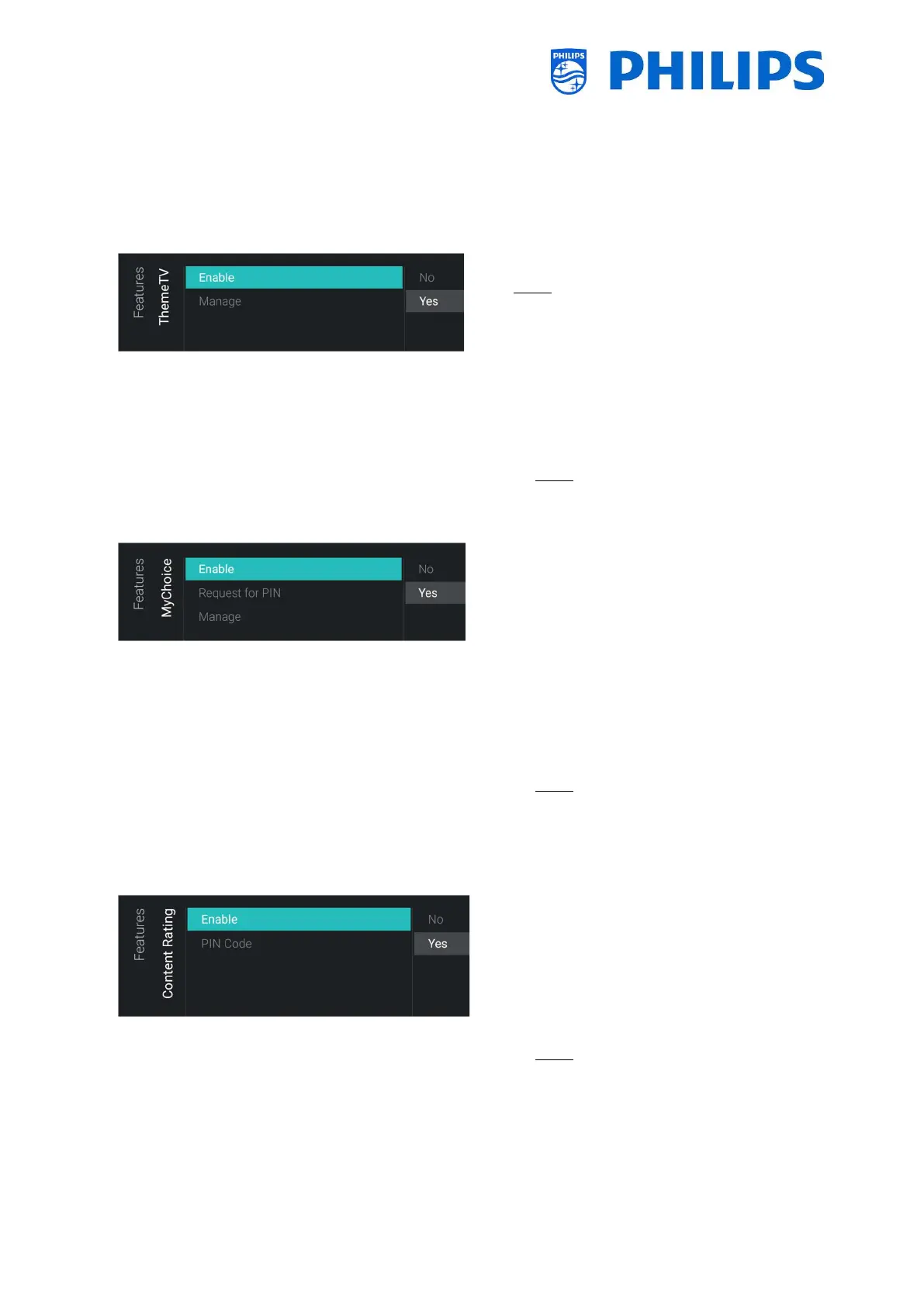
6.8.6 ThemeTV
o
Note: [ThemeTV] is only accessible when
[Dashboard] [Select Dashboard] is set to
[Philips Home]
o You will see below items:
o [Enable]: You can disable the ThemeTV
via [No] or enable via [Yes]
o [Manage]: You will be able to manage
the ThemeTV, see chapter ‘Manage
ThemeTV’ for more details
Note: [Manage] is only accessible when
[Enable] is set to [Yes]
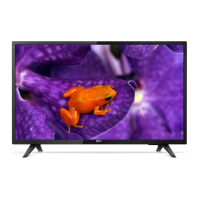
6.8.7 MyChoice
o
o You will see below items:
o [Enable]: You can enable MyChoice
using [On] or disable using [Off]
o [Request for PIN]: You can disable that
the PIN code is requested every time
the set is switched on until the validity
is expired via [No] or enable it via [Yes]
o [Manage]: You will be able to manage
MyChoice, see chapter ‘Manage
MyChoice’ for more details
Note: [Request for PIN] and [Manage]
are only accessible when [Enable] is set
to [On]
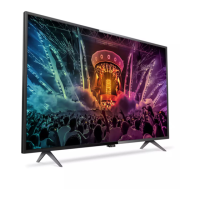
6.8.8 Content Rating
o
o You will see below items:
o [Enable]: You can enable the content
rating via [Yes] or disable via [No]
o [PIN Code]: You can set the pin code
that is needed to show the content
when you are on a rated channel
Note: By default, the PIN code is set to
8888




 To Next Page