BDL4988XC/49BDL3005X
26
• Menuitem{Correction time}Selectionitem{0.5, 1.0, 1.5, 2.0}hour
• Menuitem{Daylight saving}Selectionitem{on, off}
When“daylightsaving”is“on”,therealtimeclockwillbeadjusted
automaticallyatthedaylightsavingtime(e.g.April5,2015,02.00o’clock:
timewillbeset1hourlaterorOctober25,2015,02.00o’clock:time
willbeset1hourearlier).
Scheduling
Thisfunctionallowsyoutoprogramupto7differentscheduledtime
intervalsforthisdisplaytoactivate.
Youcanset:
• Whichinputsourcethedisplaywilluseforeachscheduled
activationperiod.
• ThetimeforthedisplaytoturnOnandturnOff.
• Thedaysinaweekforthedisplaytoactivate.
NOTES:
• Itisrecommendedthatyousetupthecurrentdateandtimeinthe
{Clock}menubeforeusingthisfunction.
• Afterchangingthe{Clock}optioninthe{General settings}menu,
youneedtosetthis{Scheduling}again.
Picture
Sound
Tiling
Network
General settings
Advanced
Help
Menu language
Monitor Group
Monitor ID
Eco mode
Auto search
Clock
Scheduling
Sleep timer
OneWire
Local KB lock
RC lock
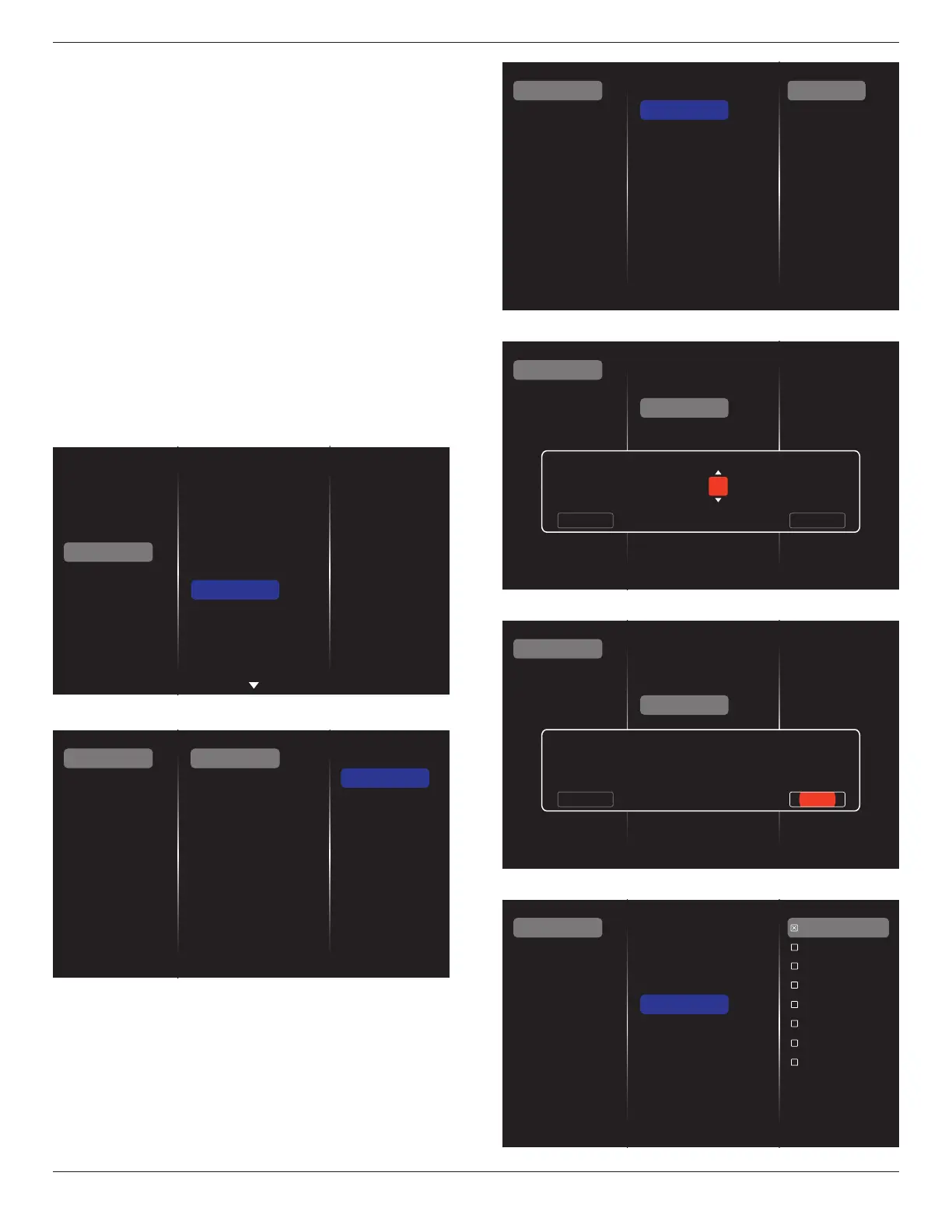
1. Upto7schedulescanbeset.Goto
Status
andselect
On
.
Status
Source
On time
Off time
Repeat modes
Playlist setting
Off
On
Schedule 1
Schedule 2
Schedule 3
Schedule 4
Schedule 5
Schedule 6
Schedule 7
2. Goto
Source
andselecttheinputsource.If{Source}
{USB}is
selected,youneedtosettheplayliist.If{Source}
{BROWSER}is
selected,youneedtosettheURLaddress.
NOTE: If{Source}
{Autoplay}isselected,youneedtocreatea
foldernamed“
philips
”
intherootdirectoryoftheUSBand
placetheles(picturesorvideos)todisplayinthatfolder.
Status
Source
On time
Off time
Repeat modes
Playlist setting
Schedule 1
Schedule 2
Schedule 3
Schedule 4
Schedule 5
Schedule 6
Schedule 7
Slideshow durations
USB playlist
HDMI 1
HDMI 2
DisplayPort
Card OPS
DVI-D
YPbPr
AV
VGA
Internet
SmartCMS
3. Set
On time
.
Status
Source
On time
Off time
Repeat modes
Playlist setting
Schedule 1
Schedule 2
Schedule 3
Schedule 4
Schedule 5
Schedule 6
Schedule 7
On time
Cancel Done
00 : 00
4. Set
Off time
.
Status
Source
On time
Off time
Repeat modes
Playlist setting
Schedule 1
Schedule 2
Schedule 3
Schedule 4
Schedule 5
Schedule 6
Schedule 7
Off time
Cancel
14 : 00
Done
5. Goto
Repeat modes
andselecttherepeatmode.
Status
Source
On time
Off time
Repeat modes
Playlist setting
Schedule 1
Schedule 2
Schedule 3
Schedule 4
Schedule 5
Schedule 6
Schedule 7
No repeat
Every Sunday
Every Monday
Every Tuesday
Every Wednesday
Every Thursday
Every Friday
Every Saturday















 To Next Page