75BDL3050Q
37
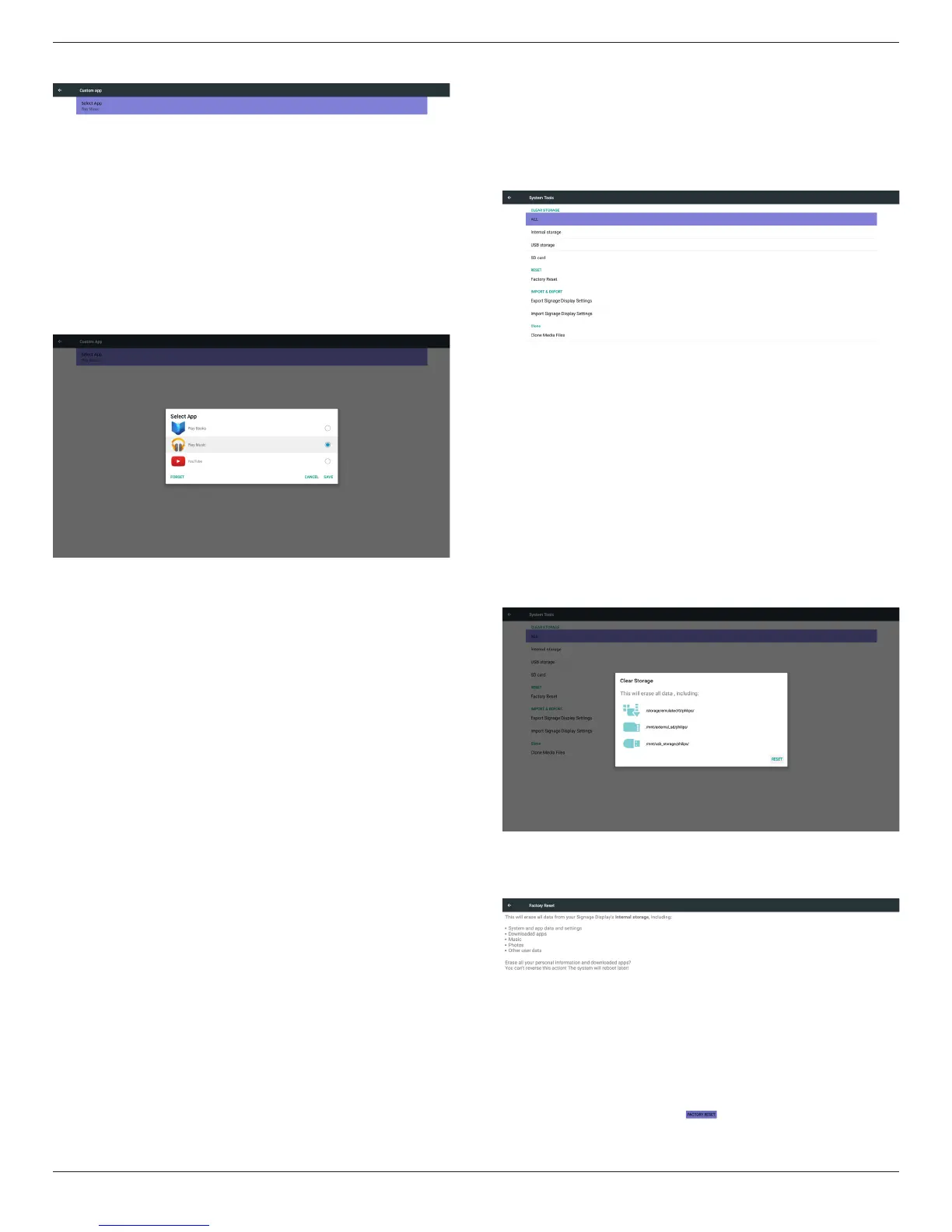
Aftersetup,itwillshowAppname
Case2.SetupCustomApp.(thereisacheckedcircleonright)
5.5.4. Security
1. ExternalStorage
Enable:SDcard/USBExternalStorageLock.
Disable:SDcard/USBExternalStorageUnlock.
Note:
Mustre-plugSDcard/USBExternalStorageafterunlockthe
externalstorage.
5.5.5. Other
(1)TeamViewerSupport
Enable/DisableTeamViewersupport.
(2)PlatformWebAPI
Enable/DisablePlatformWebAPI.
5.6. System Tools
Systemtools4mainfunctions:
(1)ClearStorage
(2)FactoryReset
(3)Import&Export
(4)CloneMediaFiles
5.6.1. Clear Storage
ThepurposeistoclearalldatainPhilipsfolders.
Dividedinto4mode:
(1)ClearallPhilipsfolders
(2)OnlyclearPhilipsfolderunderInternalstorage.
(3)OnlyclearPhilipsfolderunderUSBstorage.
(4)OnlyclearPhilipsfolderunderSDcard.
Pop-upthewindowtodisplayallfolderswhichcanbeclear.
5.6.2. Factory Reset
FactoryResetcanrecovertoFactorydefaultsettings.










 To Next Page