- 22 -
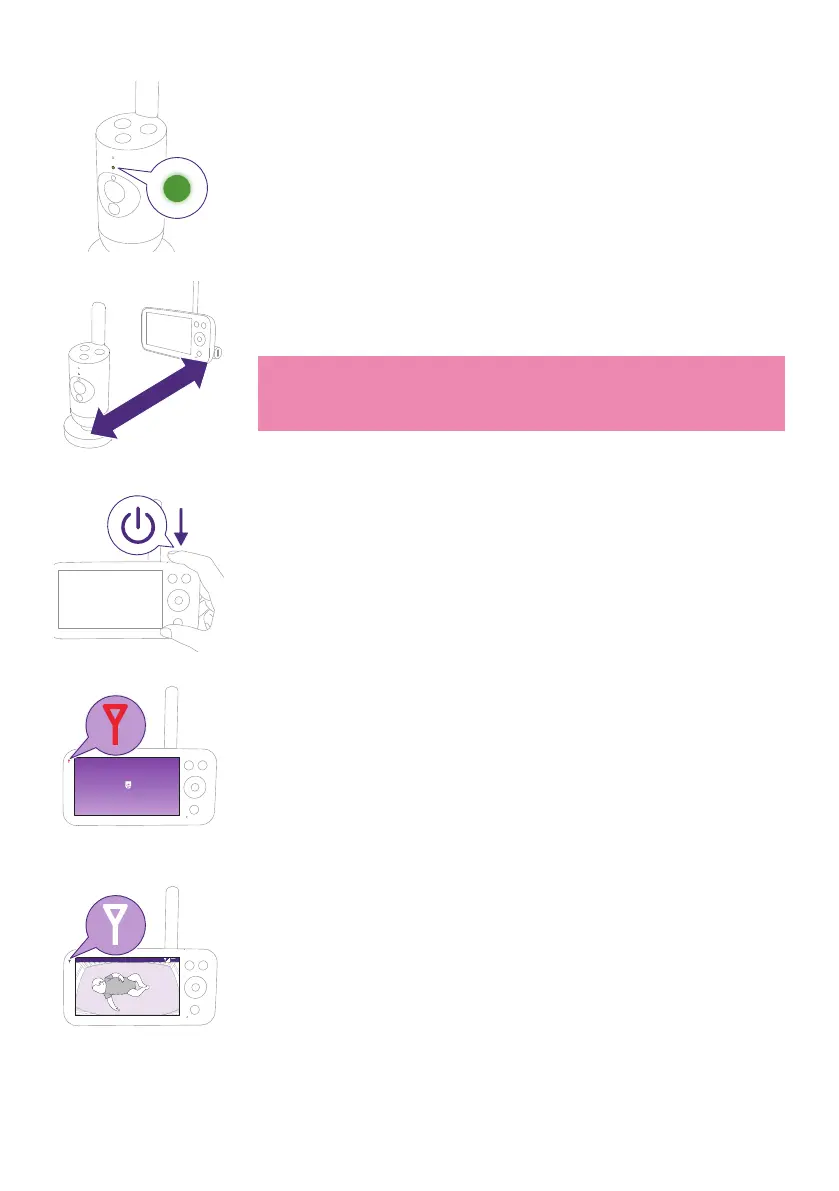
3 The status light will change to green when the Baby Unit is ready to
pair�
>2.5m / 8.2 ft
4 Make sure that the Parent Unit and the Baby Unit are at least
2.5meters / 8.2 feet away from each otherto avoid acoustic feedback.
Note: If you use a cordless phone, wireless video, Wi-Fi network,
microwave oven or Bluetooth device on 2.4GHz and you might
experience interference on either the Parent Unit or Baby Unit, move
the Parent Unit until there is no more interference�
5 Press the On/O button for 1.5seconds to turn on the Parent Unit.
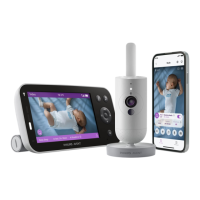
Philips Avent Baby Monitor
The display turns on, the Philips shield appears on the display and the
link light turns red� The Parent Unit starts to search for the Baby Unit�
Video 68.5
o
F
When the Parent Unit and Baby Unit are linked, the link light turns
white on the Parent Unit and one or more signal strength bars appear
on the display�











 To Next Page