- 25 -
SenseIQ
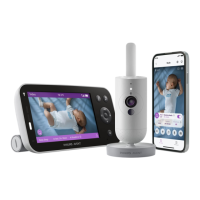
Philips Avent Premium Connected Baby Monitor with SenseIQ technology
analyzes every movement and breath to give parents the clearest
picture into their baby's wellbeing. Intuitive and wearable-free, SenseIQ
technology produces real-time breath and sleep status updates, so
parents can rest easy knowing they'll always be connected, and their baby
is safe and sound�
To activate SenseIQ, please download the Baby Monitor+ app (see the
''Download the Baby Monitor+ app'' chapter) and follow the steps in the
app to turn it on�
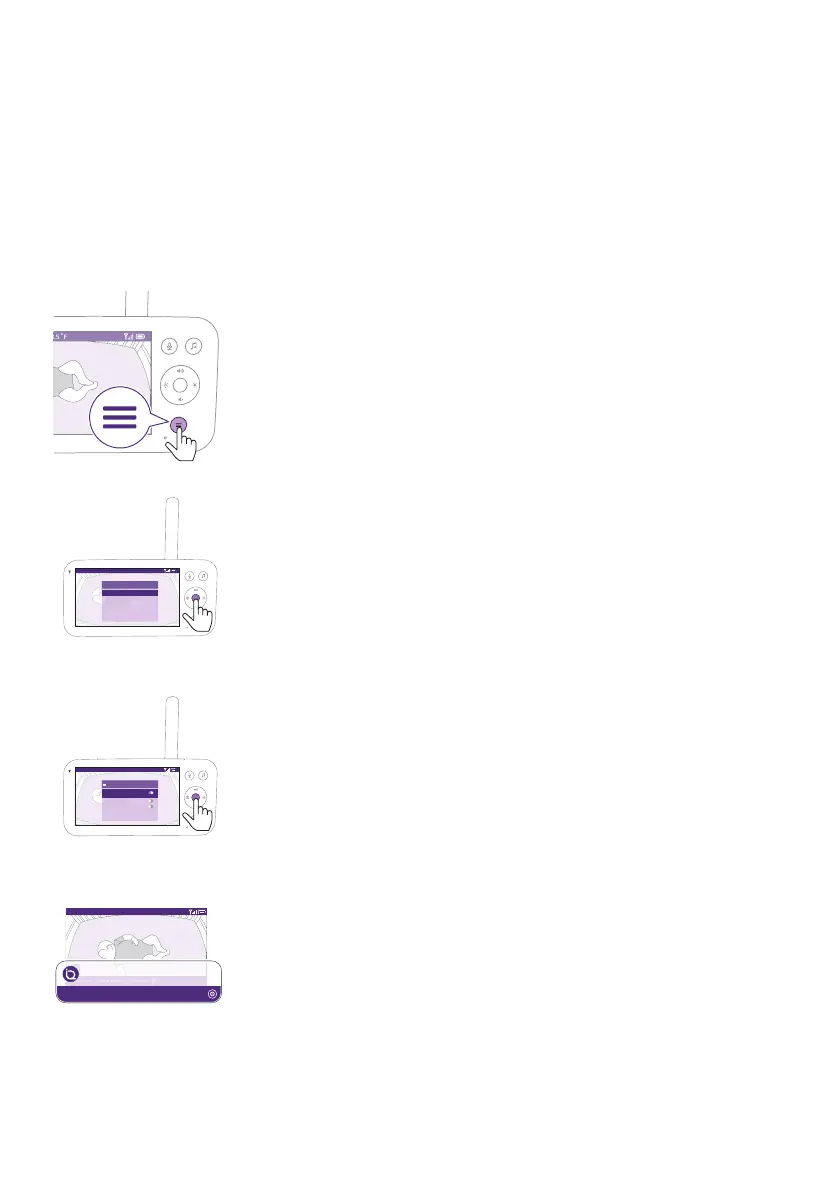
1 Press the menu button on the bottom right of the Parent Unit�
Video 68.5
o
F
>
SenseIQ
Cry translation
Connection to Baby Unit
Nightlight
Zoom
Menu
2 Select ''SenseIQ'' and press the conrm button to access the SenseIQ
feature�
Video 68.5
o
F
On/Off
SenseIQ can only be unlocked once
App is installed
No signal alert
Active/Awake alert
Active/Awake alert delay Off
SenseIQ
Video
Active/awake In bed: 1hr 33min 30 Breath/m
68.5
o
F
Video
Active/awake In bed: 1hr 33min 30 Breath/m
20.3
o
C
3 Press the conrm button to set the SenseIQ feature on or o.
The display shows the sleep stage, in bed duration, and average
breathing rate in the bottom bar�











 To Next Page