User Manual BDL3215E / BDL4225E
15
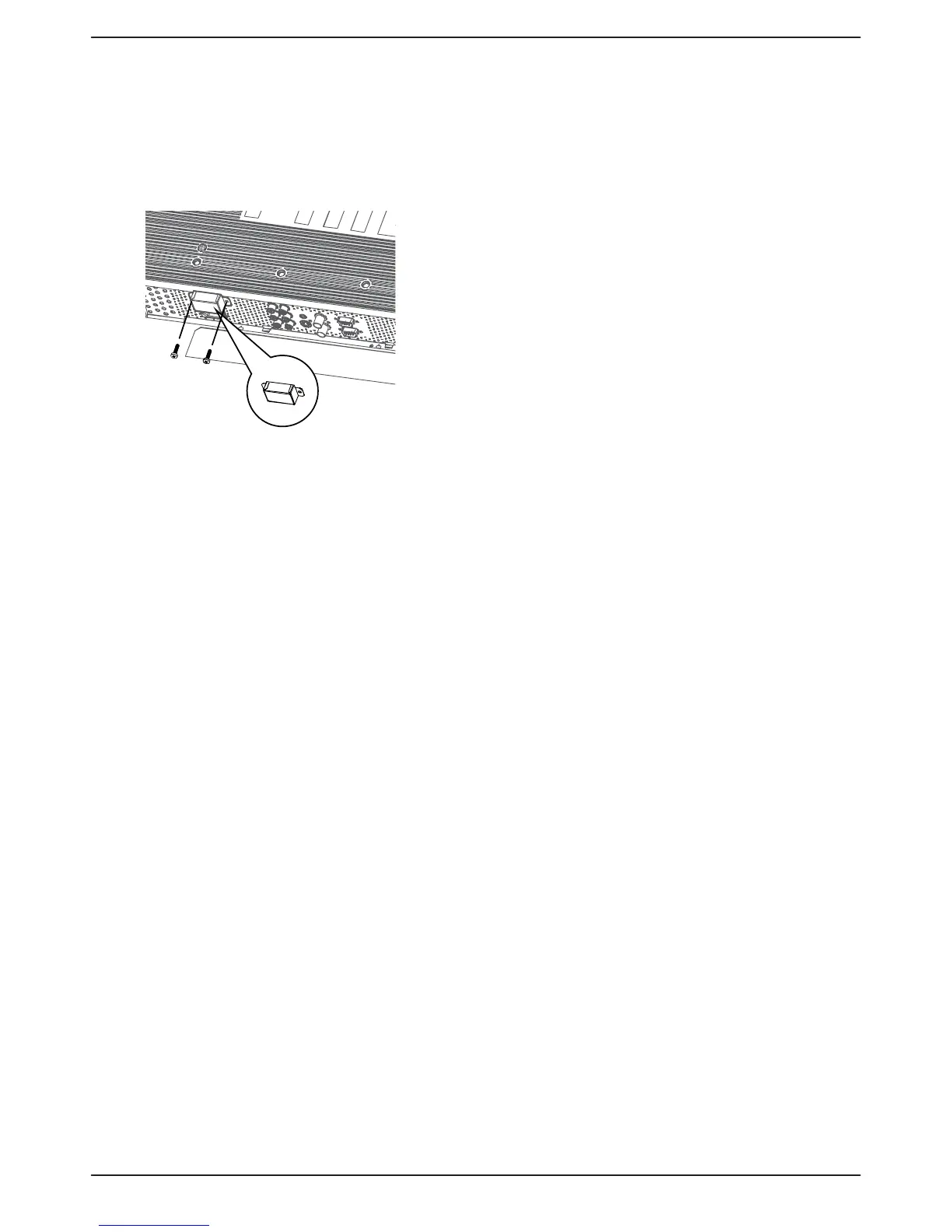
To prevent the main power 11.
switch from being changed
To prevent the possibility of main power switch being carelessly
pushed, please attach the main switch cover (accessory) onto
it.
NOTE:
Remove main power switch cover to turn off the display.
Screw
Main switch cover











 To Next Page