User Manual BDL3215E / BDL4225E
24
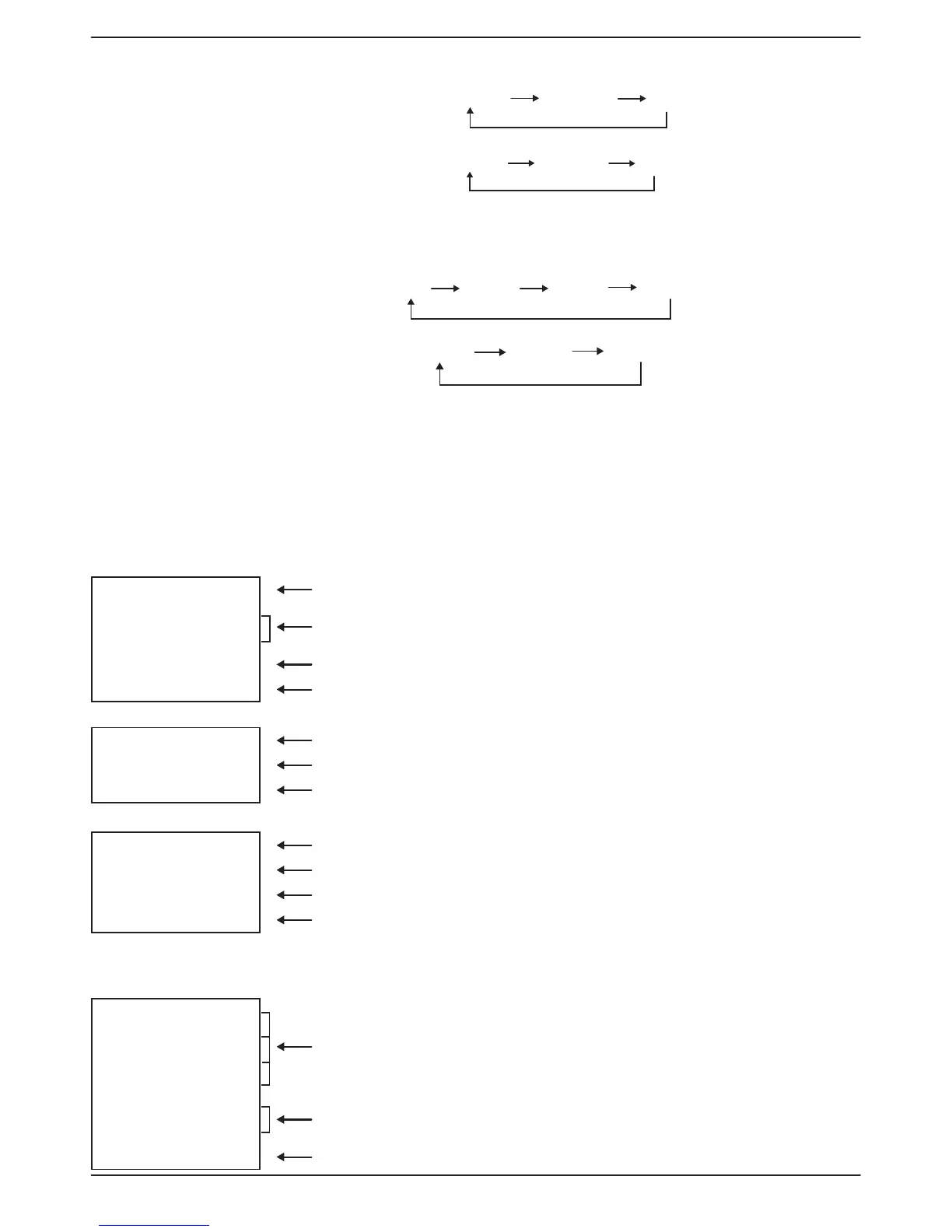
Smart Picture Mode
HDMI, VGA DVI-D
VGA (BNC)
HIGHBRIGHT STANDARD
sRGB
COMPONENT, VIDEO,
S-VIDEO
HIGHBRIGHT STANDARD
CIMEMA
Audio Source Switching
You can select audio source by using the AUDIO SOURCE button on the remote control.
HDMI
HDMI
AUDIO1
AUDIO2
AUDIO3
Other than HDMI
AUDIO1
AUDIO2
AUDIO3
Control Lock Mode
This function disables the operation of all local keyboard buttons on TV. When Control lock mode is activated, all adjustments via local
keyboard buttons will not work.
To disable the buttons, press and hold down the CH+ and CH- buttons together for at least 3 seconds.
To enable the buttons, press and hold down the CH+ and CH- buttons together for at least 3 seconds again.
OSD Information
HDMI, VGA, VGA (BNC), DVI-D
VGA Video Source
1024 x 768
Input signal Information
48kHz 60Hz
AUDIO : 1
Audio Source
SIZE : FULL
Picture Size
COMPONENT
COMPONENT Video Source
AUDIO : 3
Audio Source
SIZE : FULL
Picture Size
S-VIDEO, VIDEO
S-VIDEO Video Source
NTSC
Color System of Input Signal
AUDIO :3
Audio Source
SIZE : NORMAL
Picture Size
PIP or POP
Main: VGA / Sub: S-VIDEO
VGA
Main picture Information
1024 x 768
48kHz 60Hz
AUDIO : 1
S-VIDEO
Sub picture Information
NTSC
SIZE : FULL
Main picture Information










 To Next Page