User Manual BDL3215E / BDL4225E
34
Main-Menu
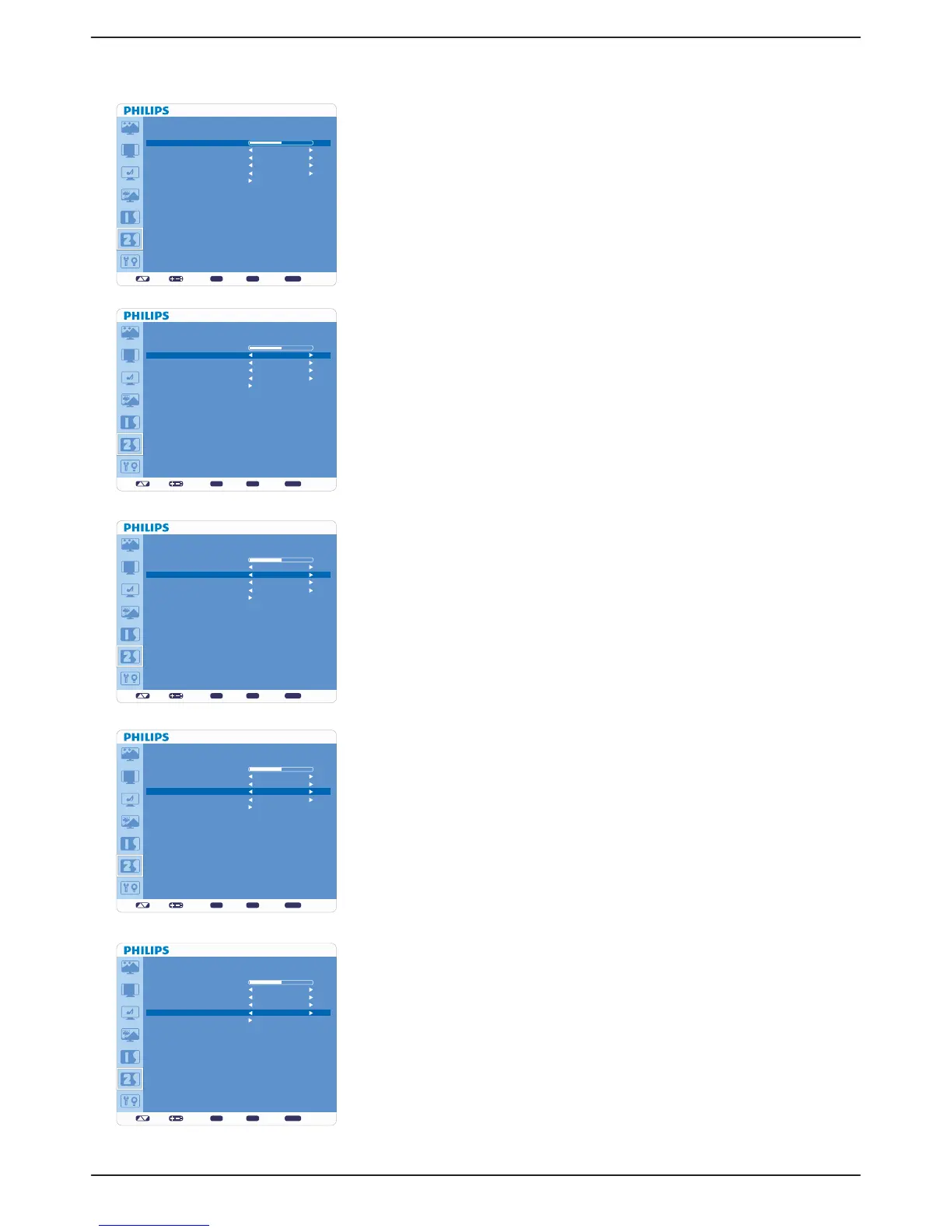
CONFIGURATION 2
Ê OSD TURN OFF
OSD control menu will stay on as long as it is activated. In the OSD Turn Off v
submenu, you can select how long the monitor waits after the last touch of a
button to shut off the OSD control menu.
The preset choices are 5 -120 seconds.v
Ê INFORMATION OSD
Sets the display of OSD information.v
The information OSD will display when input signal or source change or warning v
message like as no-signal or out-of range.
A time bar between 1 to 10 seconds is available.v
Ê SLEEP TIMER
Sets “SLEEP TIMER” mode ON/OFF.v
In “SLEEP TIMER” menu, you can preset the monitor to automatically power v
off.
A time bar between 1 to 24 hours is available.v
Ê OSD H POSITION
Adjusts the horizontal position of the OSD menu.
Ê OSD V POSITION
Adjusts the vertical position of the OSD menu.
set: exit: menu:
CONFIGURATION 2
OSD TURN OFF
INFORMATION OSD
SLEEP TIMER
OSD H POSITION
OSD V POSITION
MONITOR INFORMATION
Sel Adjust Enter BACK Quit
OFF
10
50
50
50
set: exit: menu:
CONFIGURATION 2
OSD TURN OFF
INFORMATION OSD
SLEEP TIMER
OSD H POSITION
OSD V POSITION
MONITOR INFORMATION
Sel Adjust Enter BACK Quit
OFF
10
50
50
50
set: exit: menu:
CONFIGURATION 2
OSD TURN OFF
INFORMATION OSD
SLEEP TIMER
OSD H POSITION
OSD V POSITION
MONITOR INFORMATION
Sel Adjust Enter BACK Quit
OFF
10
50
50
50
set: exit: menu:
CONFIGURATION 2
OSD TURN OFF
INFORMATION OSD
SLEEP TIMER
OSD H POSITION
OSD V POSITION
MONITOR INFORMATION
Sel Adjust Enter BACK Quit
OFF
10
50
50
50
set: exit: menu:
CONFIGURATION 2
OSD TURN OFF
INFORMATION OSD
SLEEP TIMER
OSD H POSITION
OSD V POSITION
MONITOR INFORMATION
Sel Adjust Enter BACK Quit
OFF
10
50
50
50












 To Next Page