User Manual BDL3215E / BDL4225E
33
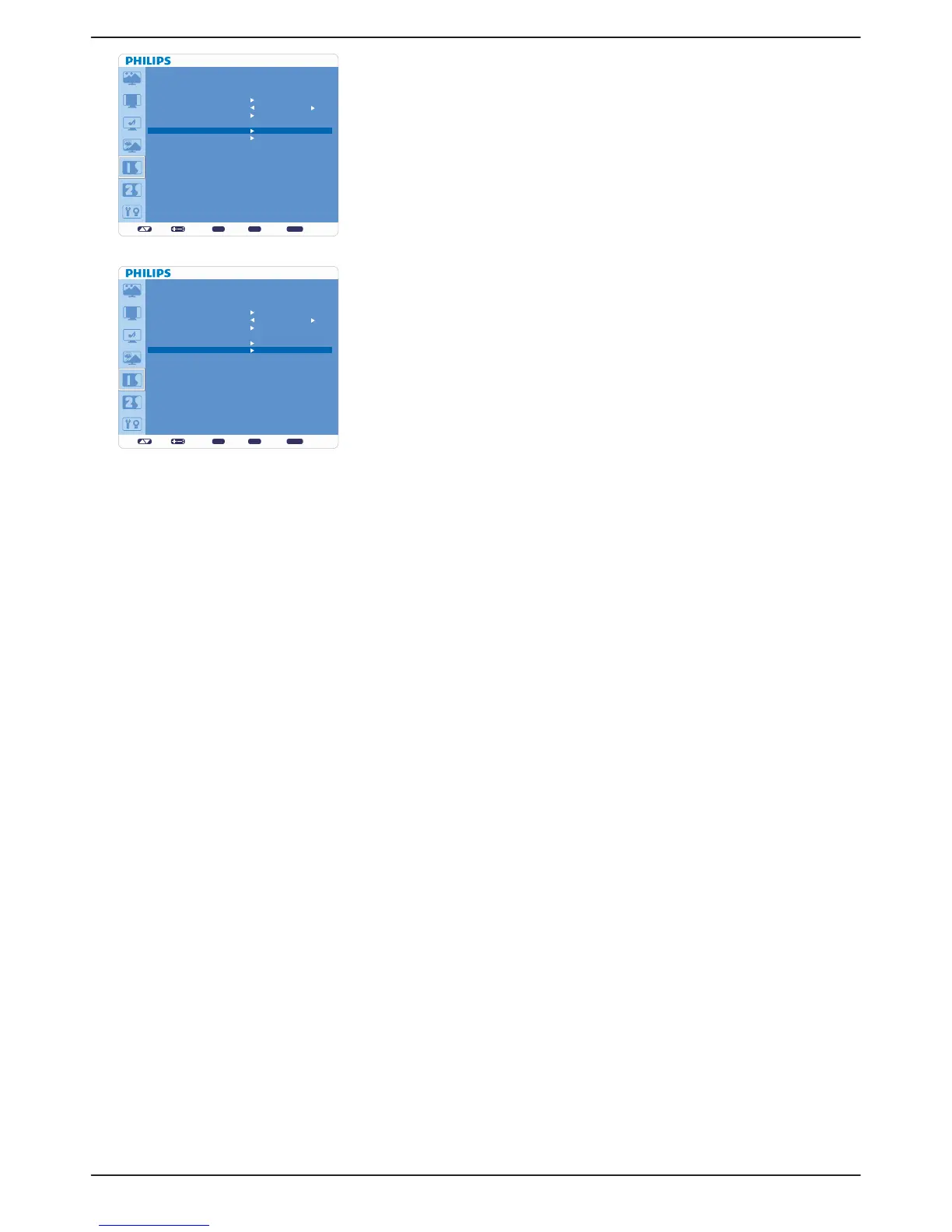
Ê CONFIGURATION RESET
Selecting “CONFIGURATION RESET” allows you to reset all configuration v
settings.
Select “Yes” and press “SET” button to restore the factory preset data.v
Press “EXIT” button to cancel and return the previous menu.v
Ê FACTORY RESET
Selecting “YES” allows you to reset “PICTURE”, “SCREEN”, “AUDIO”, v
“CONFIGURATION 1”, “CONFIGURATION 2” and “ADVANCED OPTION”
back to factory settings (except “LANGUAGE”, “DATE AND TIME” and
“SCHEDULE”).
Select “YES” and press “SET” button to restore the factory preset data. v
Press “EXIT” button to cancel and return the previous menu.v
set: exit: menu:
CONFIGURATION 1
AUTO ADJUST
POWER SAVE
LANGUAGE
PANEL SAVING
COLOR SYSTEM
CONFIGURATION RESET
FACTORY RESET
Sel Adjust Enter BACK Quit
ENGLISH
set: exit: menu:
CONFIGURATION 1
AUTO ADJUST
POWER SAVE
LANGUAGE
PANEL SAVING
COLOR SYSTEM
CONFIGURATION RESET
FACTORY RESET
Sel Adjust Enter BACK Quit
ENGLISH












 To Next Page