23
The handset displays a confirmation »
request.
3 Press [OK] to confirm.
All records are deleted. »
Note
The phonebook only saves new number. •
Tip
Press and hold • to insert a pause.
Your new record is saved. »
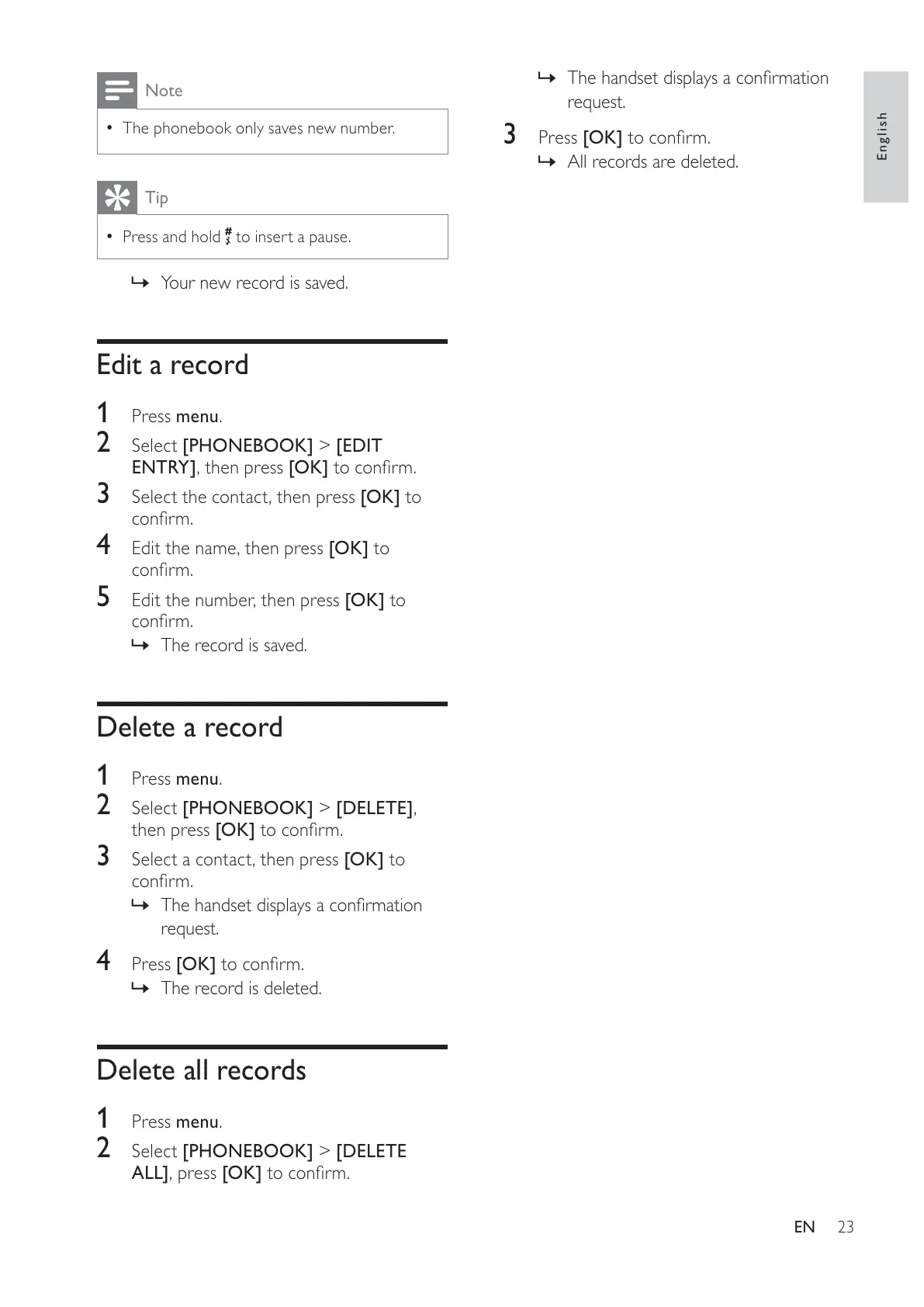
Edit a record
1
Press menu.
2 Select [PHONEBOOK] > [EDIT
ENTRY], then press [OK] to confirm.
3 Select the contact, then press [OK] to
confirm.
4 Edit the name, then press [OK] to
confirm.
5 Edit the number, then press [OK] to
confirm.
The record is saved. »
Delete a record
1
Press menu.
2 Select [PHONEBOOK] > [DELETE],
then press [OK] to confirm.
3 Select a contact, then press [OK] to
confirm.
The handset displays a confirmation »
request.
4 Press [OK] to confirm.
The record is deleted. »
Delete all records
1
Press menu.
2 Select [PHONEBOOK] > [DELETE
ALL], press [OK] to confirm.
English
EN



 To Next Page