13
7 Red wire The +12V power
terminal which is live in
the accessory (ACC)
position of the ignition
switch
If there is no accessory
position, connect to
the +12V car battery
terminal that is always
live. Be sure to connect
the black ground
(earth) lead to a metal
surface of the car fi rst.
8 Green and
green/black
wires
Left speaker (Rear)
9 White and
white/black
wires
Left speaker (Front)
10 Gray and
gray/black
wires
Right speaker (Front)
11 Purple and
purple/
black wires
Right speaker (Rear)
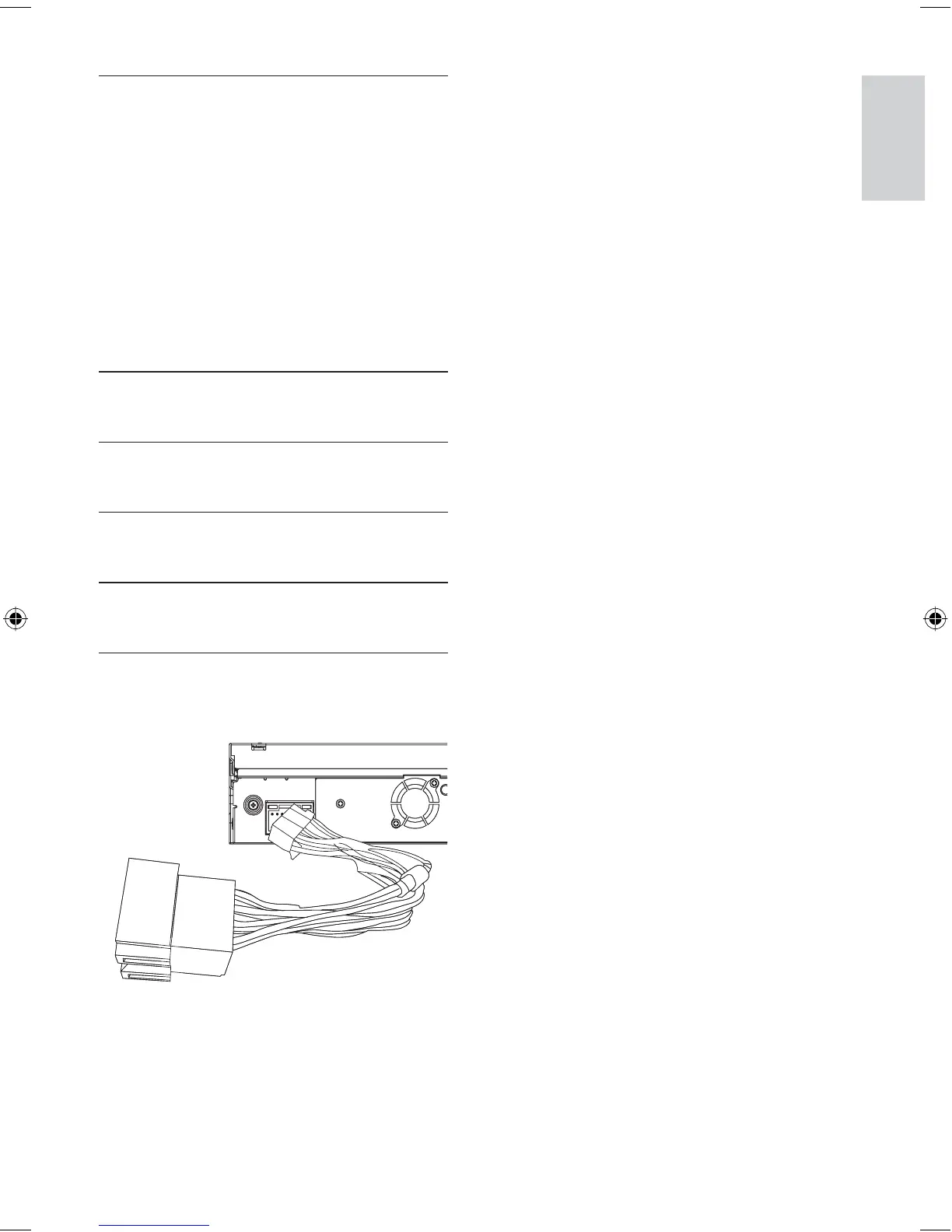
3 Connect the supplied standard connector
to the unit.
If necessary, do the other connections.
(See the last step in section Connect
wires: ISO connector )
•
•
•
Connect wires: ISO connectors
English
EN
EN.indd Sec1:13EN.indd Sec1:13 2008-11-14 13:23:002008-11-14 13:23:00



 To Next Page