'Night mode'
Night mode optimizes the sound dynamics at low voiume_ This causes less disturbance in quiet
environments. This setting only functions with Dolby Digital Audio on DVDs.
Language settings
You can select the following settings in this menu:
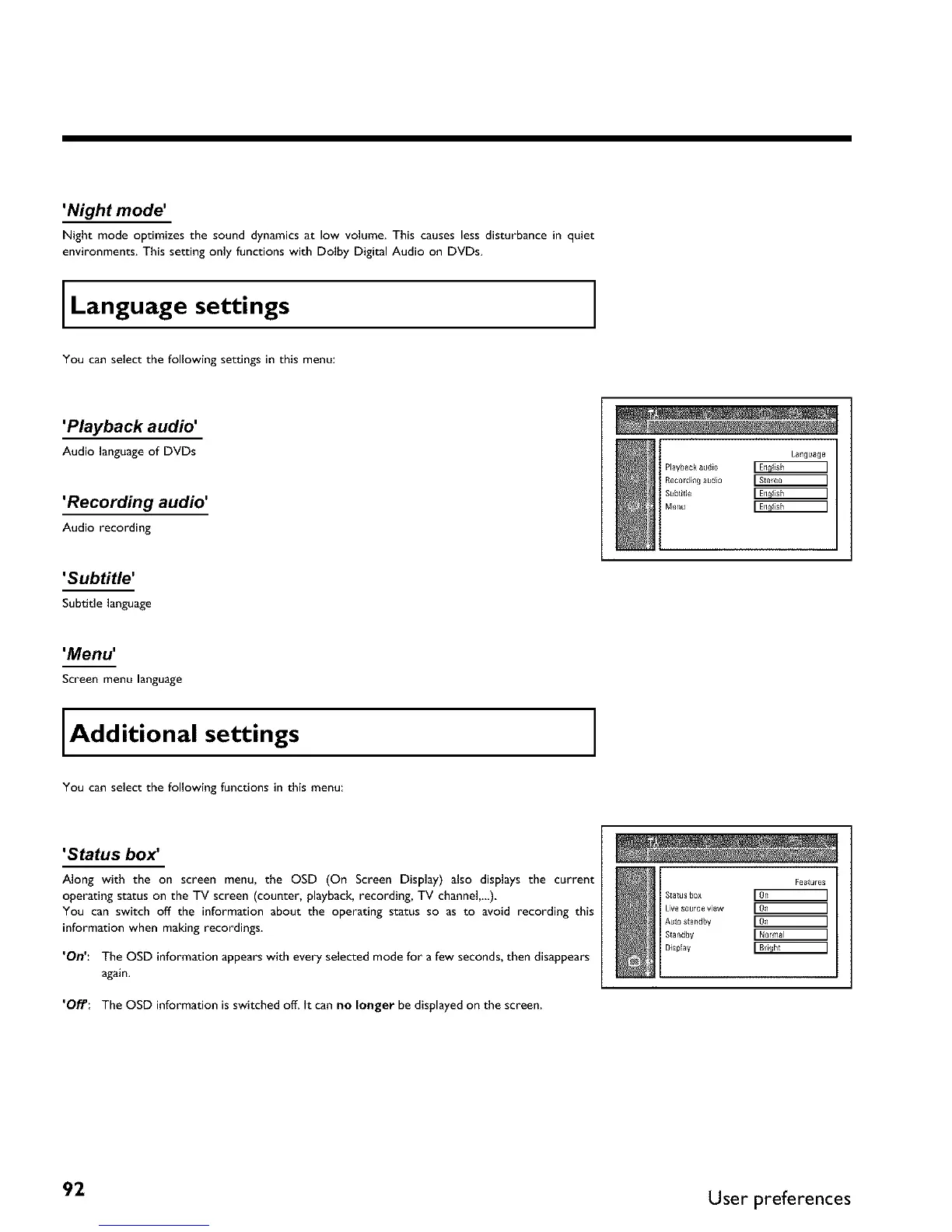
'Playback audio'
Audio language of DVDs
'Recording audio'
Audio recording
Language
Playback audio
Recordin_ audi0 [Stereo ]
Subtitle
Menu
'Subtitle'
Subtitle language
'Menu'
Screen menu language
Additional settings
You can select the following functions in this menu:
'Status box _
Along with the on screen menu, the OSD (On Screen Display) also displays the current
operating status on the TV screen (counter, playback, recording, TV channeL_),
You can switch off the information about the operating status so as to avoid recording this
information when making recordings,
'On': The OSD information appears with every selected mode for a few seconds, then disappears
again.
'Of/': The OSD information isswitched off_ It can no longer be displayed on the screen_
Features
S[atusb0x
Livesource view
Autostandby
Standby [Normal ]
BispEay
92 User preferences



 To Next Page