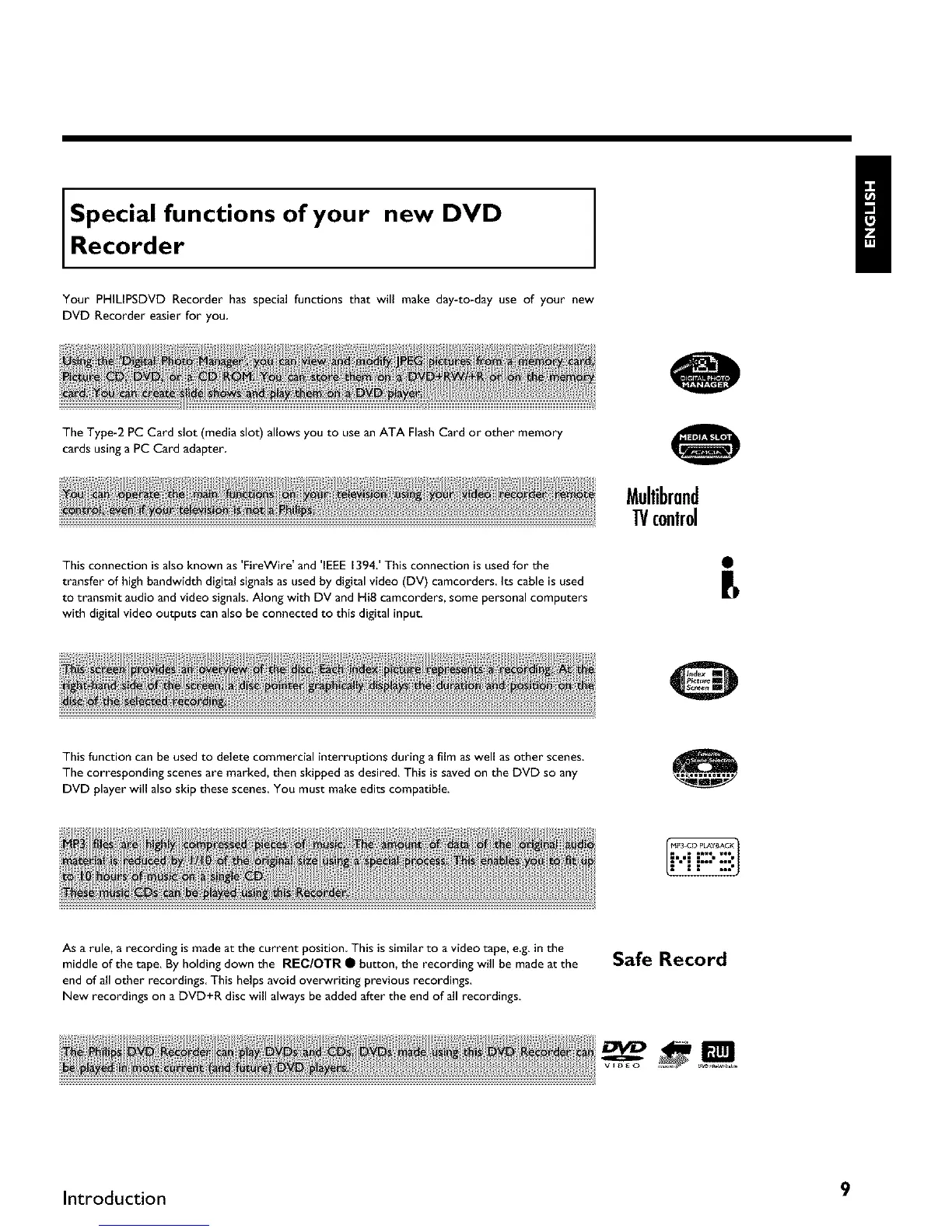
Special functions of your new DVD
Recorder
Your PHILIPSDVD Recorder has special functions that will make day-to-day use of your new
DVD Recorder easier for you
The Type-2 PC Card slot (media slot) allows you to usean ATA FlashCard or other memory
cards usinga PC Card adapter
Mullibrand
1!/c0nlr01
This connection is also known as 'FireWire' and 'IEEE 1394.' This connection is used for the
transfer of high bandwidth digital signals as used by digital video (DV) camcorders, Its cable is used
to transmit audio and video signals. Along with DV and HiE camcorders, some personal computers
with digital video outputs can also be connected to this digital input,
This function can be usedto delete commercial interruptions during a film as well as other scenes.
The corresponding scenes are marked, then skipped asdesired. This issaved on the DVD so any
DVD player will alsoskip these scenes.You must make edits compatible.
As a rule, a recording is made at the current position. This is similar to a video tape, e.g. in the
middle of the tape. By holding down the REC/OTR • button, the recording will be made at the
end of all other recordings This helps avoid ove_riting previous recordings.
New recordings on a DVD+R disc will always be added after the end of all recordings
Safe Record
B
Introduction 9



 To Next Page