Disc settings
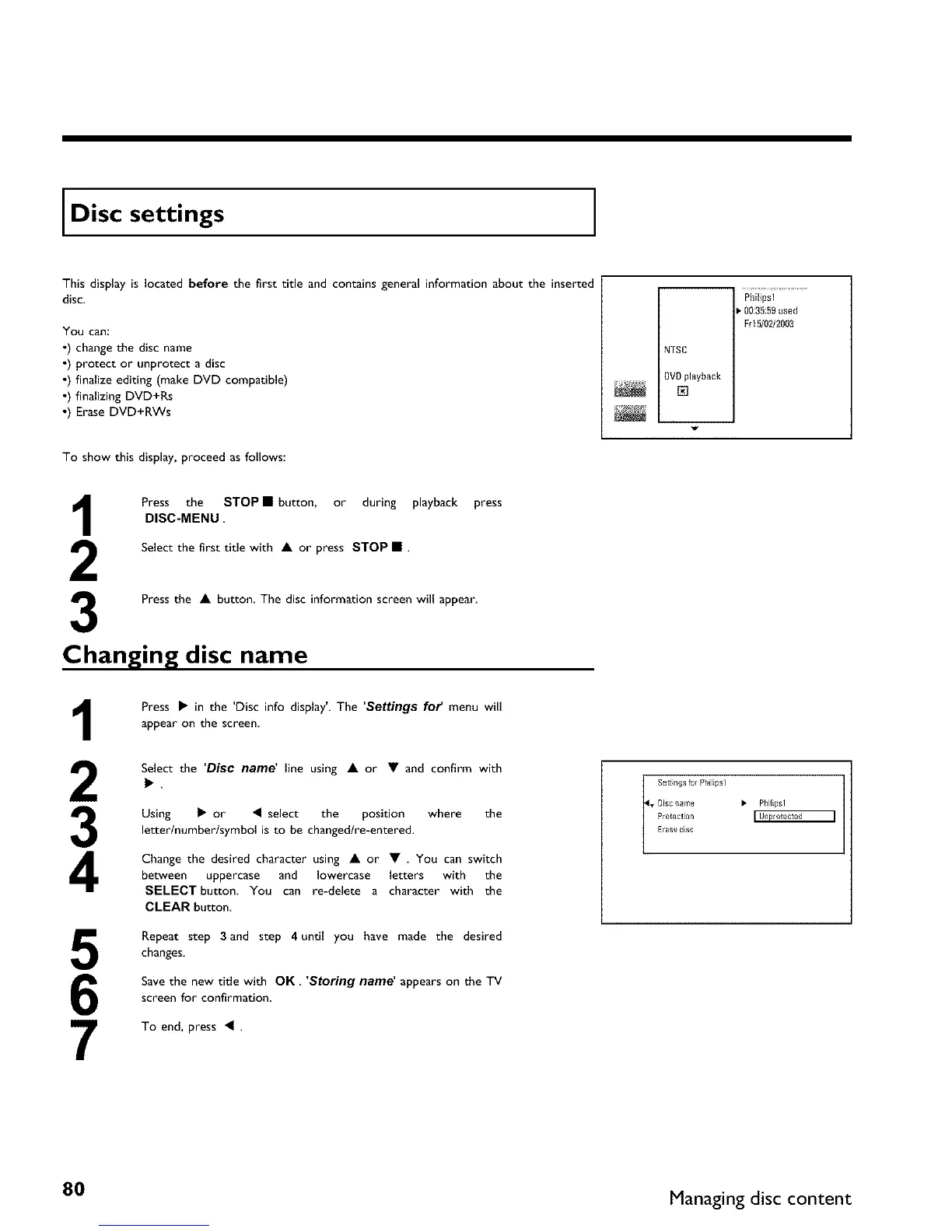
This display is located before the first title and contains general information about the inserted
disc.
You can:
•) change the disc name
•) protect or unprotect a disc
•) finalize editing (make DVD compatible)
•) finalizing DVD+Rs
•) Erase DVD+RWs
Philipsl
0035:59used
Frl5/02/2003
NTSC
DVDplayback
r_
To show this display, proceed as follows:
Press the STOP • button, or during playback press
DISC-MENU.
Select the first title with • or press STOP • .
3
Press the • button The disc information screen will appear.
Changing disc name
1
2
3
4
5
6
7
Press • in the 'Disc info display'. The 'Settings for' menu will
appear on the screen,
Select the 'Disc name' line using • or • and confirm with
Using • or _I select the position where the
letter/number/symbol is to be changed/re-entered.
Change the desired character using • or • . You can switch
between uppercase and lowercase letters with the
SELECT button You can re-delete a character with the
CLEAR button
Repeat step 3and step 4 until you have made the desired
changes.
Save the new title with OK. 'Storing name' appears on the TV
screen for confirmation
To end, press _I .
t Settings for Philipsl
• Disc ilame I, PhHipsl
Protection
Erase dlsc
80 Managing disc content



 To Next Page