Finalizing DVD+R discs
This function is necessary so that a DVD+R can be played in a DVD player. When this function
is completed, no further recordings or changescan be made to the disc.
3
4
Press • in the 'Disc info display'. The 'Settings fop menu will
appear on the screen
Select 'Finalize disc' using • or • and confirm with OK,
X " . .
Finalze disc does not appear n the display,
¢_ Either no DVD+R was inserted or the disc has already been finalized,
To end, press SYSTEM-MENU.
x The 'Settings for_ menu does not appear
If the disc was made on another DVD recorder, it is possible that this
menu cannot be opened. In this case, use the 'Finalize disc' function
in the 'T_' menu, submenu 'Features'.
'This will take.,.' will appear on the screen to show how long
this process will last.
To confirm, press OK. 'Working.,.' will appear on the screen A
bar moving from left to right will show the progress of the
editing process,
Problem
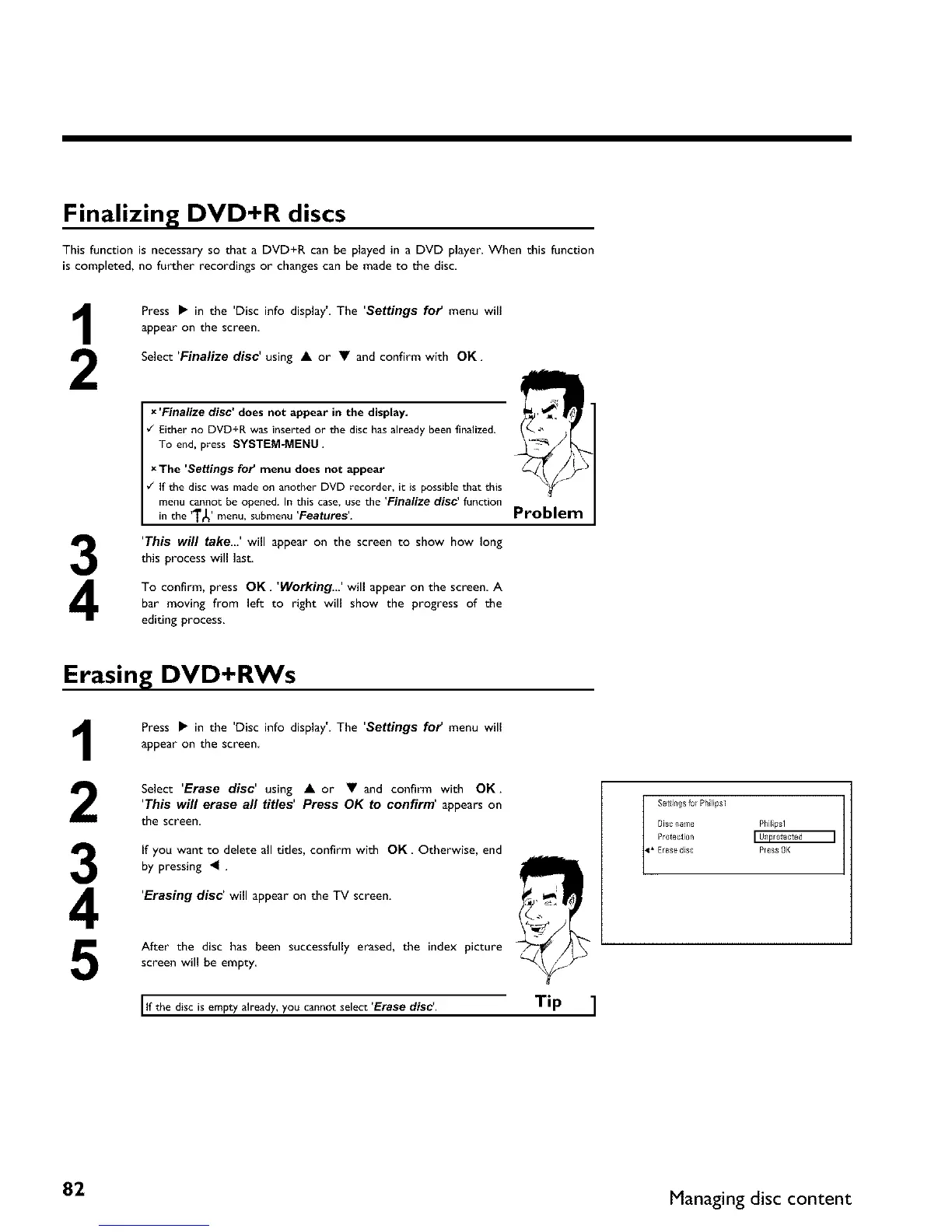
Erasing DVD+RWs
1 Press • in the 'Disc info display'. The 'Settings fop menu will
appear on the screen
Select 'Erase disc' using • or • and confirm with OK, ["
'This will erase all titles' Press OK to confirm' appearson
l
the screen,
'Erasing disc' will appear on the TV screen.
After the disc has been successfully erased, the index picture
screen will be empty
I l ,
If the disc is empty already, you cannot select Erase disc.
Tip ]
Settings for Philipsl
Disc name Phillpsl
Protection
_1_ Eras_ dlsc Pfe_s OK
82 Managing disc content



 To Next Page