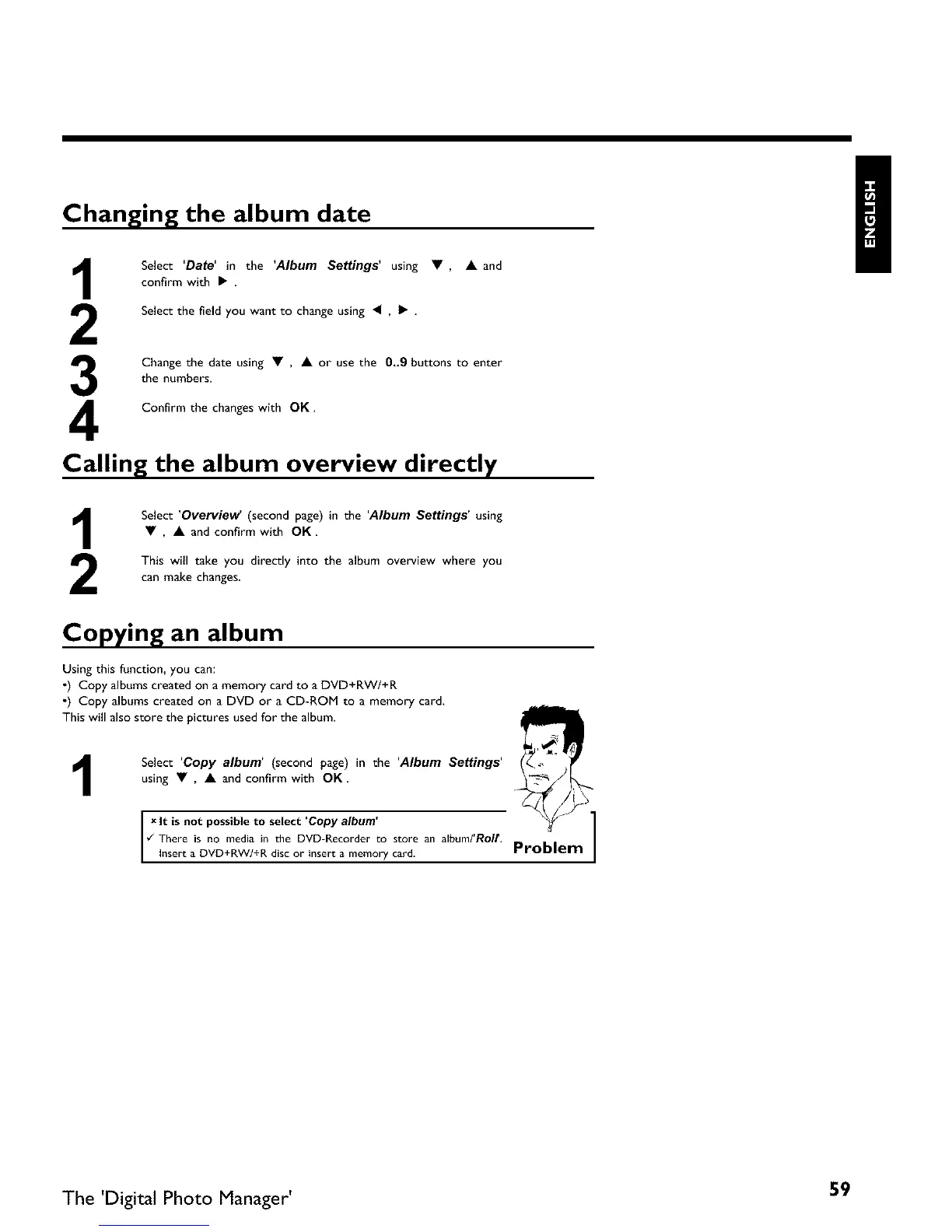
Changing the album date
3
4
Select 'Date' in the 'Album Settings' using •, • and
confirm with •
Select the field you want to change using • , • •
Change the date using • , • or use the 0,,9 buttons to enter
the numbers•
Confirm the changes with OK•
Calling the album overview directly
Select 'Overview (second page) in the 'Album Settings' using
• , • and confirm with OK
This will take you directly into the album overview where you
can make changes
Copying an album
Using this function, you can:
0) Copy albums created on a memory card to a DVD+RWI+R
0) Copy albums created on a DVD or a CD-ROM to a memory card,
This will also store the pictures used for the album.
1
Select 'Copy album' (second page) in the 'Album Settings'
using • , • and confirm with OK•
Ix It is not to select album
possible Copy
¢_ There is no media in the DVD-Recorder to store an album/'Roll'.
I Insert a DVD+RWI+R disc or insert a memory card.
Problem ]
The 'Digital Photo Manager' 59



 To Next Page