Recording without automatic switch-off
Switch on the TV and, if required, select the channel number for
the DVD Recorder (channel 3 or 4 or Audio In channel).
Insert a disc to be used for the recording. The system and
_ERIr_ will appear on the
content of the disc will be checked. ' _,r, •
display.
x Index display
¢_ A DVD+RW was inserted that already contains recordings. Use
• and • to select a location where the recording should be
started,
x E P_ _ _L appears n the display.
¢" The inserted DVD is empty.
xA dialog box appears asking if the contents should be erased
or the disc should be ejected.
¢_ The inserted disc is a DVD+RW whose contents are not compatible
with DVD Video (e,g. a data disc), This disc cannot be used for
recordings until the entire disc is erased using the
REC/OTR • button.
x'Title limi_ appears on the screen when a recording is
attempted.
¢_ A disc can only contain a max, of 48 titles (including the empty titles), Problem
Erase the titles or change the disc.
!
3
4
If necessary, switch to TV programming by pressing the
MONITOR button on the remote.
Use CHANNEL+ or CHANNEL-- to select the channel you
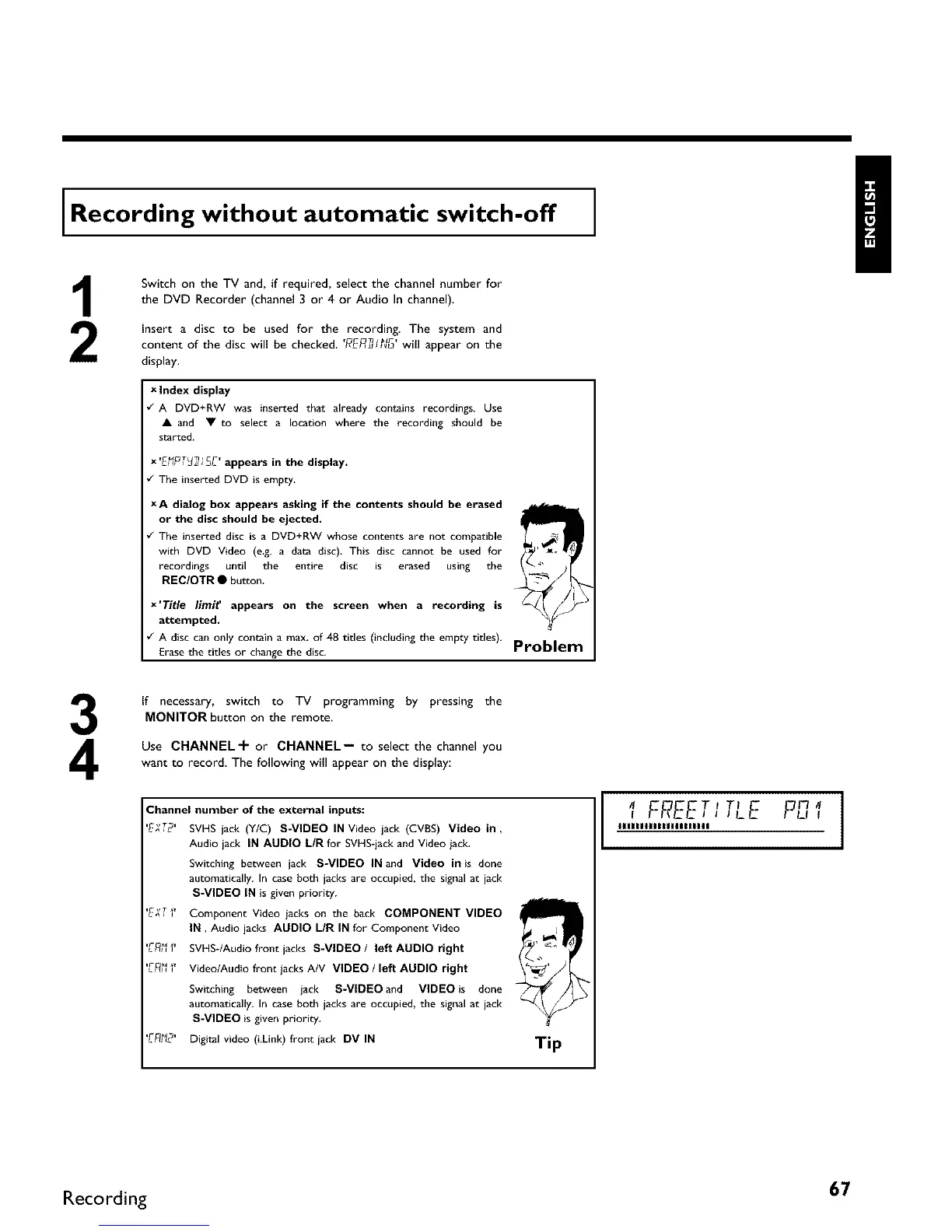
want to record The following will appear on the display:
Channel number of the external inputs:
'EXT2' SVHS jack (Y/C) S-VIDEO IN Video jack (CVBS) Video in,
Audio jack IN AUDIO L/R for SVHS-jack and Video jack.
Switching between jack S-VIDEO IN and Video in is done
automatically. In case both jacks are occupied, the signal at jack
S-VIDEO IN is given priority.
'E;(T_' Component Video jacks on the back COMPONENT VIDEO
IN, Audio jacks AUDIO L/R IN for Component Video
'E_ I' SVHS-/Audio front jacks S-VIDEO/ left AUDIO right
'E_' Video/AudiofrontiacksA/V VlDEO / left AUDIO right
Switching between jack S-VIDEO and VIDEO is done
automatically. In case both jacks are occupied, the signal at jack
S-VIDEO is given priority.
'E_2' Digital video (i,Link) front jack DV IN
Tip
I FREETI TLE P,_,,
IIIIIIIIIIIIIIIIIIIII
Recording 67



 To Next Page