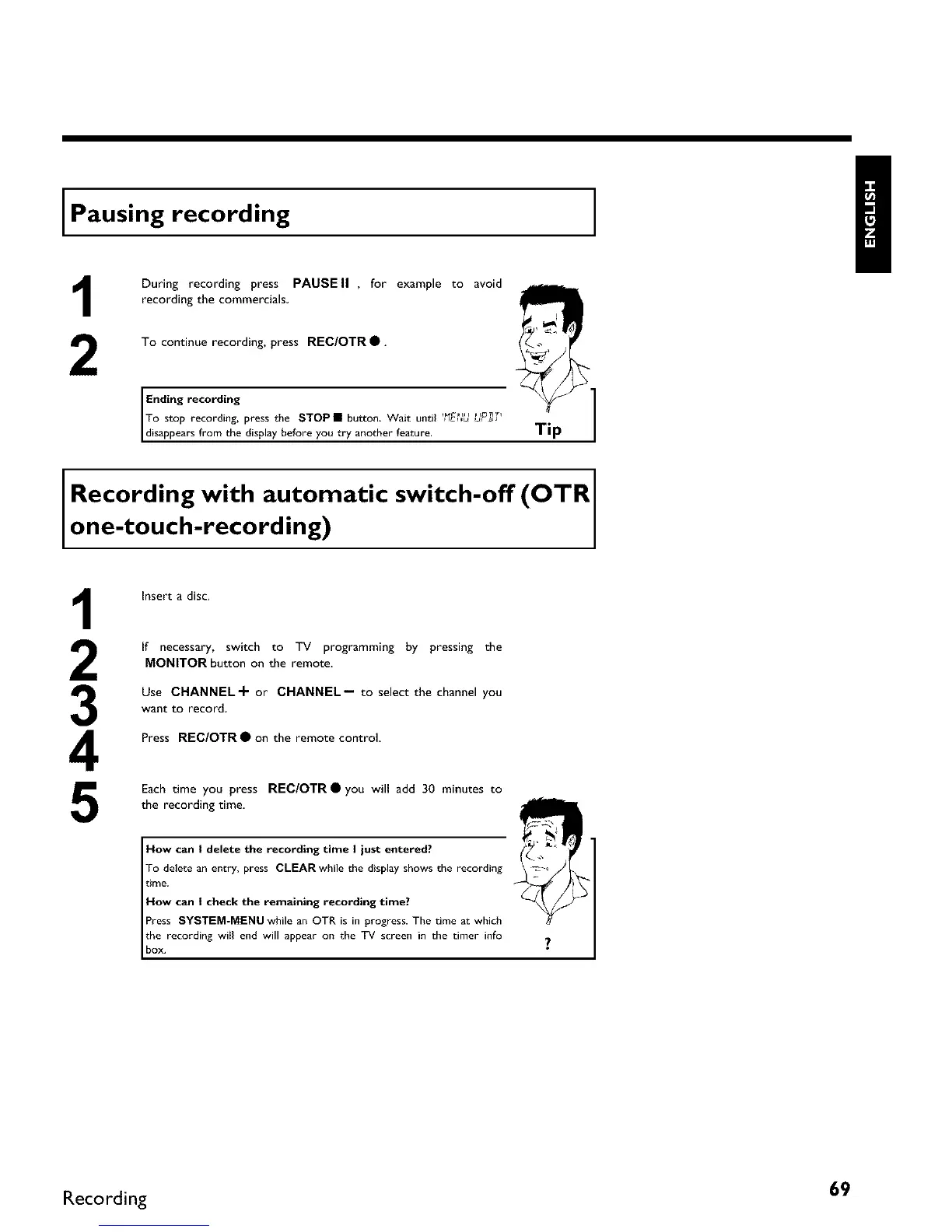
Pausing recording
1
2
During recording press PAUSE II , for example to avoid
recording the commercials
To continue recording, press REC/OTR •.
Ending recording
To stop recording, press the STOP I button. Wait until "FE ._ ._P_'
disappears from tbe disp ay before you try another feature.
Tip
]
Recording with automatic switch-off (OTR
one-touch-recording) I
3
4
5
Insert a disc.
If necessary, switch to TV programming by pressing the
MONITOR button on the remote.
Use CHANNEL+ or CHANNEL-- to select the channel you
want to record,
Press REC/OTR • on the remote control
Each time you press REC/OTR • you will add 30 minutes to
the recording time.
How can I delete the recording time I just entered?
To delete an entry, press CLEAR while tbe display sbows die recording
time.
How can I check the remaining recording time?
Press SYSTEM-MENU while an OTR is in progress. The time at which
the recording wiII end will appear on the TV screen in the timer info
box.
Recording 69



 To Next Page