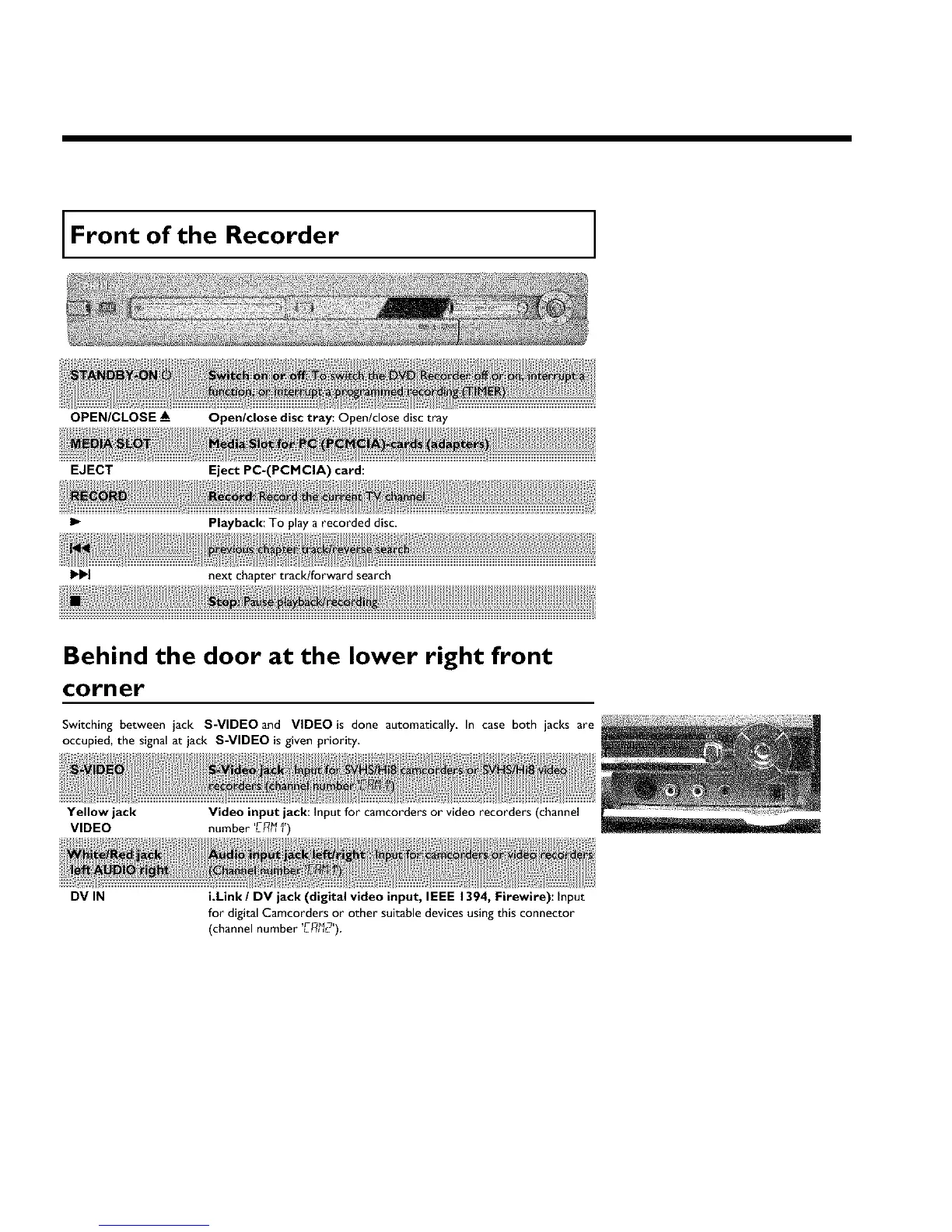
Front of the Recorder
OPEN/CLOSE A_
EJECT
I1.-
Open/close disc tray: Open/dose disc tray
Eject PC=(PCMCIA) card:
Playback: To play a recorded disc.
next chapter track!forward search
Behind the door at the lower right front
corner
Switching between jack S-VIDEO and VIDEO is done automatically, In case both jacks are
occupied, the signal at jack S-VIDEO is given priority,
Yellow jack
VIDEO
Video input jack: Input for camcorders or video recorders (channel
number LF_I_I)
DV IN
i.Link / DV jack (digital video input, IEEE 1394, Firewire): Input
for digital Camcorders or other suitable devices using this connector
(channel number 'L-F_12')



 To Next Page