REPEAT
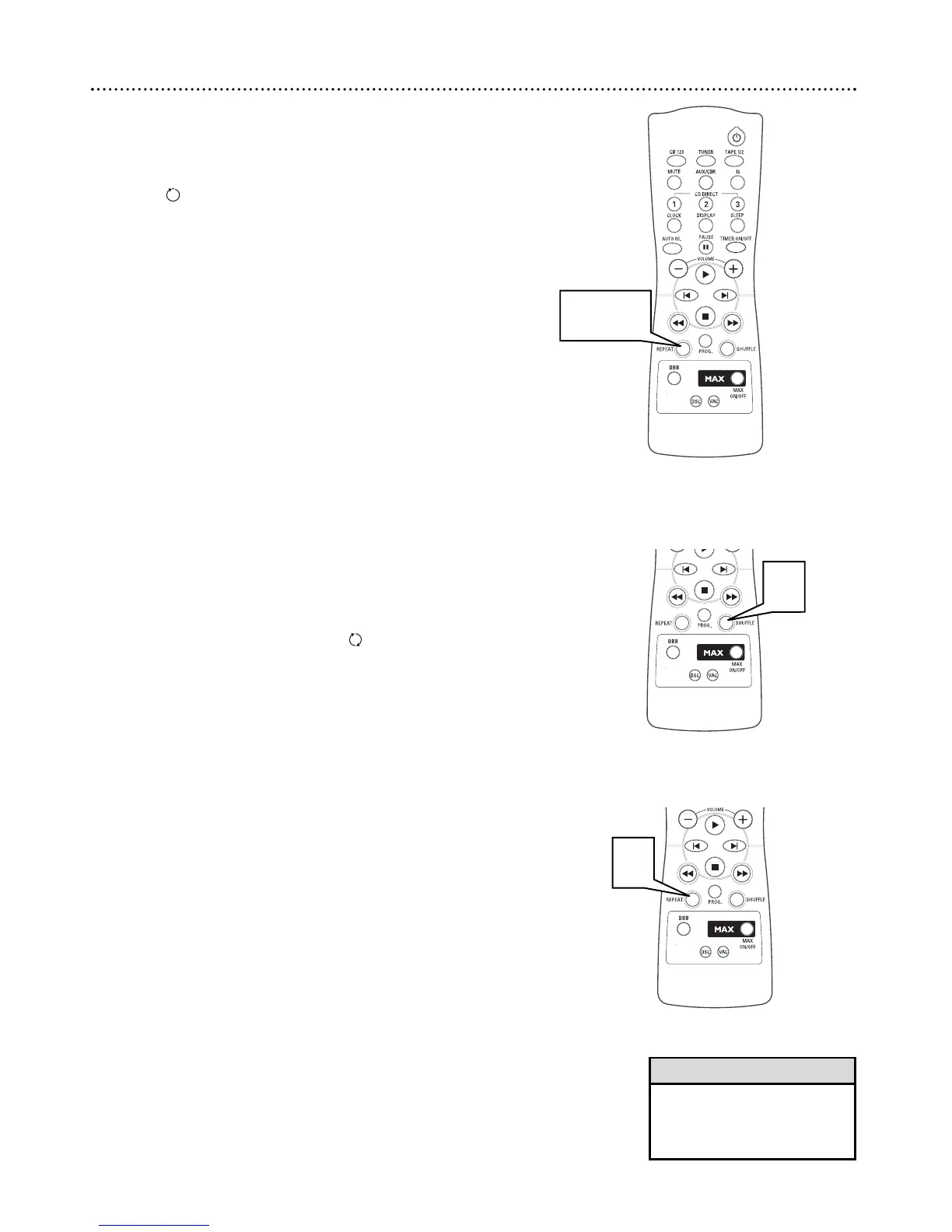
You can use the repeat function to repeatedly play the current track, a
disc, a program, or all discs in the tray.
1
Press REPEAT to select the repeat mode you want.
RPT appears in the display
During normal playback:
● TRACK repeats the current track.
● DISC repeats the current disc.
● ALL DISC repeats all discs in the tray.
During program playback:
● TRACK repeats the current programmed track.
● PROGRAM repeats all programmed tracks.
2
Press REPEAT until OFF appears to resume normal play-
back.
Repeat, Shuffle 19
• Selecting Shuffle during repeat
playback will cancel repeat
mode.
Helpful Hint
S
HUFFLE
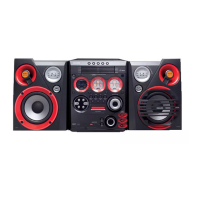
You can use the shuffle feature to playback tracks and discs in a random
order.
1
Press SHUFFLE and the discs in the tray and their tracks will be
played in a random order. SHUFF appears on the display
screen.
SHUFFLE AND REPEAT
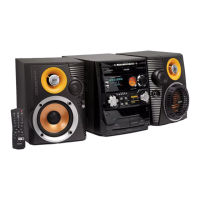
After setting shuffle, you can engage one of several repeat modes.
1
Press REPEAT (after pressing shuffle) to select the repeat
mode you want.
During normal playback:
● TRACK repeats the current track
● ALL DISC repeats all discs in the tray.
During program playback:
● TRACK repeats the current programmed track.
● PROGRAM repeats all programmed tracks.


 To Next Page