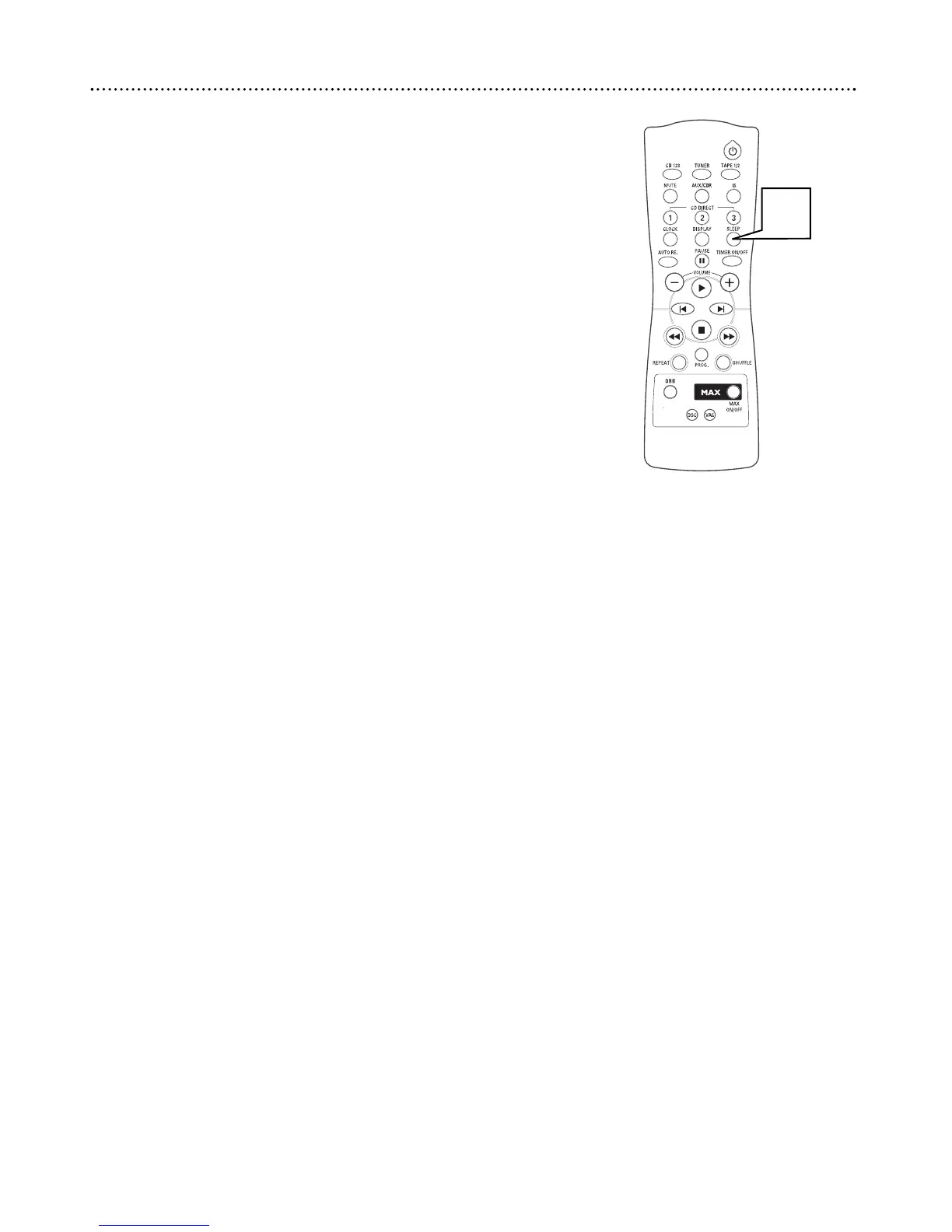
The Sleep Timer turns the system to Standby (off) mode at a preselected
time interval.
1
Press SLEEP repeatedly to select 15, 30, 45, 60, OFF. SLEEP will
appear on the display when the sleep timer is active. This is how
long the system will remain on before switching to Standby (off)
mode.
● Press SLEEP once to check the time remaining for the Sleep
Timer.
● Press SLEEP repeatedly to change the amount of time remaining
on the Sleep Timer.
● Press SLEEP repeatedly to cancel the Sleep Timer.
26 Sleep Timer


 To Next Page