TUNING TO RADIO STATIONS
There are several ways to tune to a radio station. Plug & Play automatical-
ly programs up to 40 radio stations. You can use the automatic preset fea-
ture to program radio stations. Or, you can manually tune to a radio sta-
tion.
TUNING TO PRESET RADIO STATIONS
1
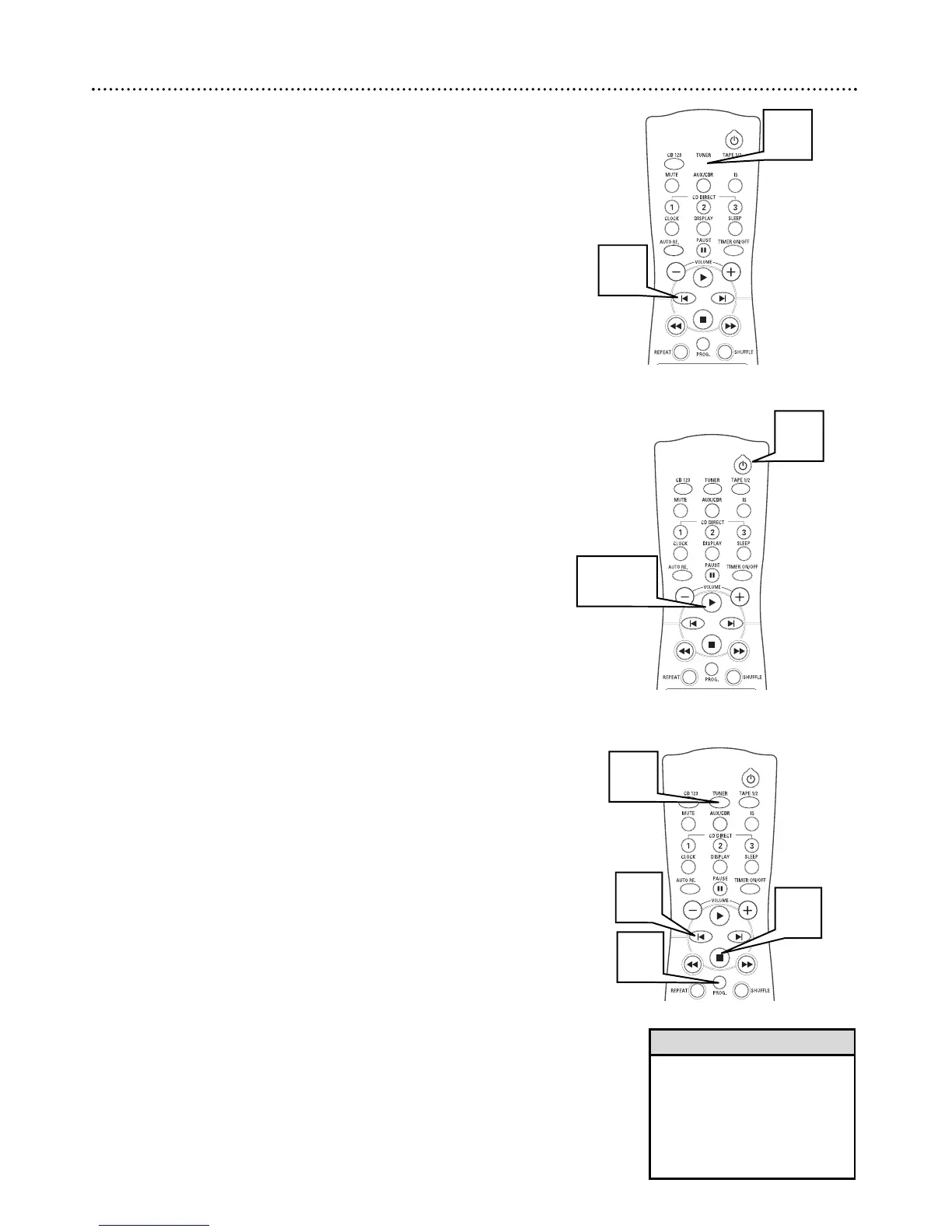
Press TUNER to select tuner mode.
2
Press w or ∑ to select the desired preset number.
20 Programming Radio Presets
A
UTOMATIC PRESET
PROGRAMMING
1
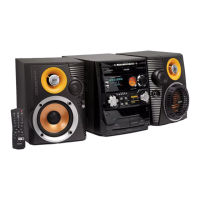
Press TUNER. to select tuner mode.
2
Press w or ∑ if you want to begin programming from a
specific preset number.
3
Press and hold PROG until “AUTO” appears on the display. The
tuner will now program radio stations. Stations already pro-
grammed will not be stored again.
4
Press 7 to stop the automatic preset.
• “PROGRAM FULL” appears
when you attempt to store more
than 40 radio stations.
• When in the programming
mode, the system will exit that
mode if no button is pressed
with 20 seconds.
Helpful Hints
PLUG & PLAY
Plug and play automatically detects and programs all available radio stations
(up to 40). Plug and Play will be activated when you turn on the system for
the first time.
1
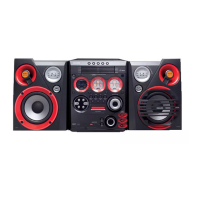
Turn the system off (standby mode).
2
Press and hold 3 until “AUTO INSTALL--PRESS PLAY” appears
on the display.
3
Press 3 to start installation
● All previously programmed stations will be replaced.


 To Next Page