11
English
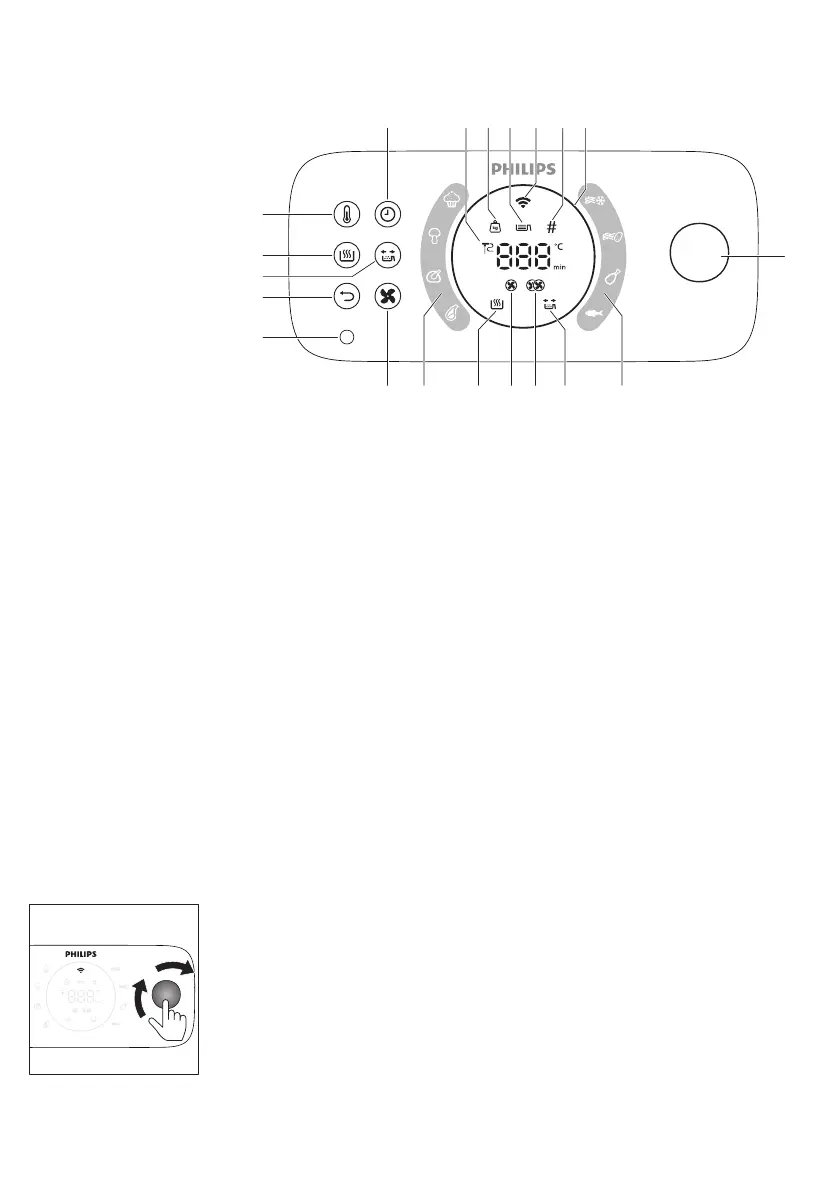
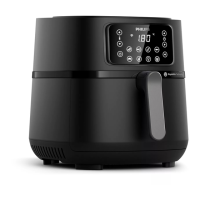
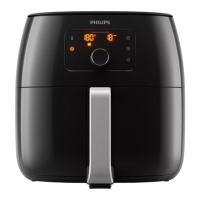
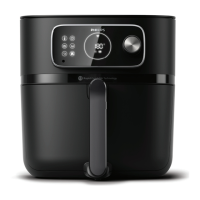
Control panel overview
a
l
s r q p o
mn
f g h i j k g
b
c
d
e
1 Temperature button
2 Keep warm button
3 Shaking reminder button
4 Back button
5 Food thermometer socket
6 Air speed button
7 Auto cook programs
8 Keep warm indicator
9 Low air speed indicator
10 High air speed indicator
11 Shaking reminder indicator
12 Rotary button
13 Light ring
14 Pieces indicator
15 Wifi indicator
16 Filling level indicator
17 Weight indicator
18 Food thermometer indicator
19 Time button
Description of functions
Rotary and back button
The rotary button is your central control. You can turn and press it to go through
different menu options and confirm an action.
-
Short press the rotary button: turn on the appliance.
-
Long press the rotaty button: turn off the appliance.
After the appliance is switched on:
-
Press the rotary button: confirm an action.
-
Turn the rotary button: go through different menu options or change the
cooking setting.
-
Press the back button: go back to the previous step.


 To Next Page