EasyManua.ls Logo

Philips L01.1E - Alignments; Options

Philips L01.1E
72 pages
Print Icon
To Next Page IconTo Next Page
To Previous Page IconTo Previous Page
Loading...
Alignments
GB 50 L01.1E8.
8.3.1 Options
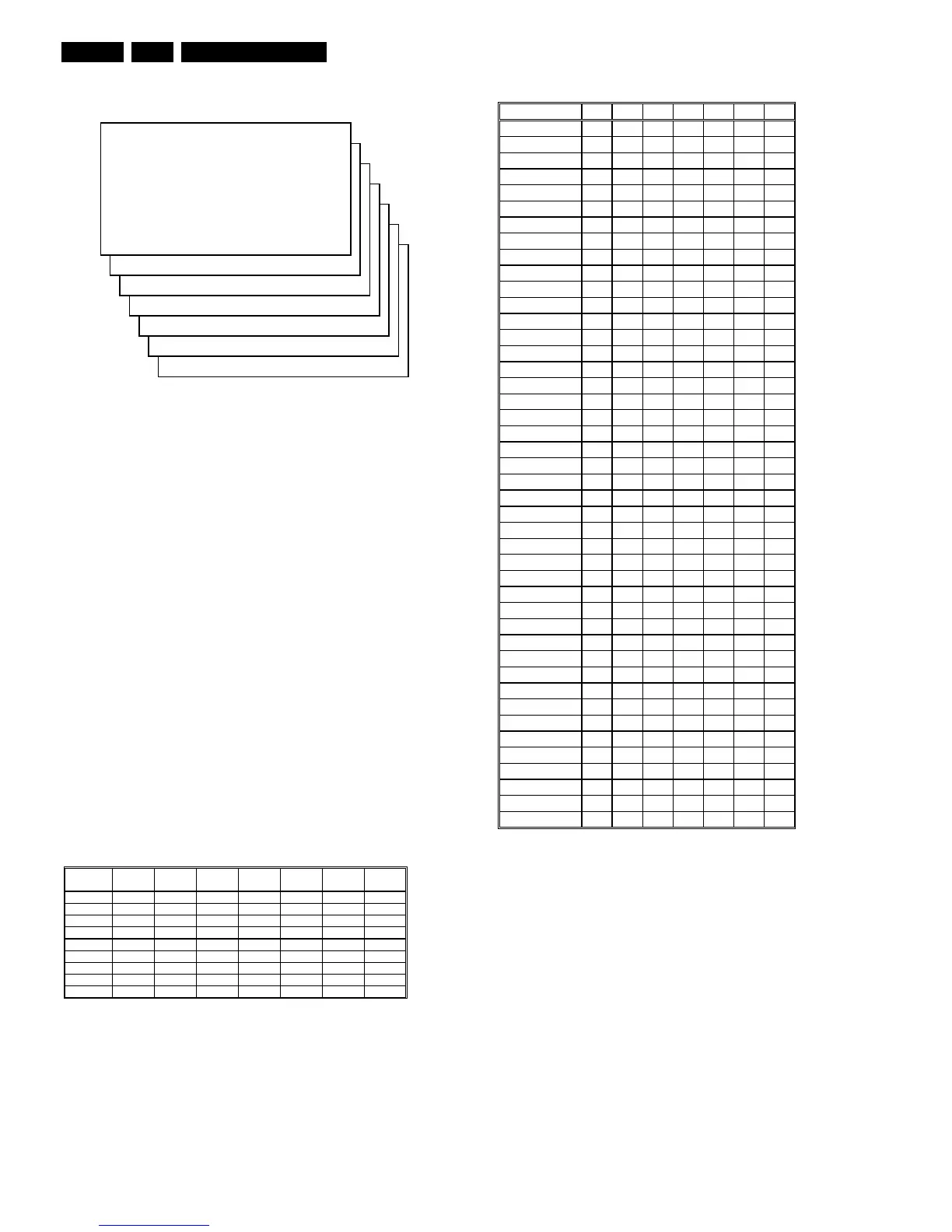
Figure 8-4
Options are used to control the presence/absence of certain
features and hardware.
How to change an Option Byte
An Option Byte represents a number of different options.
Changing these bytes directly makes it possible to set all
options very fast. All options are controlled via seven option
bytes. Select the option byte (OB1.. OB7) with the MENU UP/
DOWN keys, and enter the new value.
Leaving the OPTION submenu saves changes in the Option
Byte settings. Some changes will only take effect after the set
has been switched OFF and ON with the Mains switch (cold
start).
How to calculate the value of an Option Byte
Calculate an Option Byte value (OB1 .. OB7) in the following
way:
1. Check the status of the single option bits (OP): are they
enabled (1) or disabled (0).
2. When an option bit is enabled (1) it represents a certain
value (see first column ‘value between brackets’ in first
table below). When an option bit is disabled, its value is
0.
3. The total value of an Option Byte is formed by the sum of
its eight option bits. See second table below for the
correct option numbers per typenumber.
Figure 8-5
Figure 8-6
Option Bit Assignment
Following are the option bit assignments for all L01 software
clusters.
Option Byte 1 (OB1)
OP10: CHINA
OP11: VIRGIN_MODE
OP12: UK_PNP
OP13: ACI
OP14: ATS
OP15: LNA
OP16: FM_RADIO
OP17: PHILIPS_TUNER
Option Byte 2 (OB2)
OP20: HUE
OP21: COLOR_TEMP
OP22: CONTRAST_PLUS
OP23: TILT
S
A
M
OP1 XXX
OP2 XXX
OP3 XXX
OP4 XXX
OP5 XXX
OP6 XXX
OP7 XXX
CL 16532008_048.pdf
220501
%LW
YDOXH
2% 2% 2% 2% 2% 2% 2%

      

      

      

      

      

      

      

      
7RWDO 6XP 6XP 6XP 6XP 6XP 6XP 6XP
CL 16532008_049.pdf
210501
7\SHQXPEHU 2% 2% 2% 2% 2% 2% 2%
37
      
37
      
37
      
37
      
3:
      
3:
      
37
     
37
     
37
     
37
      
37
     
37
      
37
      
37
      
37
    
37
    
37
     
37
     
37
     
37
      
37
     
37
      
3:
     
3:
      
3:
      
3:
      
37
      
37
      
37
      
37
      
3:
     
3:
      
3:
      
3:
      
3:
      
3:
     
3:
     
7$
     
7$
     
7$
     
:$
     
:$
     
:$
     
3:
     
CL 16532008_064.pdf
230501

Table of Contents

Related product manuals